Using Auto Telecoil
Your clinician can program your processor so that it automatically
turns on the telecoil when you use the telephone, or when you are in a
roomloop environment. The telecoil automatically turns off when:
You move the telephone away from your processor (e.g. when the •
telephone call ends).
You exit the roomloop environment.•
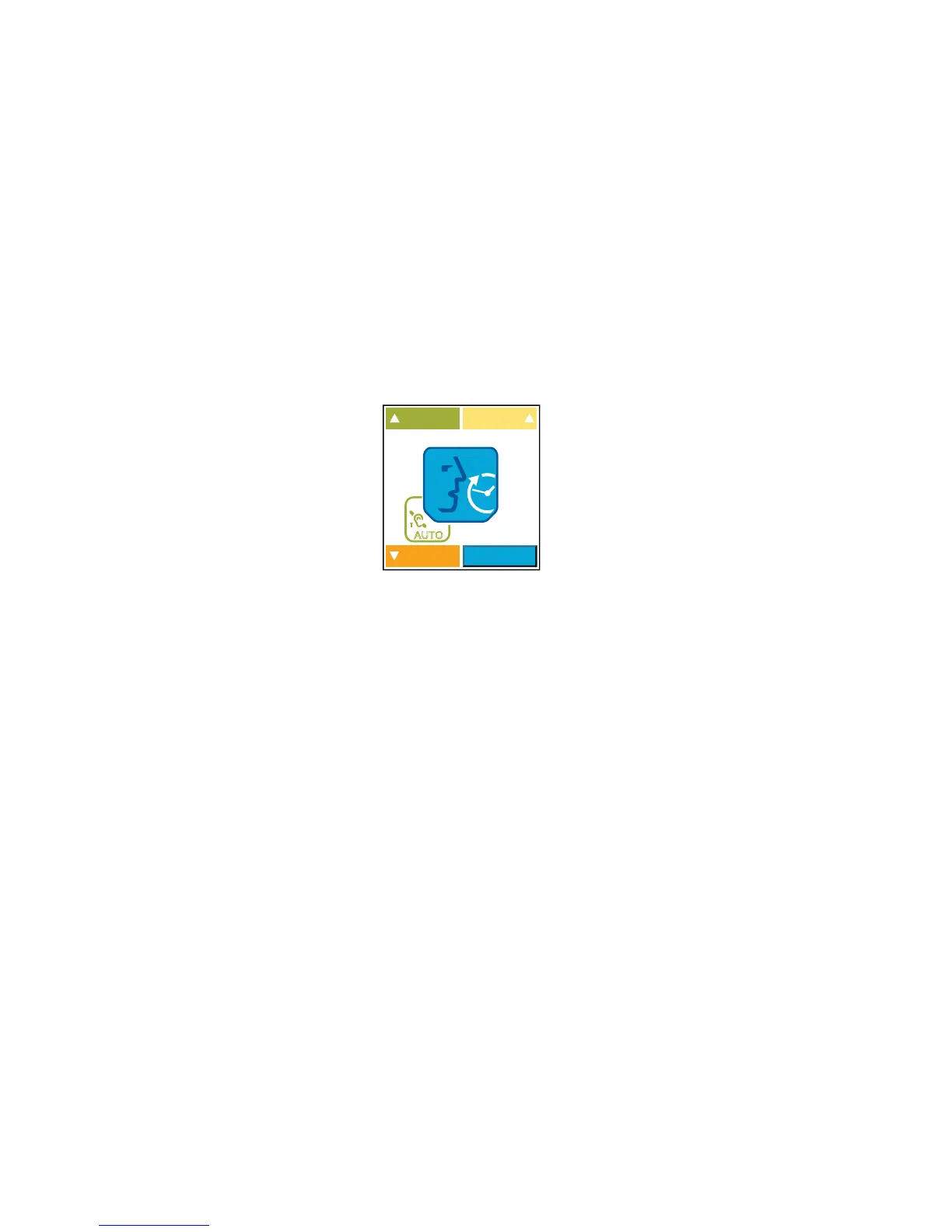
When Auto Telecoil is turned on, you see the Auto Telecoil icon on the
remote assistant Home screen.
Figure 13: Auto Telecoil icon displayed on the remote assistant Home screen
You can manually turn off Auto Telecoil by pressing the upper button
on the processing unit. You can also manually turn this feature on or
off using the remote assistant. For more information, see the Remote
Assistant User Guide.
Certain electronic devices or machinery may automatically turn
on Auto Telecoil. If this occurs, either wait for about 10 or 20
seconds for Auto Telecoil to turn itself off, or manually turn it off
using the processor buttons or the remote assistant.



 To Next Page