EasyManua.ls Logo

Cochlear Nucleus CP810 - Removing Sound Processor Covers

Cochlear Nucleus CP810
120 pages
Print Icon
To Next Page IconTo Next Page
To Previous Page IconTo Previous Page
Loading...
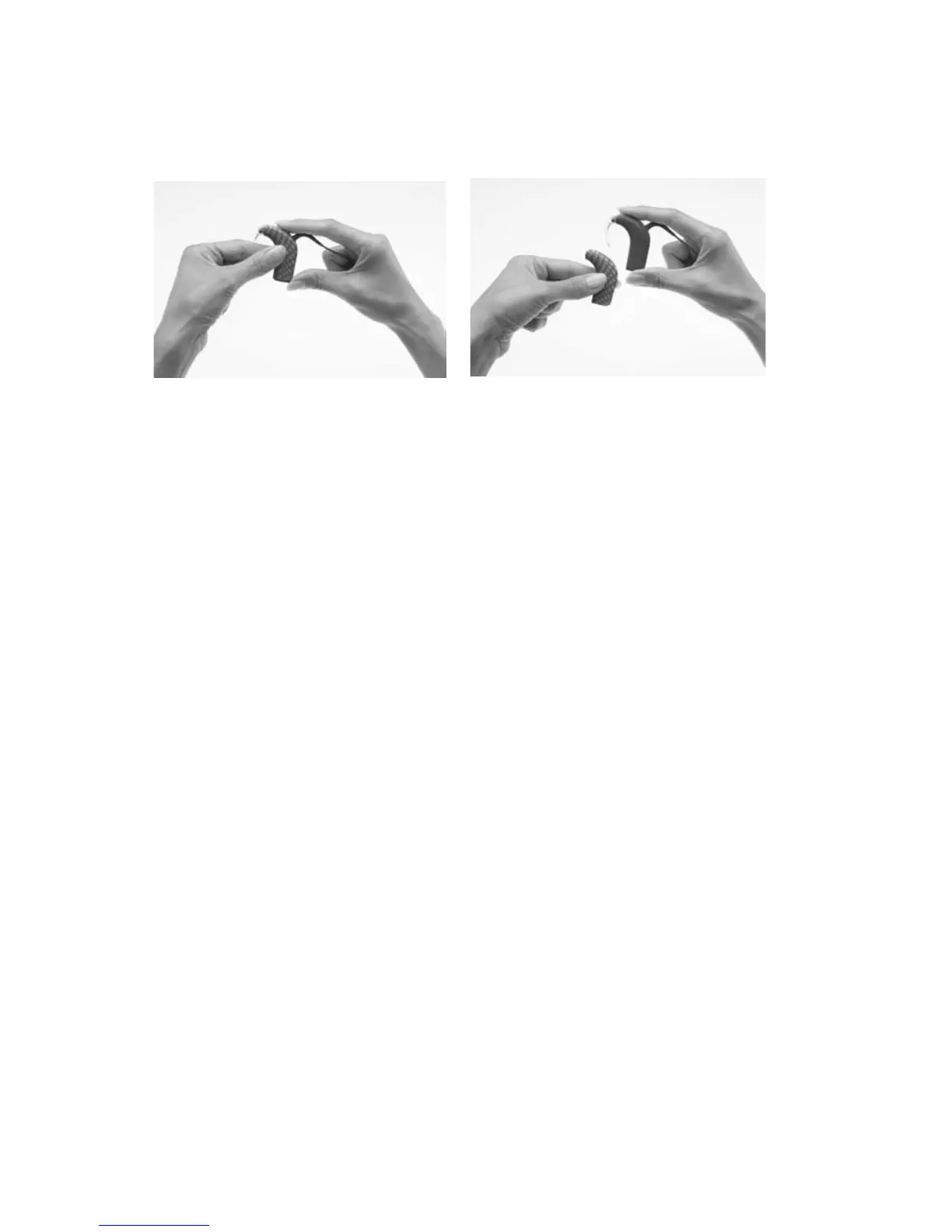
Removing sound processor covers
To remove the sound processor cover from your processor:
Hold your processor as 1.
shown.
Slide the sound processor 2.
cover away from your
processor. Pushing on the
bottom of your processor
with the thumb will help
slide the cover away from
your processor.

76 - CP810 Sound Processor User Guide © Cochlear Limited 2010
Using sound processor covers

Table of Contents

Other manuals for Cochlear Nucleus CP810

Related product manuals