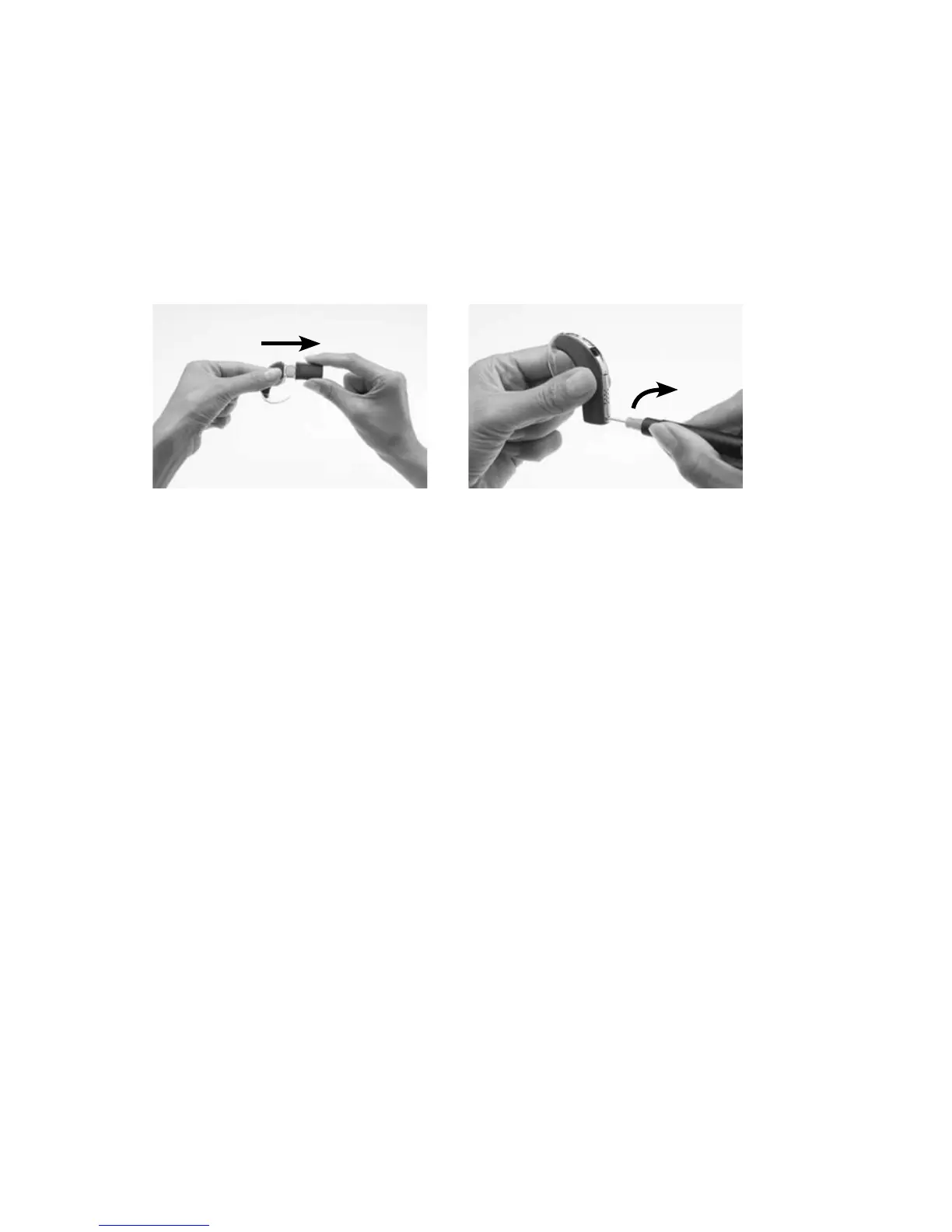
Locking and unlocking the tamper resistant
battery cover
To prevent children from removing the battery holder from the battery
cover, you can lock the tamper resistant battery cover of the Standard
Battery Module to the battery holder.
To lock the tamper resistant battery cover:
Insert the battery holder 1.
into the battery cover as
shown.
Using a screwdriver, 2.
gently rotate the lock in a
clockwise direction until it
is positioned horizontally.
To unlock, gently rotate the lock in an anti-clockwise direction until it is
positioned vertically.
Do not overturn the lock as it could damage the lock.



 To Next Page