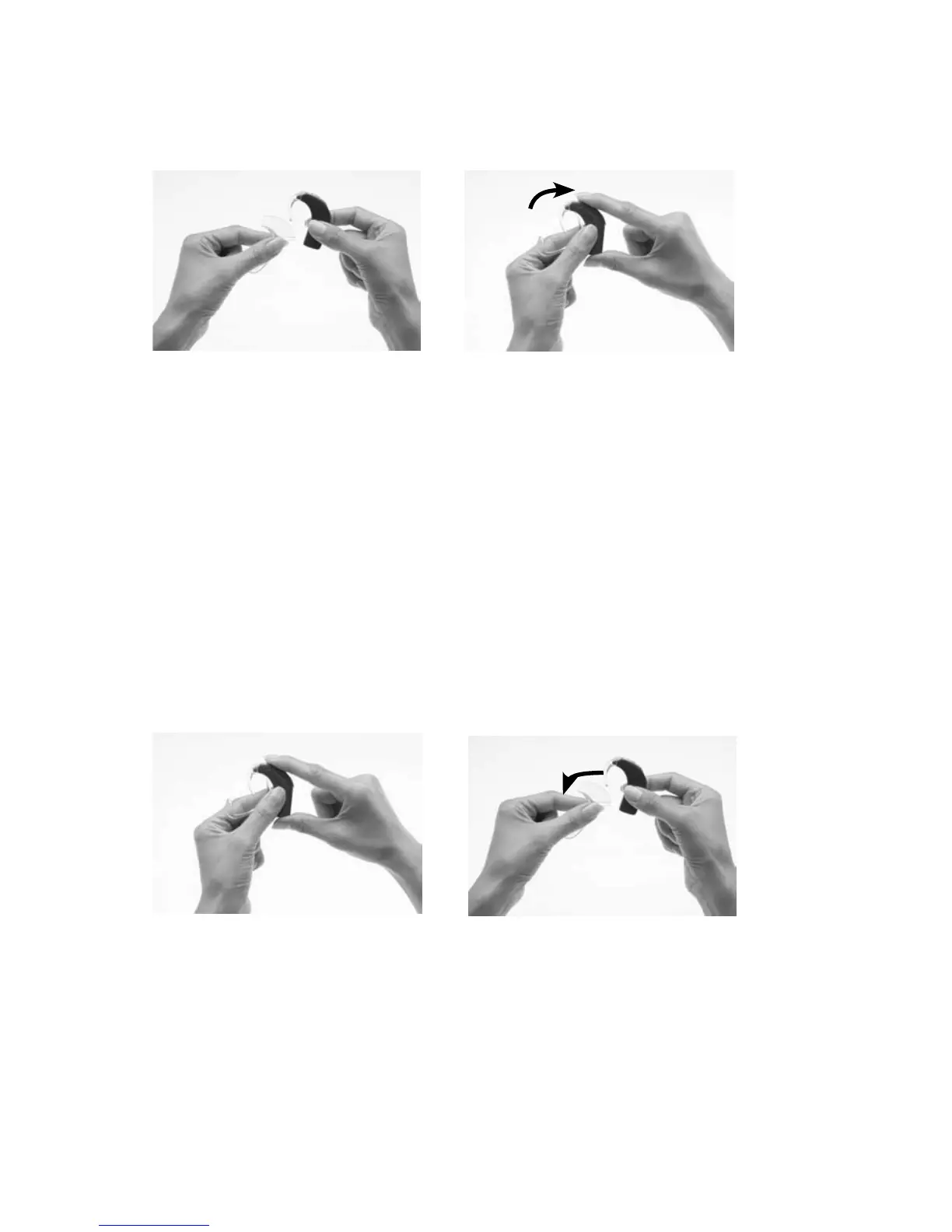
Attaching and removing the Snugfit
To attach the Snugfit to the processor:
Hold your processor in one 1.
hand as shown.
Hold the Snugfit between 2.
the thumb and index
finger of the other hand
and gently squeeze on the
wings. This helps fit the
Snugfit more securely on
the processor.
Gently slide the Snugfit 3.
upwards until the base of
the Snugfit is aligned with
the base of the processing
unit.
You can further adjust the shape of the Snugfit by gently bending the
lower part of the bottom hook into the shape you want.
To remove the Snugfit from the processor:
Hold your processor and the 1.
Snugfit as shown.
Remove the Snugfit by 2.
gently pulling it downwards.



 To Next Page