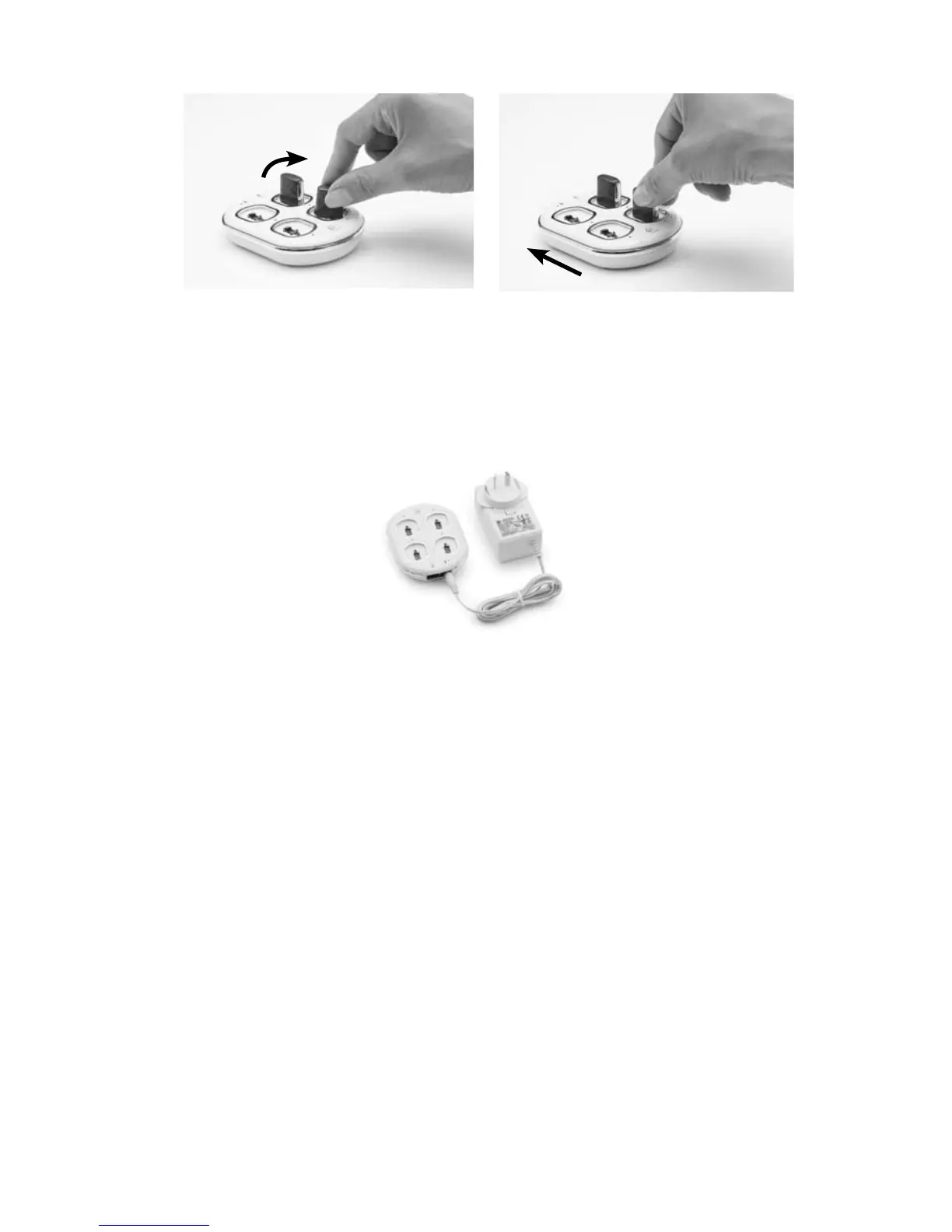
Rotate the rechargeable battery module in a clockwise direction 3.
until it is fully aligned with the alignment indicator marking on
the charger.
Connect the Global Power 4.
Adaptor to the battery
charger.
Plug the other end of the 5.
Global Power Adaptor into a
mains power outlet.
When a battery module is recharging, the indicator light corresponding
to the battery module being recharged is orange. Once a battery
module is fully recharged, the indicator light is green. For more
information, see the following section.



 To Next Page