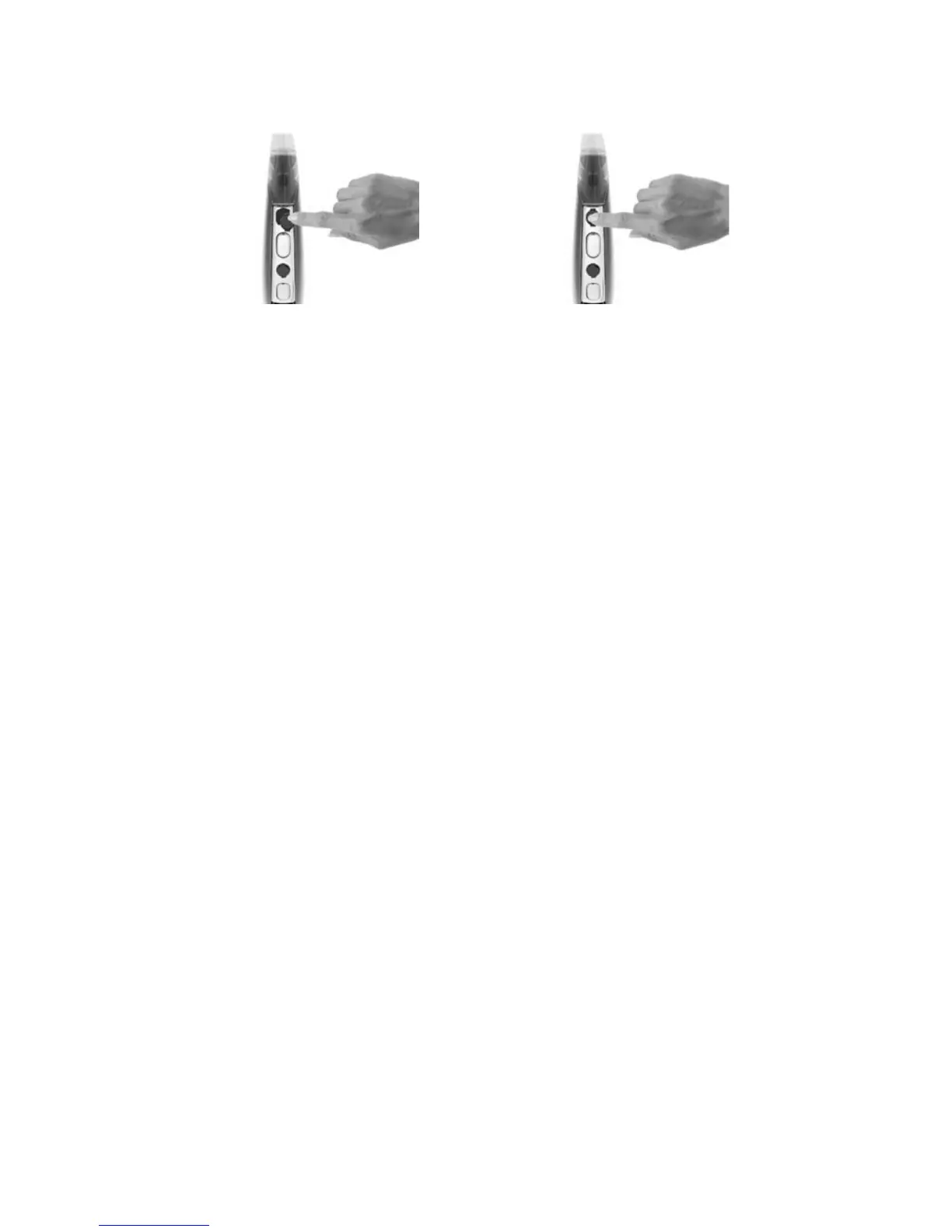
To insert the microphone protectors using your fingers
Ensure that your hands and 1.
processor are clean, as dirt
and oils can degrade the
microphone protectors.
Hold the microphone 2.
protector between your
thumb and index finger. The
side with the tabs on the
sides of the microphone
protector should face up.
Place the microphone 3.
protector on the spine of
the processing unit.
Gently push the 4.
microphone protector
towards the microphone
hole until the microphone
protector is correctly
positioned over the
microphone hole. The
tabs on the sides of the
microphone protector
should align with the
recesses on the sides of the
microphone hole.
Push the microphone 5.
protector into the
microphone hole.
Check that the top 6.
surface of the microphone
protector is aligned with the
top of the processing unit
spine.



 To Next Page