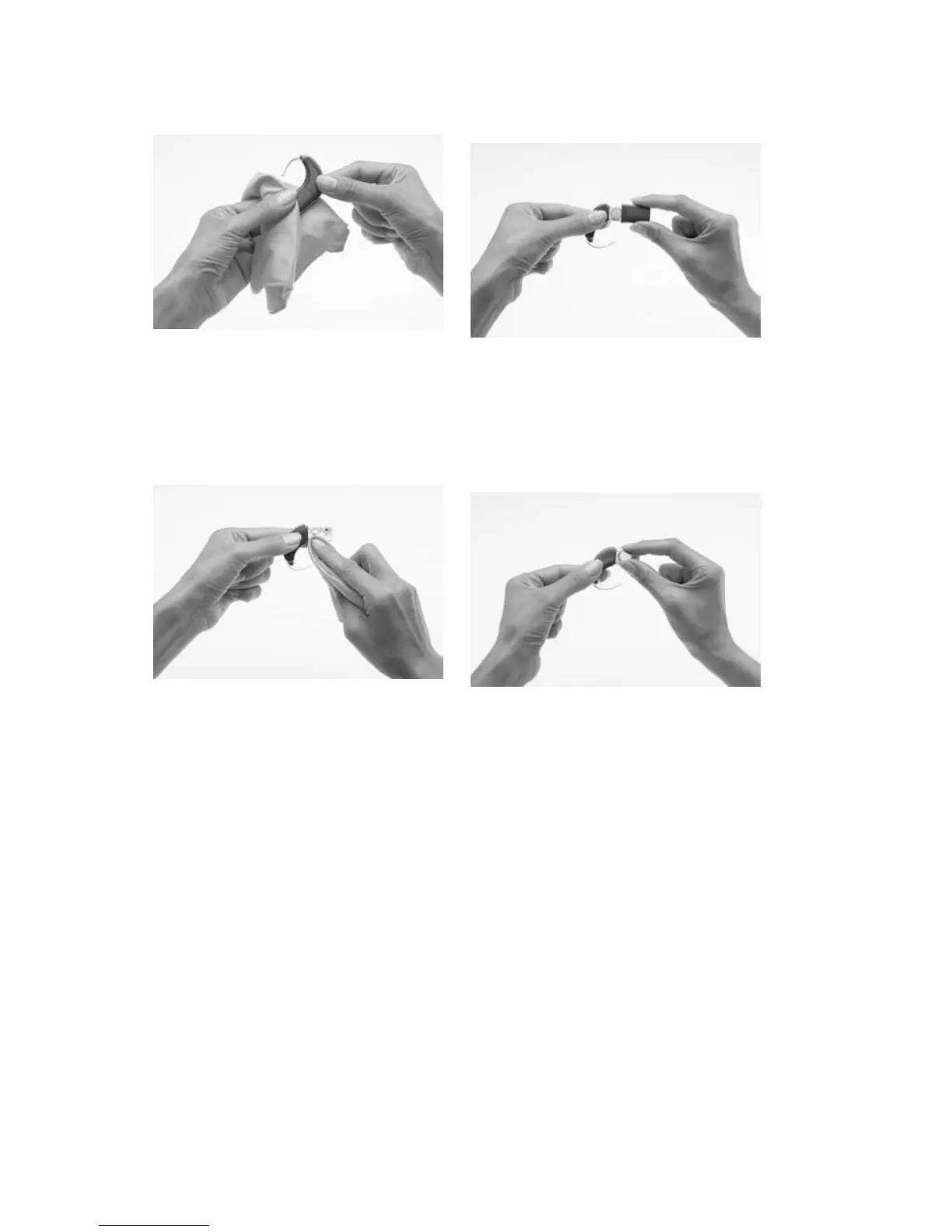
If the processor gets wet:
Wipe the processor with 1.
a soft dry cloth before
removing the battery cover.
Remove the battery cover 2.
from the battery holder.
Remove the batteries from 3.
the battery holder.
Wipe the battery holder 4.
and battery cover (inside
and outside) with a soft dry
cloth to remove any water,
moisture or sweat.
Replace the disposable 5.
batteries with new ones.



 To Next Page