Comau Robotics Product Instruction
50
ROBOT CONFIGURATION CUSTOMIZATION
c. Power up e.DO as indicated in the par. 3.5 First power-up of the Robot on
page 23 of the User Manual.
d. Perform Configuration and connection of the command interface (tablet)
(connection to the Wi-Fi network, select the e.DO configuration) as indicated in
the User Manual.
e. Perform e.DO calibration as indicated in the User Manual.
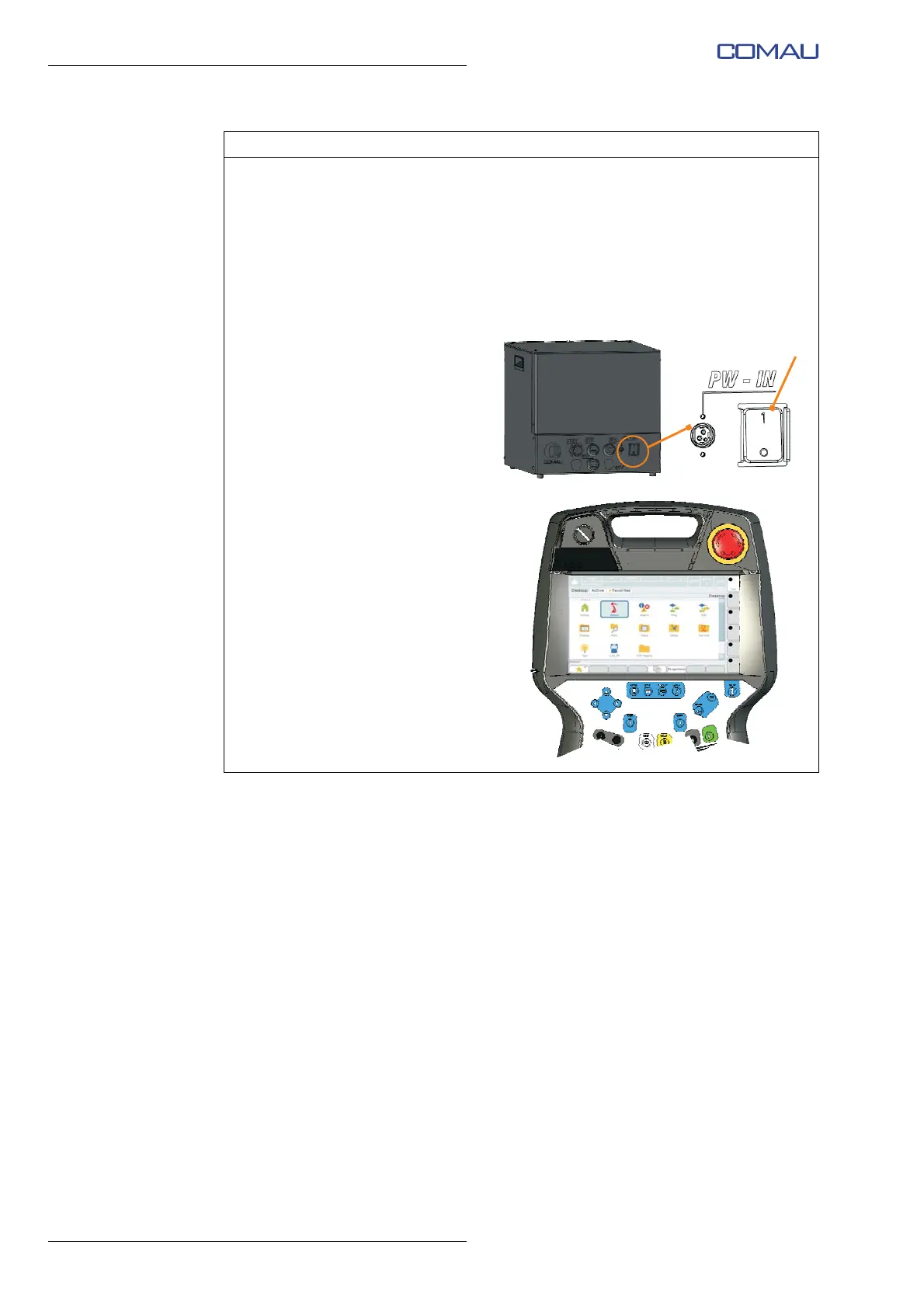
f. Power off the Desk Simulator by
bringing the relative switch (E)
to closed position (I - ON).
g. Wait for the completion of the
Desk Simulator start-up
process; at the end the main
page “Desktop page” will be
displayed on the Teach
Pendant.
Operating procedure (Continued)





 To Next Page