2222
EN
4
5
7
6
1
2
3
S1
S2
1
8
2
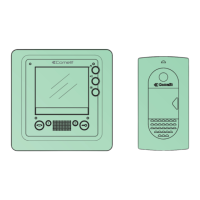
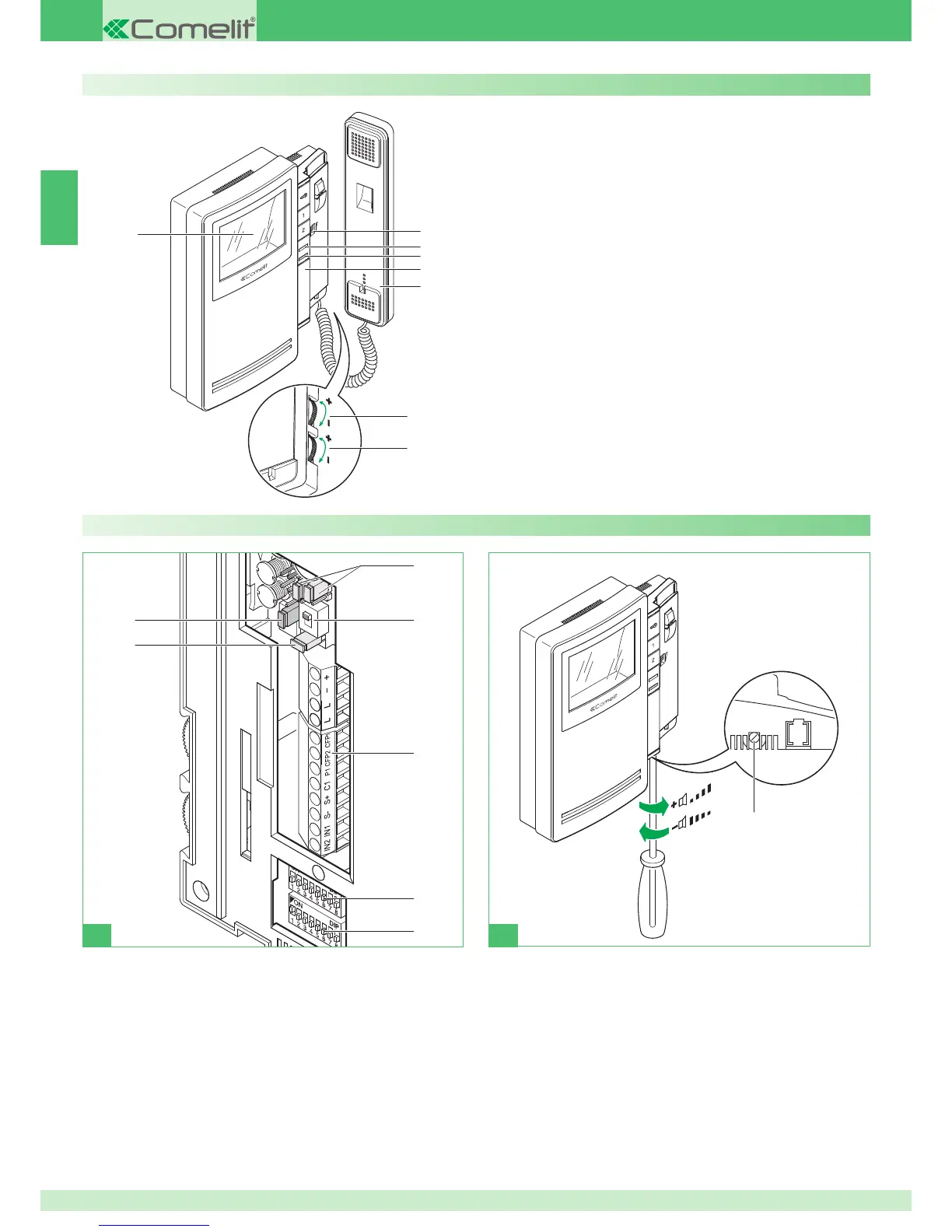
Description of monitor
1 Terminal block for system connection:
+ - Power supply terminals.
L L Bus line connection terminals.
CFP1 CFP2 Floor door call input.
P1 C1 Button 1 terminals for various services.
To have a C.NO. contact (24 V-100 mA max.), move jumpers CV3
and CV4. to position B.
S+ S- Terminals for call repetition device.
IN1 IN2 LED input (programmable).
2 S1 User code programming microswitches.
3 S2 Microswitches for programming buttons and functions (marked with a
red corner):
DIP 1-2-3-4 for button function programming.
DIP 5-6 access to programming.
DIP 7 for power supply voltage management (see diagrams and variants
on page 114), default = OFF .
DIP 8:
ON secondary bracket.
OFF main bracket (default).
4 SW3 Selector for Simplebus 1 (S1- default) or Simplebus 2 (S2) modes.
5 CV3 CV4 Jumper for freeing button 1 (C.NO. contact 24 V-100 mA
max.).
A button 1 general actuator (default) or programmable.
B button 1 for various uses.
6 CV5 Jumper for video closure.
7 CV6 selector for using input IN 1 (see page 126).
8 Loudspeaker volume adjustment (for setting intercom audio only).
1
2
3
5
7
6
4
8
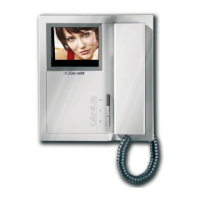
Art. 6402E
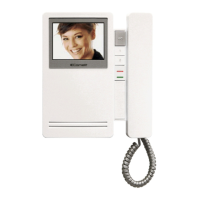
Monitor description:
1 Call volume adjustment / Privacy function selector (Privacy
service means exclusion of the call from the external unit and from
intercommunicating interphones or video doorphones; activation of the
Privacy function is shown by a red indicator appearing on the left-hand
side of the selector).
2 Indicator LED for system busy/Doctor function enabled/door open
3 Red indicator - Privacy enabled.
4 Space for additional button installation with accessory Art. 6333, Art.
6434.
5 Monitor handset (lift handset to start communication).
6 Colour intensity adjustment knob.
` To increase the value, turn anticlockwise.
7 Brightness control knob.
` To increase the value, turn anticlockwise.
8 3,5'' colour screen.
Description of buttons:
A Door-opening pushbutton.
1 Key 1 general actuator (programmable).
2 Self-ignition key 2 (programmable).


 To Next Page
 Loading...