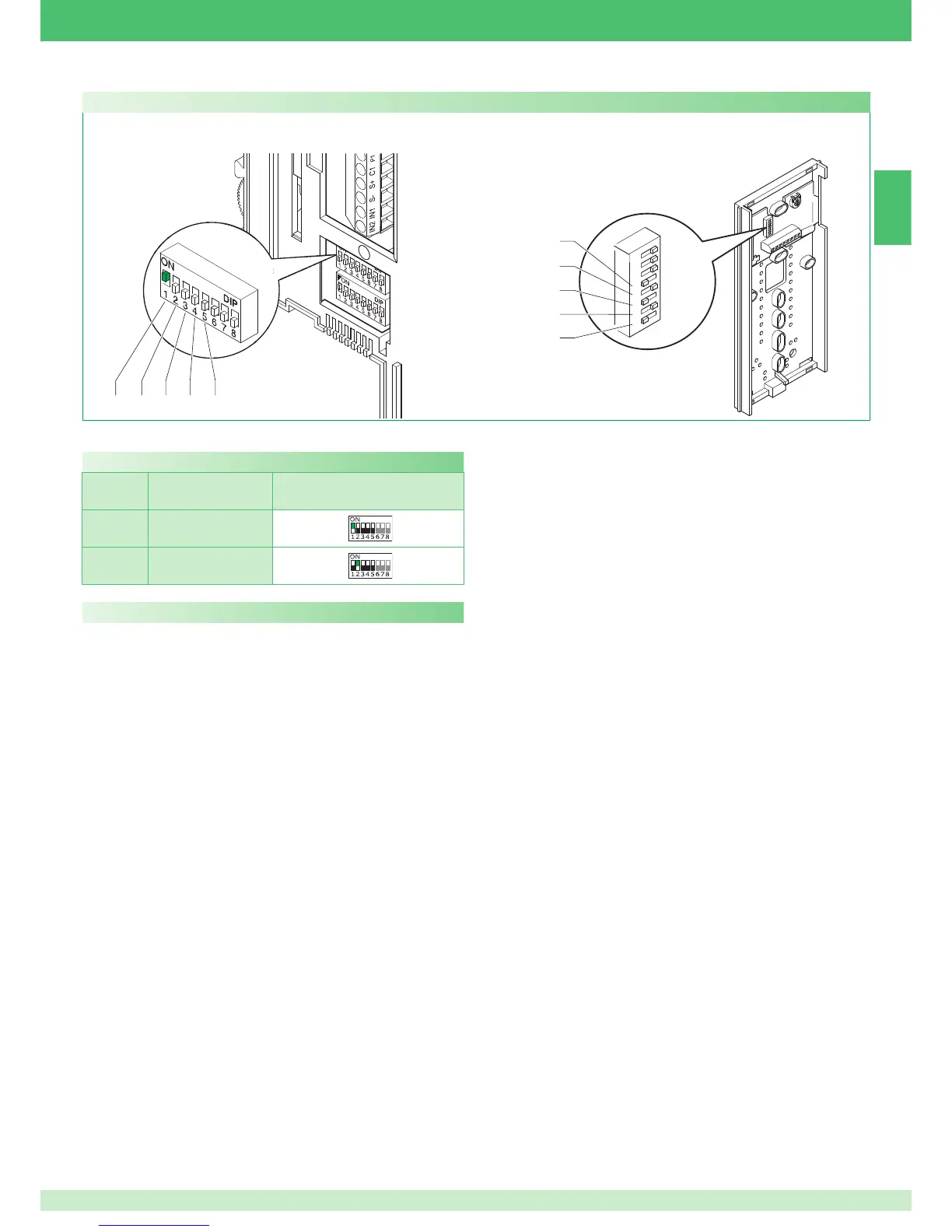
S1-1 S1-2 S1-3 S1-4 S1-5
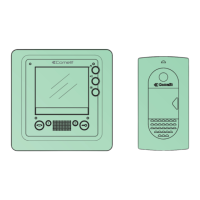
Position of the microswitches for monitor Art. 6402E
Description of functions
Switchboard call
Press the button set in this mode to transmit a call to the porter switchboard.
Single-family intercom call
This function can be used to transmit a call to the other units (door entry
monitors and/or door-entry phones) set to the same call address.
► By lifting the handset, the receiver of the call starts communicating with
the caller. Communication is ended by hanging up the handset.
An intercom call does not have priority over a conversation/call with the
external unit.
In this case, during an intercom call attempt, the LED indicator will flash
for a few seconds to signal that the system is busy.
Call from the external unit
In any case, a call from the external unit always takes priority over
intercom communication. In this case, users who are already speaking
will hear a tone similar to the ringtone in the handset if the call is for them,
otherwise a triple signal tone will sound.
► To answer the call from the external unit, simply lift the handset of
any free unit or hang up and lift the handset of a unit engaged in the
intercom call.
Doctor
This function enables automatic activation of the lock-release when a call
is made from an external unit to the address of the internal unit for which
the function was enabled.
Enabling/Disabling:
► press the button set for this function and hold for 2 seconds.
» when the function is enabled, the LED indicator stays on.
Description of button functions and settings
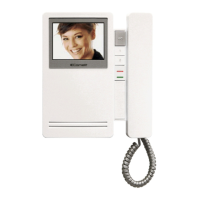
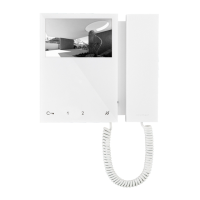
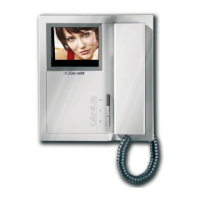
Settings for monitor Art. 6402E and Style door-entry phone
► For door-entry phones Art. 2608, Art. 2610 and Art. 2628,
set dip switches S1-6, S1-7, S1-8 to OFF
For two-family intercom calls (between door-entry phones and/or door
entry monitors), set the 2 users to contiguous call addresses (marked
with the same letter AA..CC..OO in the microswitch programming table
on page 25).
A Door opener: Pressing the Door opener Pushbutton triggers the lock
connected to the external unit.
Actuator: Pressing Pushbutton 1 set to Actuator mode allows activation
of Art. 1256, which can be used, for example, to open gates, swinging
doors or to activate the cyclic camera module Art. 1259/C.
Free Pushbutton: The indication Free Pushbutton means that it is
possible to use Pushbutton 1 as a C.NO. contact in the terminal board
using suitable settings, as illustrated in variant SB2/AAM2 pag. 127.
Self-ignition / Video request
√ Self-ignition can be disabled.
√ Self-ignition is possible only when the system is in standby.
√ Self-ignition is recommended only for systems with 1 or 2 entrances.
Press button 2 in this mode to display the image transmitted by the
external unit on the monitor, even if no call has been made.
In systems with 2 external units, it is possible to view the image from one
external unit or the other alternately ("toggle" function) by pressing button 2.
On secondary monitors (S2 DIP8 ON), button 2 also has the video request
function and can be used to switch on a monitor on receipt of a call from
the external unit.
Enabling:
► press the monitor self-ignition button and hold for longer than 4 seconds.
» confirmation ringtone.
Disabling:
► press the self-ignition button and hold for longer than 4 seconds.
» 4 confirmation tones.
Ignition:
► press and immediately release the specific button (button 2 - if the
factory settings have been retained).
The values of S1-1, S1-2, S1-3, S1-4 and S1-5 define the call address of the monitor and door-entry phones as shown in the table below.
TAB. A Riser addresses
Code.
Two-fam.
intercom
S1
1A
2A



 To Next Page
 Loading...