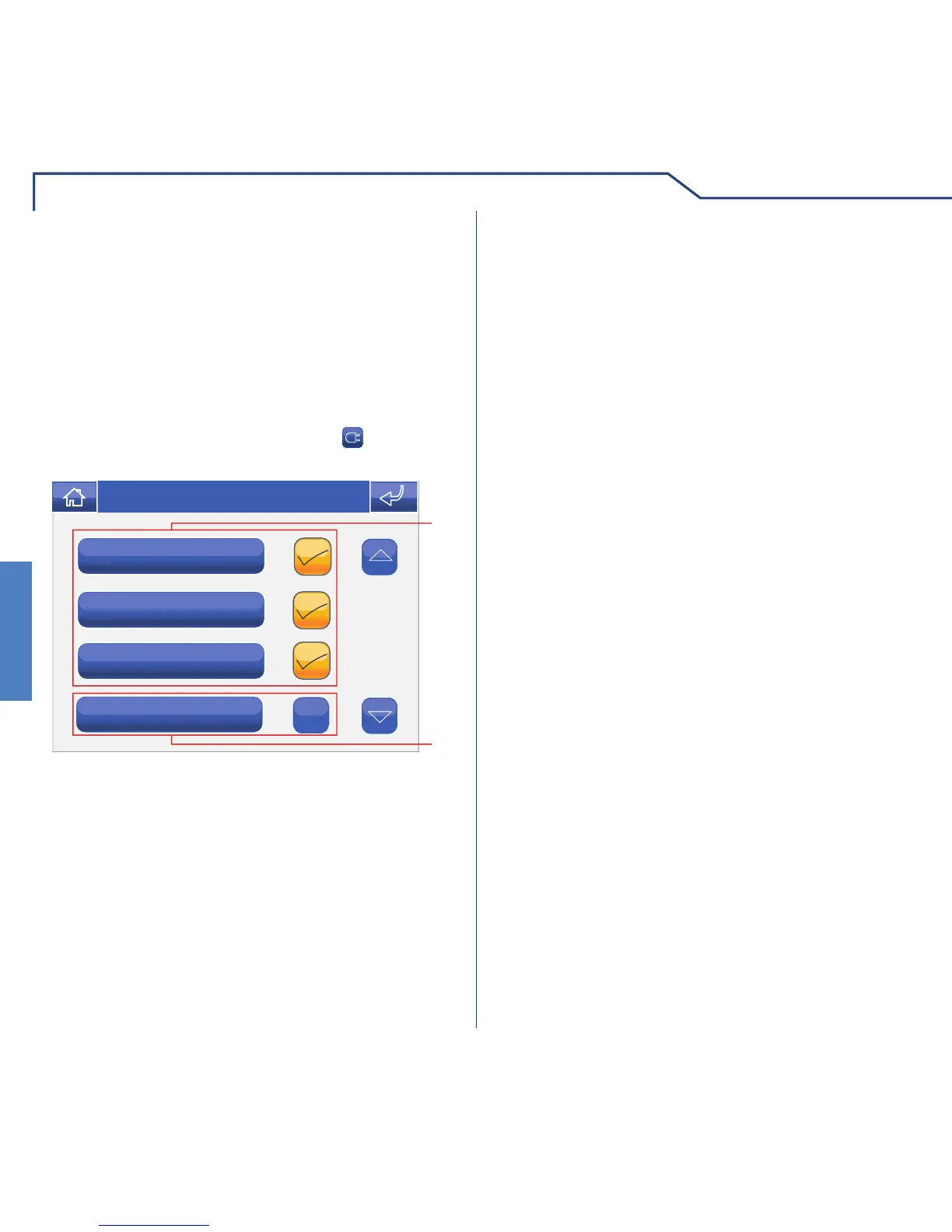
1 Loads selected for deactivation in the event of an
overload.
2 Load to remain active.
To access the Loads menu, press the
icon on the
main menu screen.
In the event of an overload, the system automatically
decides which of the active programmed loads to
disable.
The user, via the loads menu, will be able to:
1 Select the loads to be disabled in the event of an
overload.
2 Deselect the loads to be left enabled in the event
of an overload.












 To Next Page