Camera 2
Camera 3
Camera 4
1
ABC
C
+
5
3
2
4
Thu 05/09/09 - 16:07 0W
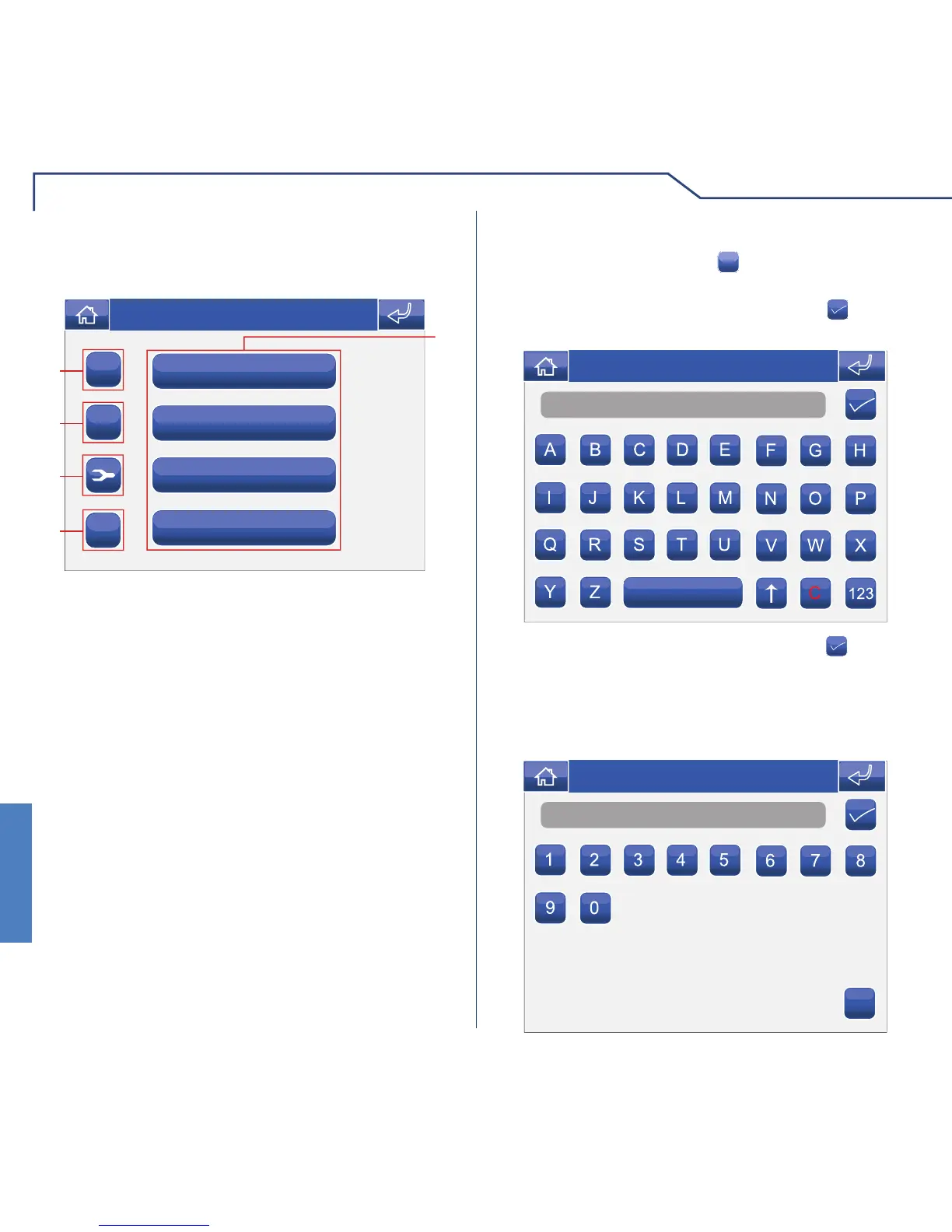
1 Cameras available.
2 Add camera.
3 Delete camera.
4 Modify camera code.
5 Rename camera (see page 30).
To add a camera, press the
+
icon.
ADDING CAMERAS
Name
Thu 05/09/09 - 16:07 0W
Enter the desired name and press the icon to
confi rm.
Enter the camera code and press the
icon to
confi rm.
Number
C
Thu 05/09/09 - 16:07 0W
For further information regarding Art. 1259C (remote
camera module), please refer to the Technical manual
code 2G40000690.












 To Next Page