Actuator command sent
Thu 05/09/09 - 16:07 0W
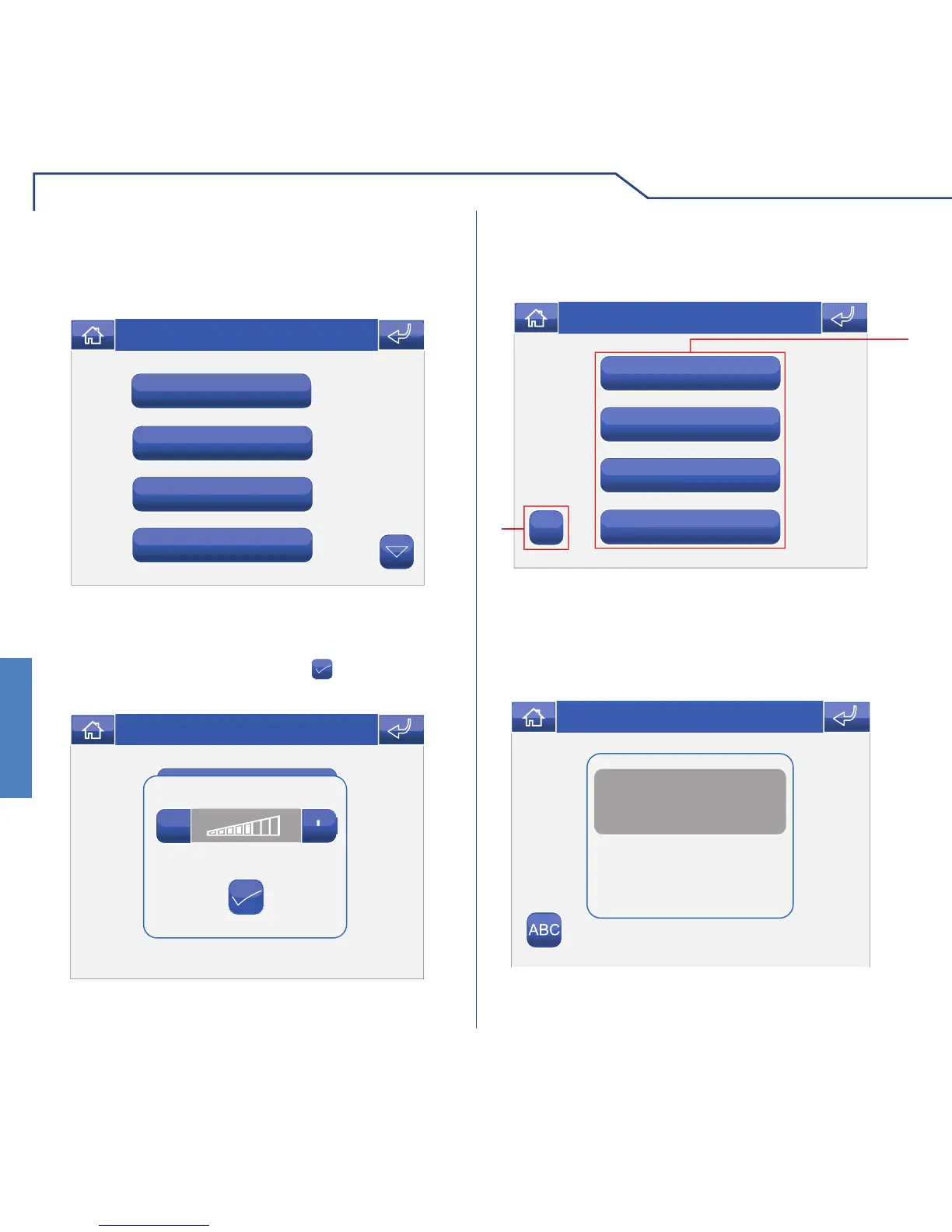
ADJUSTING THE VOLUME
To adjust the ringtone, audio, key tone or alarm tone
volume, access the Door entry monitors > Volume
adjustment menu.
Select the function for which you intend to adjust the
volume by pressing the corresponding icon. When
the adjustment screen appears, use the + and – icons
to adjust the volume and press the
icon to confi rm.
ACTUATORS
To view the list of actuators present, access the menu
Door entry monitors > Actuators.
1 Actuators available. Other devices may be added
by the installer.
2 Rename actuators.
To control an actuator which is already on the list,
simply press the corresponding icon.
If no actuator is connected, the message “DEVICE
NOT PRESENT” will appear on the display.












 To Next Page