Actuator 1
Actuator 2
ABC
C
+
5
1
3
2
4
Thu 05/09/09 - 16:07 0W
Actuator 3
1 Actuators available.
2 Add actuator.
3 Delete actuator.
4 Modify actuator code.
5 Rename actuator (see page 29).
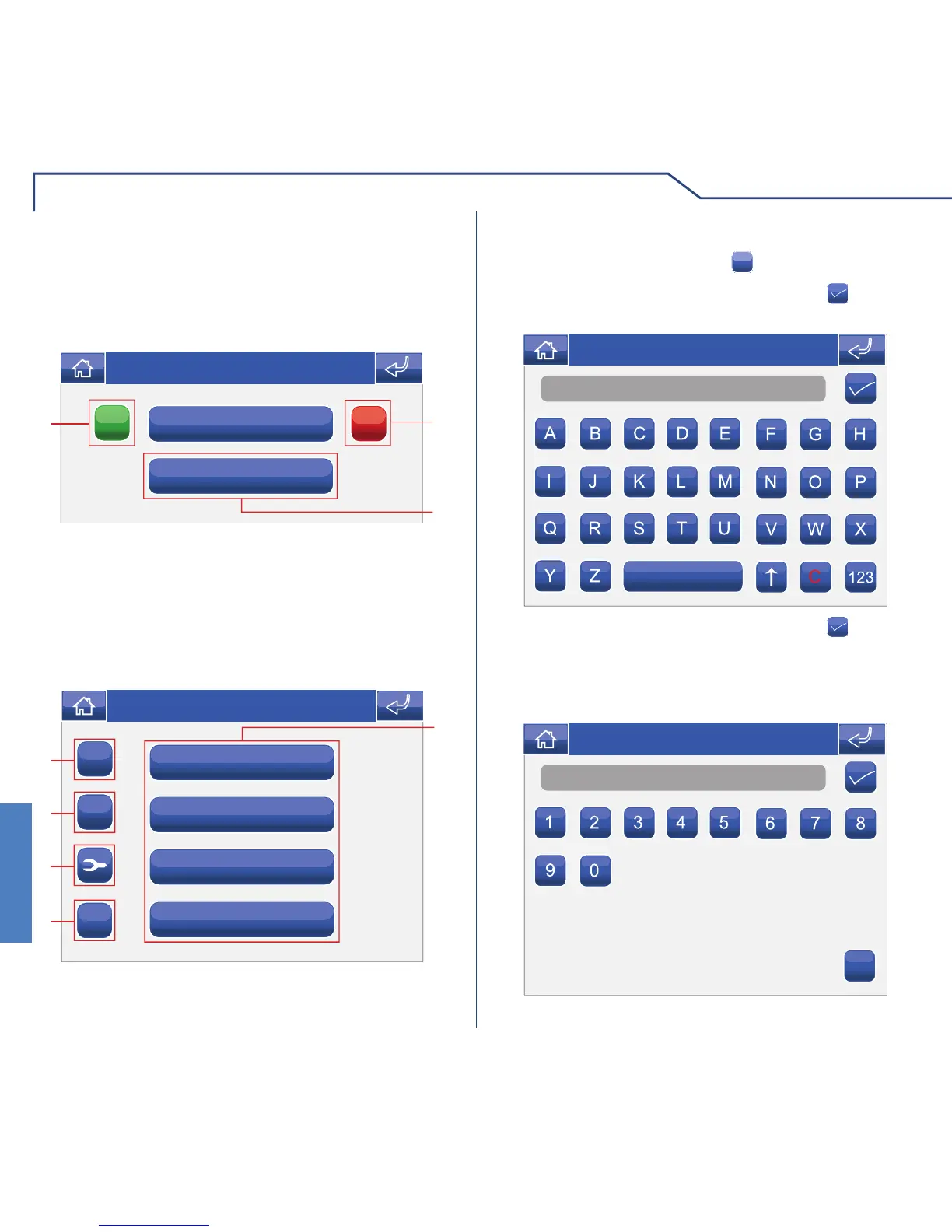
To add an actuator, press the
+
icon.
ADDING ACTUATORS
Name
Thu 05/09/09 - 16:07 0W
Enter the desired name and press the icon to
confi rm.
Enter the actuator code and press the
icon to
confi rm.
Number
C
Thu 05/09/09 - 16:07 0W
For further information regarding Art. 1256, please
refer to the Technical manual code 2G40000687.
VIDEO MEMORY SETUP
The video memory function can be set up so that all
video entry phone calls are recorded.
Thu 21/06/12 - 16:07 0W
Always record
Recording duration
ON
OFF
3
2
1
Access the menu Setup > Advanced > Video memory
setup.
1 Activate "Always Record" mode.
2 Deactivate "Always Record" mode.
3 Adjust the recording duration (5 or 10 seconds).












 To Next Page