51
ADVANCED
ADVANCED
CALIBRATING THE TOUCH-SCREEN
If the touch-screen does not respond correctly to
touch commands, it can be calibrated.
Access the menu Setup > Advanced > Calibrate
touch-screen.
Language
Set date and time
Conditional commands
Reset configuration
B
B
B
CONFIRM CALIBRATION
YES
NO
Thu 05/09/09 - 16:07 0W
Confi rm by pressing the
YES
icon.
To calibrate the touch-screen, simply press and hold
the cross which appears in 3 different positions for 2
seconds.
Hold down for 2 seconds
SET INPUT
2 different functions can be assigned to the CFP-CFP
input on the bracket terminal board:
• Floor door call (CFP)
• Alarm function (a Simplebus alarm signal is sent to
the switchboard).
Access the menu Setup > Advanced > Set input.
CFP function
Alarm function
Thu 21/06/12 - 16:07 0W
Select the function by pressing the icon to the right
of it.
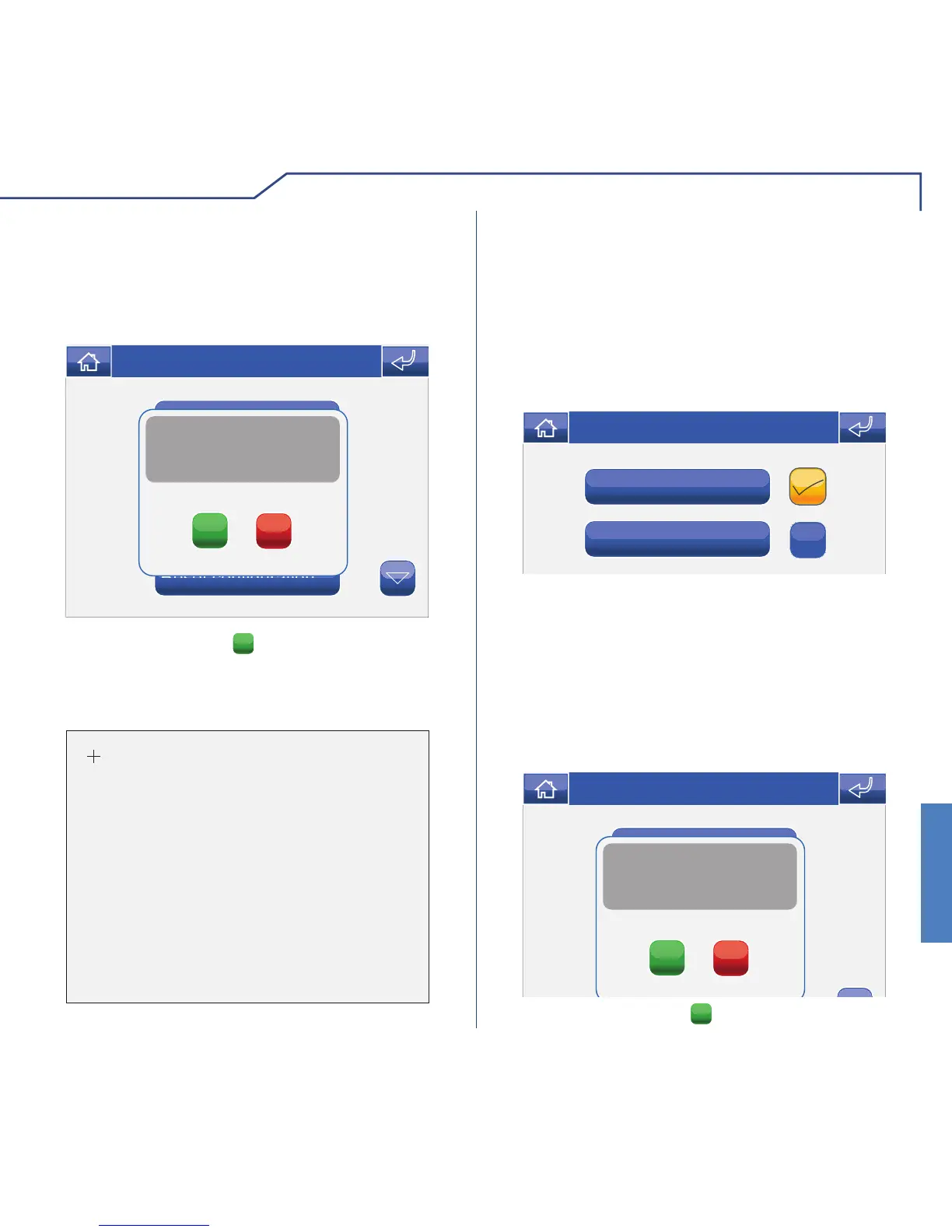
TOTAL RESET
The function deletes all door entry monitor, home
automation and alarm system settings implemented
by the user, restoring the system to its original default
status.
Access the menu Setup > Advanced > Total reset.
Language
Set date and time
Conditional commands
B
B
B
Confirm user and system
configuration reset?
YES
NO
Thu 05/09/09 - 16:07 0W
Confi rm by pressing the
YES
icon.












 To Next Page