Intercom executed
Thu 05/09/09 - 16:07 0W
INTERCOMS
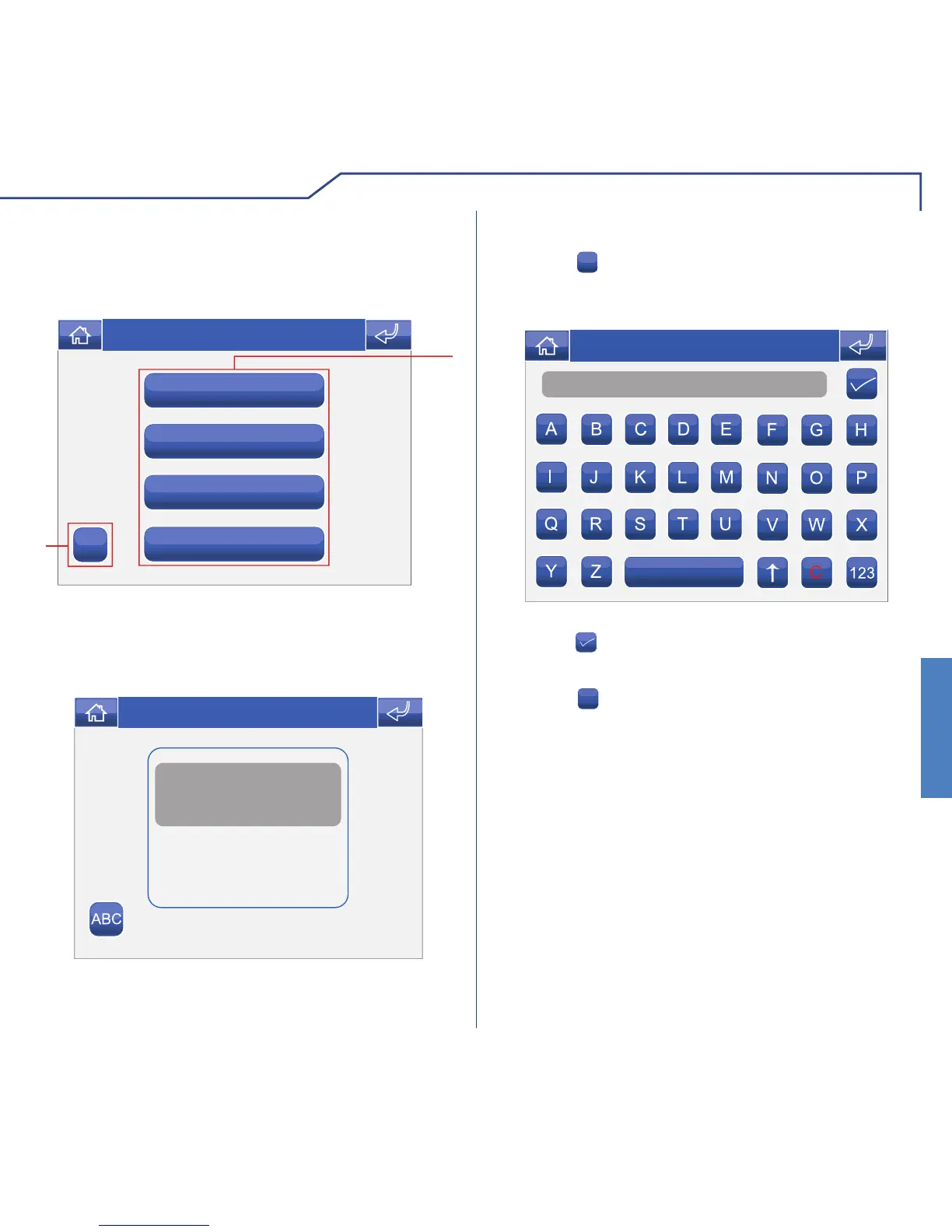
To view the list of intercom calls present, access the
Door entry monitors > Intercoms menu.
1 Intercom calls available.
2 Rename intercom call.
To make an intercom call, simply press the icon.
Name
Thu 05/09/09 - 16:07 0W
RENAMING INTERCOMS
Press the
ABC
icon followed by the icon corresponding
to the intercom call you wish to rename.
Enter the desired intercom name and/or number and
press the
icon to confi rm.
Press the
123
icon to switch to the numerical keypad.












 To Next Page