63
ALARM
ALARM
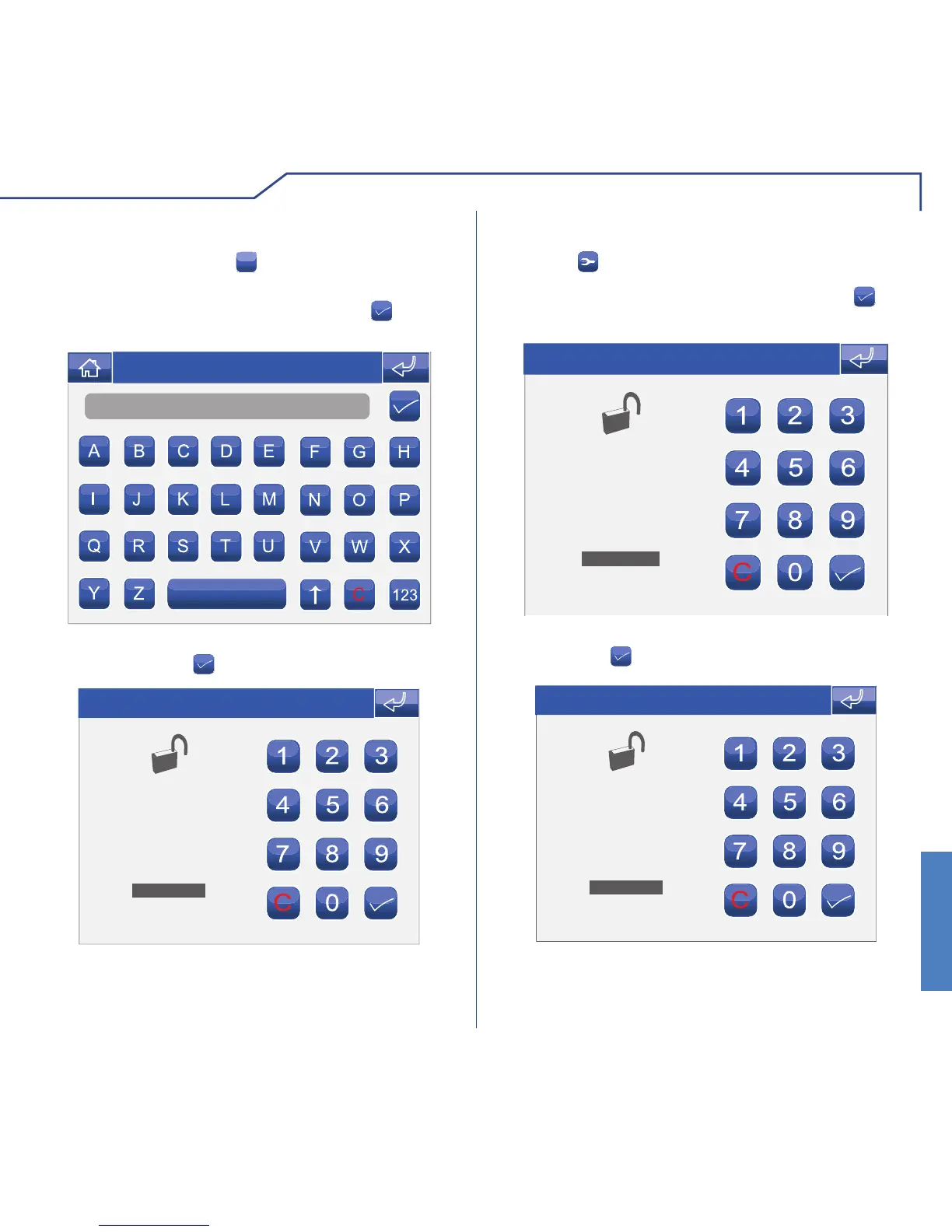
ADDING USERS
To add a user, press the
+
icon.
Name
Thu 05/09/09 - 16:07 0W
Enter the desired name and press the icon to
confi rm.
Enter the password to be associated with the new
user and press the icon to confi rm.
ENTER NEW PASSWORD
Thu 05/09/09 - 16:07 0W
MODIFYING THE USER PASSWORD
Press the icon followed by the user icon.
ENTER OLD PASSWORD
Thu 05/09/09 - 16:07 0W
Enter the password to be associated with the user
and press the icon to confi rm.
ENTER NEW PASSWORD
Thu 05/09/09 - 16:07 0W
Enter the old user password and press the icon
to confi rm.












 To Next Page