SETUP - CONSUMPTION
SETUP-CONSUMPTION
38
SETTINGS
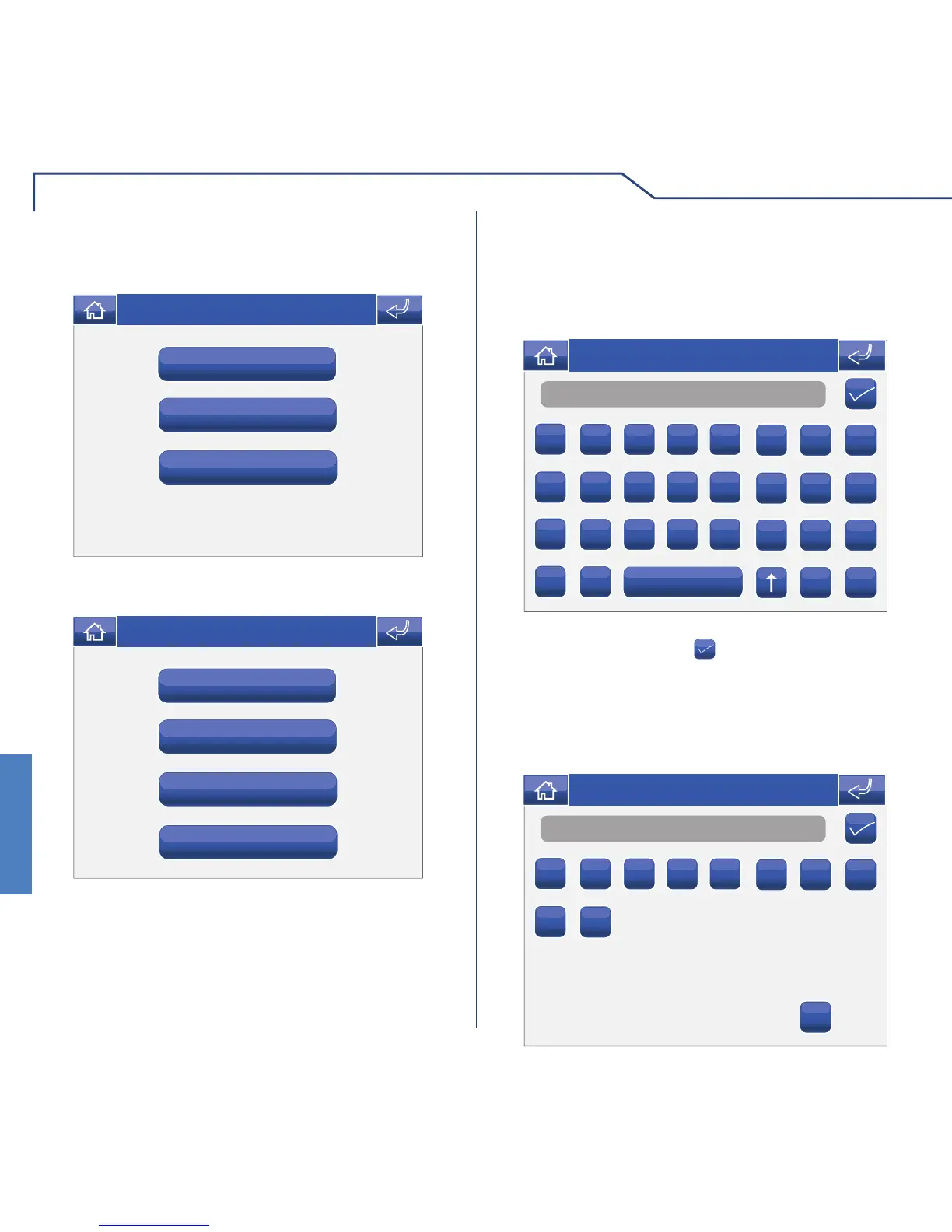
This menu can be used to customise the settings of
the meters connected to the system.
Meter 3
Meter 2
Meter 1
Thu 08/09/13 - 08:07 0W
Select one of the meters to open the corresponding
settings menu.
Step
Pulses
Unit of meas.
Scale factor
Thu 08/09/13 - 08:07 0W
UNIT OF MEASUREMENT
In this menu you can select the unit of measurement
to be associated with the meter, in accordance with
its function (e.g. m3, l, etc.). You may use up to 3
characters.
mc
A
B C D E
F G H
I
J K L M
N O P
Q
R S T U
V W X
Y
Z
C 123
Thu 21/06/12 - 16:07 0W
Once you have entered the desired unit of
measurement, press the icon to confi rm and exit.
PULSES
The value entered in this menu determines how many
pulses need to occur before the count increases by
one step.
2
1
2 3 4 5
6 7 8
9
0
C
Thu 21/06/12 - 16:07 0W












 To Next Page