EasyManua.ls Logo

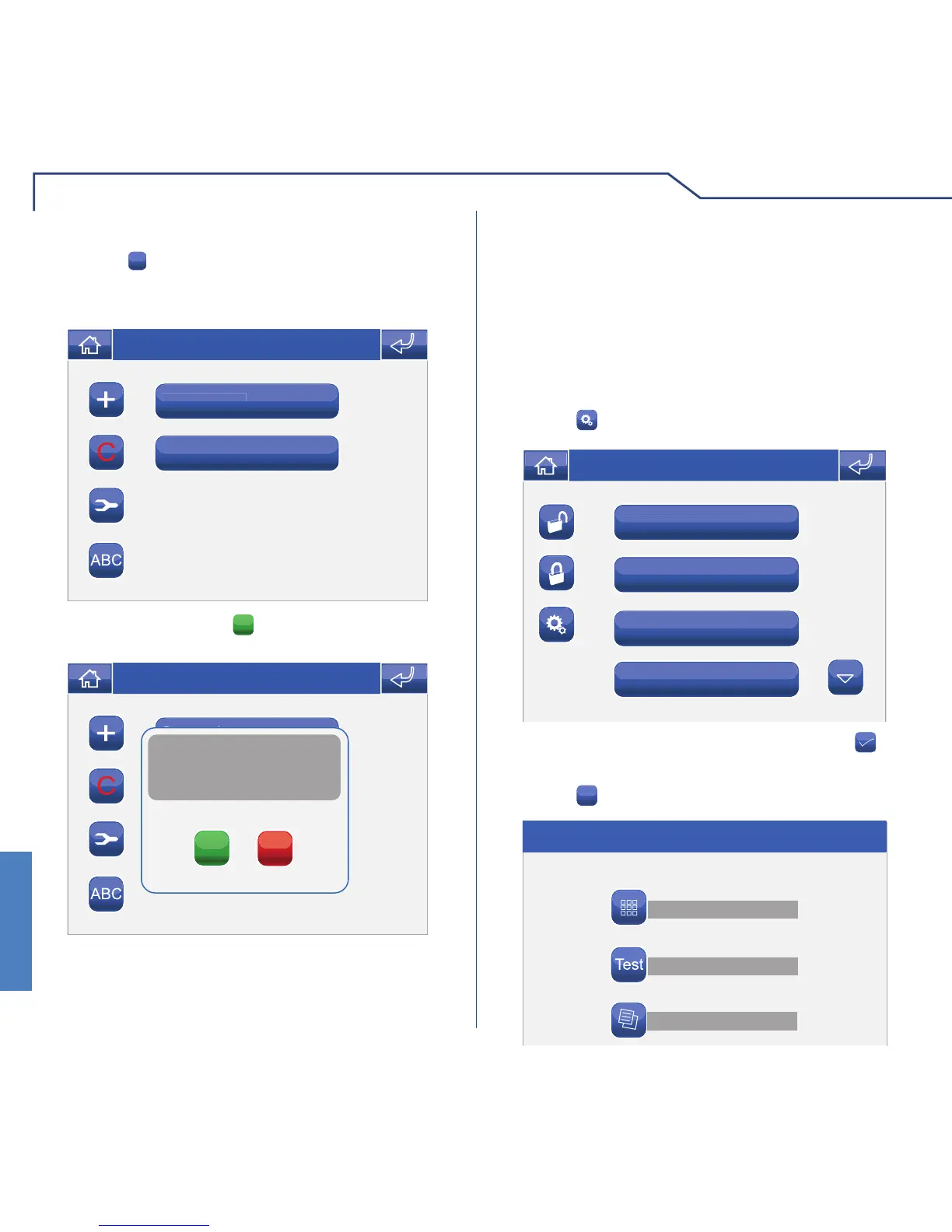
Comelit Planux - User Account Deletion and System Test; Deleting Users; System Test Function

Comelit Planux
80 pages
Print Icon
To Next Page IconTo Next Page
To Previous Page IconTo Previous Page
Loading...
ALARM
64
ALARM
SYSTEM TEST
Access the Alarms menu.
Press the
icon.
Downstairs area
Downstairs area
Upstairs area
Garage
External
Thu 05/09/09 - 16:07 0W
Press the
Test
icon.
User management
System test
Alarm log
Thu 05/09/09 - 16:07 0W
Press the
C
icon followed by the user icon. The
"supervisor" user cannot be deleted.
DELETING USERS
Supervisor
Supervisor
User 1
Thu 05/09/09 - 16:07 0W
Con rm by pressing the
YES
icon.
Supervisor
Si
User 1
Thu 05/09/09 - 16:07 0W
YES
NO
Confirm removal of alarm user?
Enter the supervisor password and press the icon
to con rm.
The system test can be carried out to check whether
the sensors for the various zones are working
correctly. The test can only be carried out while the
system is in standby. If there are any areas in which
the alarm is active, con rmation of deactivation will
be requested before proceeding.

Table of Contents

Related product manuals