SETUP - CONSUMPTION
SETUP-CONSUMPTION
37
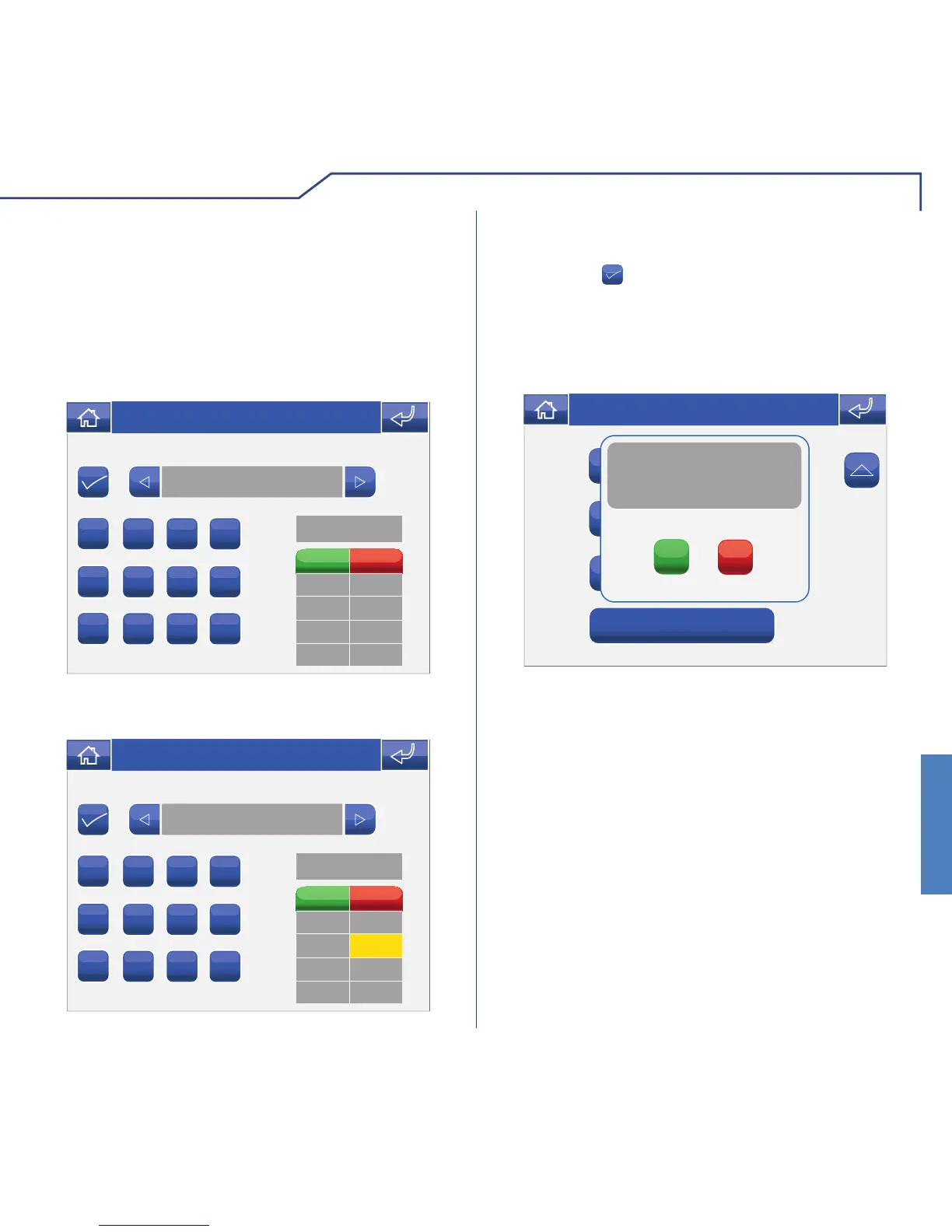
THRESHOLDS
This menu can be used to set maximum thresholds
for hours, days, months and years, so that the
check boxes for the energy consumption table are
coloured to indicate the consumption level (see Key
to threshold colours on page 25), providing a report in
the event that the maximum thresholds are exceeded.
1
2 3 4
5
6 7 8
9
0 . C
Electricity
kWh
Time
Day
Month
Year
Wed 31/07/13 - 08:31
1. Select the fi eld for which you wish to set the
maximum threshold, for example “Day”.
1
2 3 4
5
6 7 8
9
0 . C
Electricity
kWh












 To Next Page