Device not present
Thu 05/09/09 - 16:07 0W
Name
Thu 05/09/09 - 16:07 0W
If no camera is connected, the message “DEVICE
NOT PRESENT” will appear on the display.
When a video image is displayed, to return to the
menu simply touch the screen; to view other camera
images press an icon again.
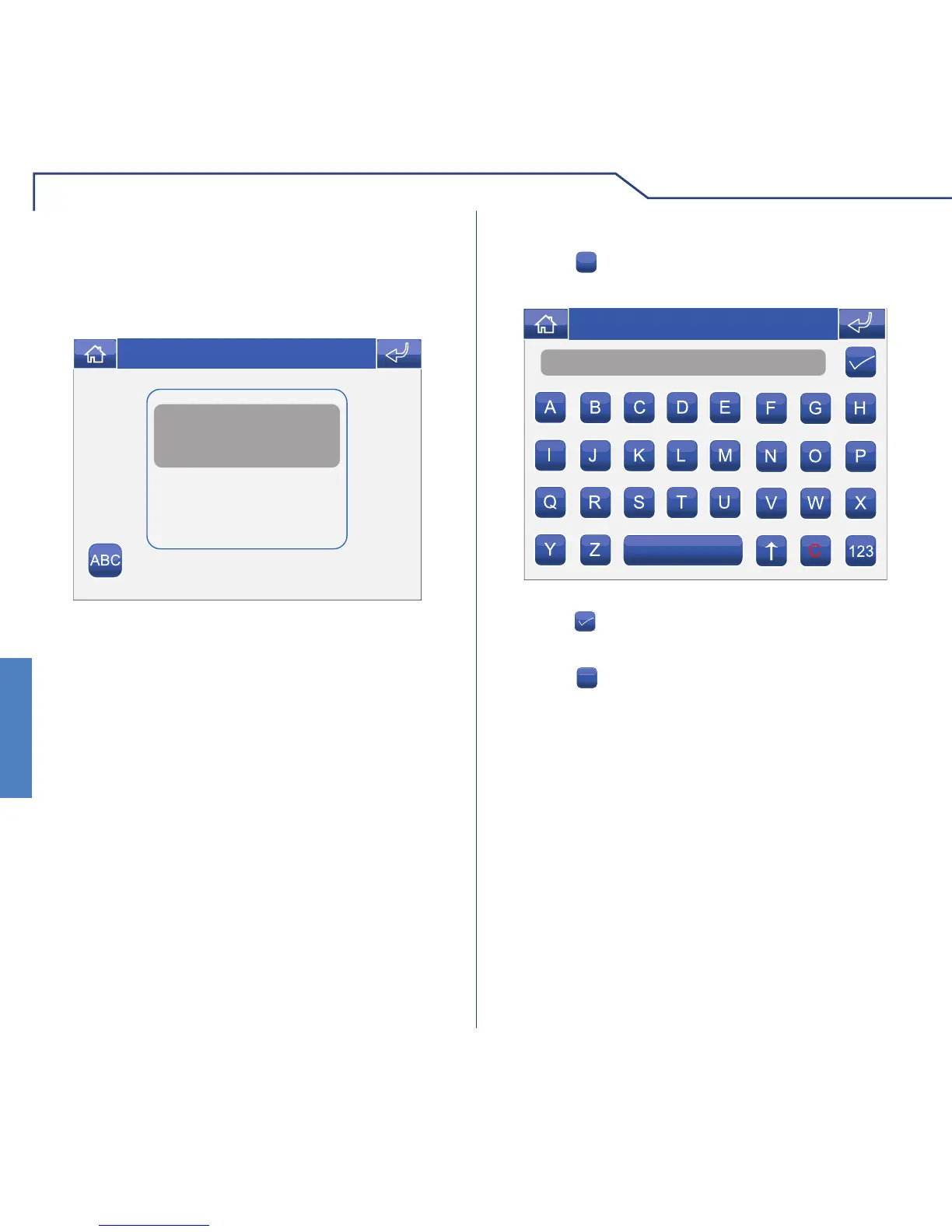
RENAMING CAMERAS
Press the
ABC
icon followed by the icon corresponding
to the group of cameras you wish to rename.
Enter the desired camera name and/or number and
press the
icon to confi rm.
Press the
123
icon to switch to the numerical keypad.












 To Next Page