EasyManua.ls Logo

Comelit Planux - Advanced Key Configuration; Key Programming

Comelit Planux
80 pages
Print Icon
To Next Page IconTo Next Page
To Previous Page IconTo Previous Page
Loading...
41
ADVANCED
ADVANCED
KEY PROGRAMMING
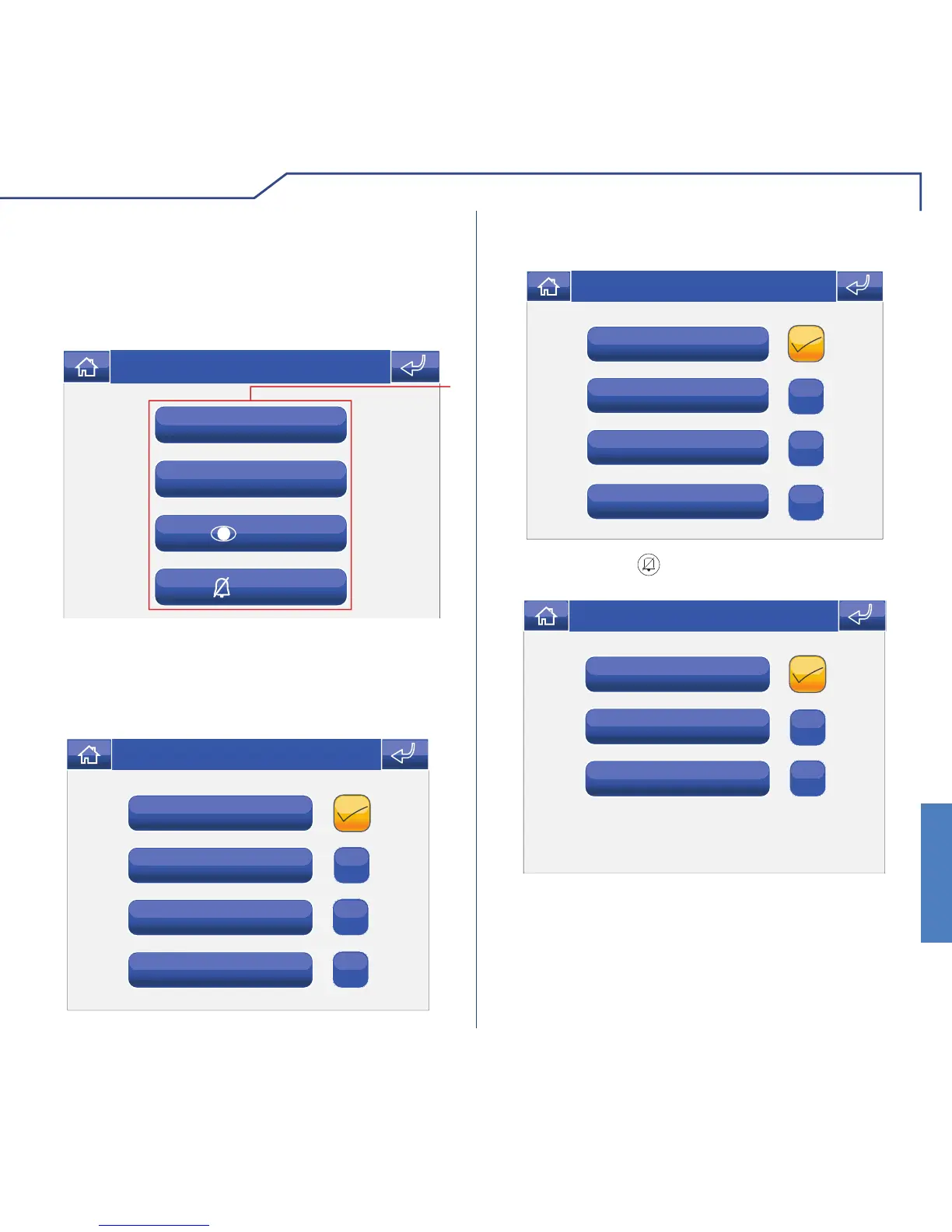
To program the Planux Manager keys, access the
menu Setup > Advanced > Prog. keys menu.
Key 1
Key 2
Key
Key
1
Thu 05/09/09 - 16:07 0W
1 Programmable keys.
Select the key you want to program (e.g. Key 1).
Intercoms
Intercoms
Actuators
Actuators
Cameras
Thu 21/06/12 - 16:07 0W
Main switchboard
Main switchboard
Generic act.
Generic act
Actuator 1
Actuator 2
Thu 05/09/09 - 16:07 0W
Actuator 3
Press the icon corresponding to the desired function
to access the submenu and view the available
modules.
In the case of the key, the available functions are:
Privacy + doctor
Privacy + doctor
Doctor
Doctor
Privacy
Thu 05/09/09 - 16:07 0W
Select the desired function by pressing the icon to
the right of it.
If the ag is removed from all functions during
programming, the key will be disabled.

Table of Contents

Related product manuals