Exit
1
2
3
4
5
Thu 05/09/09 - 16:07 0W
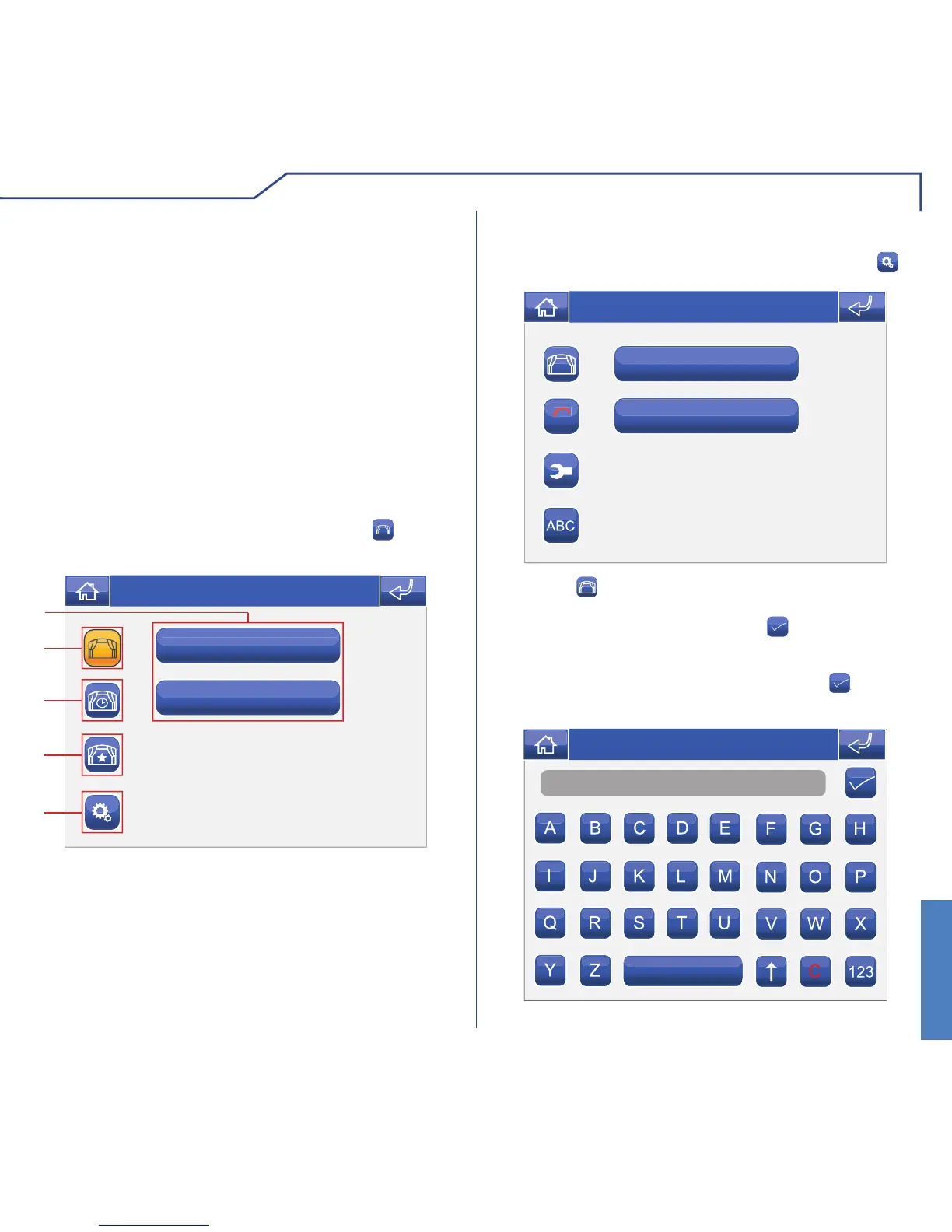
To access the Scenarios menu, press the icon on
the main menu screen.
SCENARIOS MENU DESCRIPTION
1 Available scenarios.
2 One shot scenarios menu.
3 Scheduled scenarios menu.
4 Conditioned scenarios menu.
5 Scenario settings menu.
Switch on all the lights
Exit
C
NEW
Thu 05/09/09 - 16:07 0W
Access the Scenario settings menu by pressing .
CREATING NEW SCENARIOS
Press the
NEW
icon.
Name
Thu 05/09/09 - 16:07 0W
Enter the scenario name and press the icon to
confi rm.
The Planux Manager system controls three types of
scenario.
· One shot: these must be activated manually and
perform the function for which they were programmed
every time they are activated.
· Scheduled: these are activated automatically in
accordance with timed programming.
· Conditioned: these are activated automatically,
but only when specifi c conditions arise, e.g. rain,
wind, etc. These scenarios can only be created by
Simple Home programming software, and only
for the master supervisor.
Enter the password and press the
icon to confi rm.












 To Next Page