SETUP - CONSUMPTION
SETUP-CONSUMPTION
36
RATES
The Rates menu can be used to set the meter rates
according to time bands. The information will then
be used to construct the consumption graphs in the
Consumption menu.
1. Select the meter for which you wish to set the
rates, for example “Electricity consumption”.
Meter
Electricity consumption
Wed 31/07/13 - 08:31
$/kwhFROM TO
PROG
1
3
2
Thu 08/09/13 - 08:07 0W
ONON
MM
T
W
T
FSS
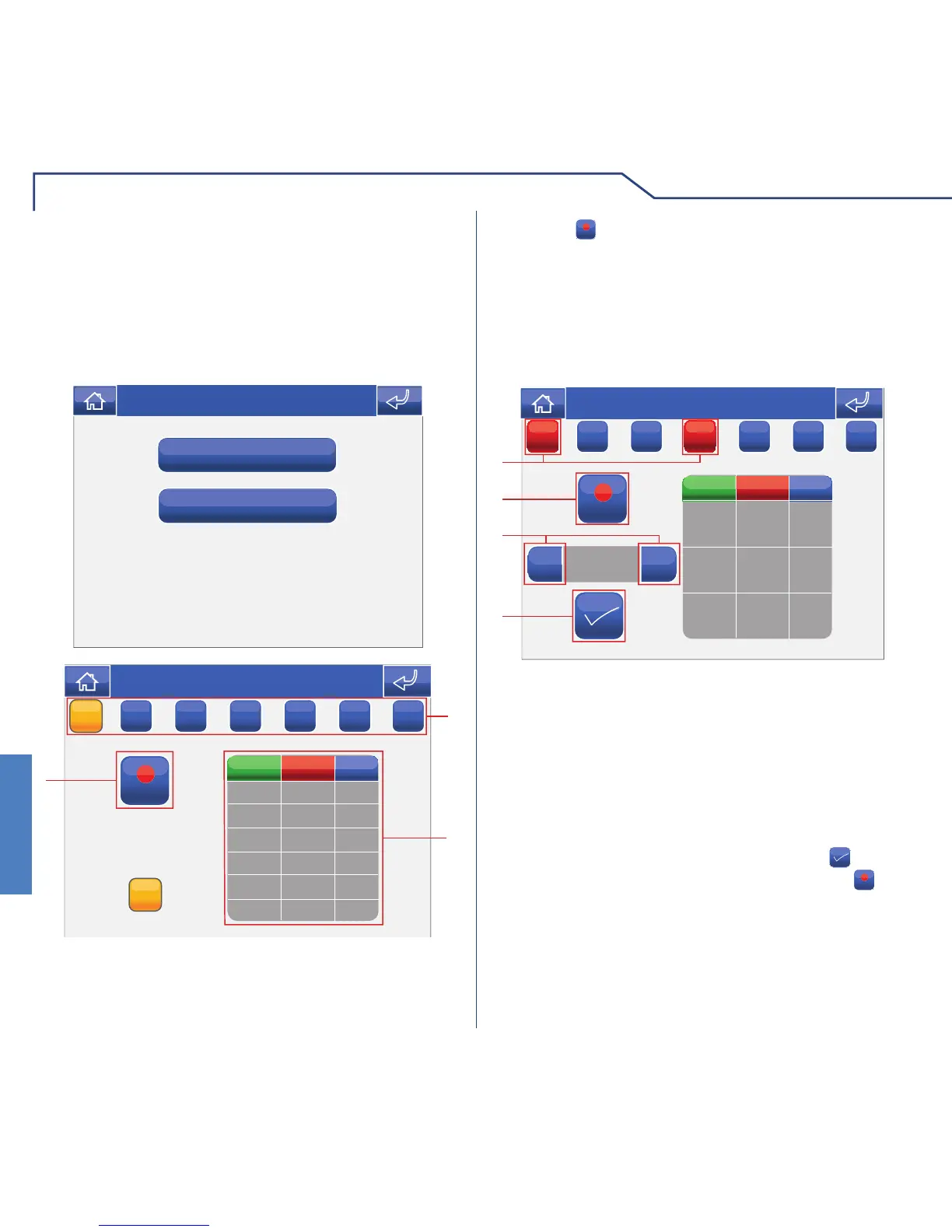
1 Days of the week.
2 List of logged programming.
3 Start programming.
Press the
PROG
icon to access the programming screen.
NOTE: daily rate programming must refer to the
whole 24-hour cycle; any hours not programmed
by the user will be set by the system automatically.
00:00
FROM TO
0.06
00:00 24:00
STOP
+
-
1
2
3
4
$/kwh
Thu 08/09/13 - 08:07 0W
MM
T
W
T
FSS
Select the days of the week for which you wish to
program the rate (selected days will be highlighted in
red), select the time or rate to be adjusted and press
+ and – to increase or decrease the value. Every time
you adjust a value, you must press the icon to
confi rm. When you have fi nished, press the
STOP
icon
to log the information.
1 Days of the week selected.
2 Save.
3 Selector keys to modify time and rate.
4 Confi rm.












 To Next Page