Device not present
Thu 05/09/09 - 16:07 0W
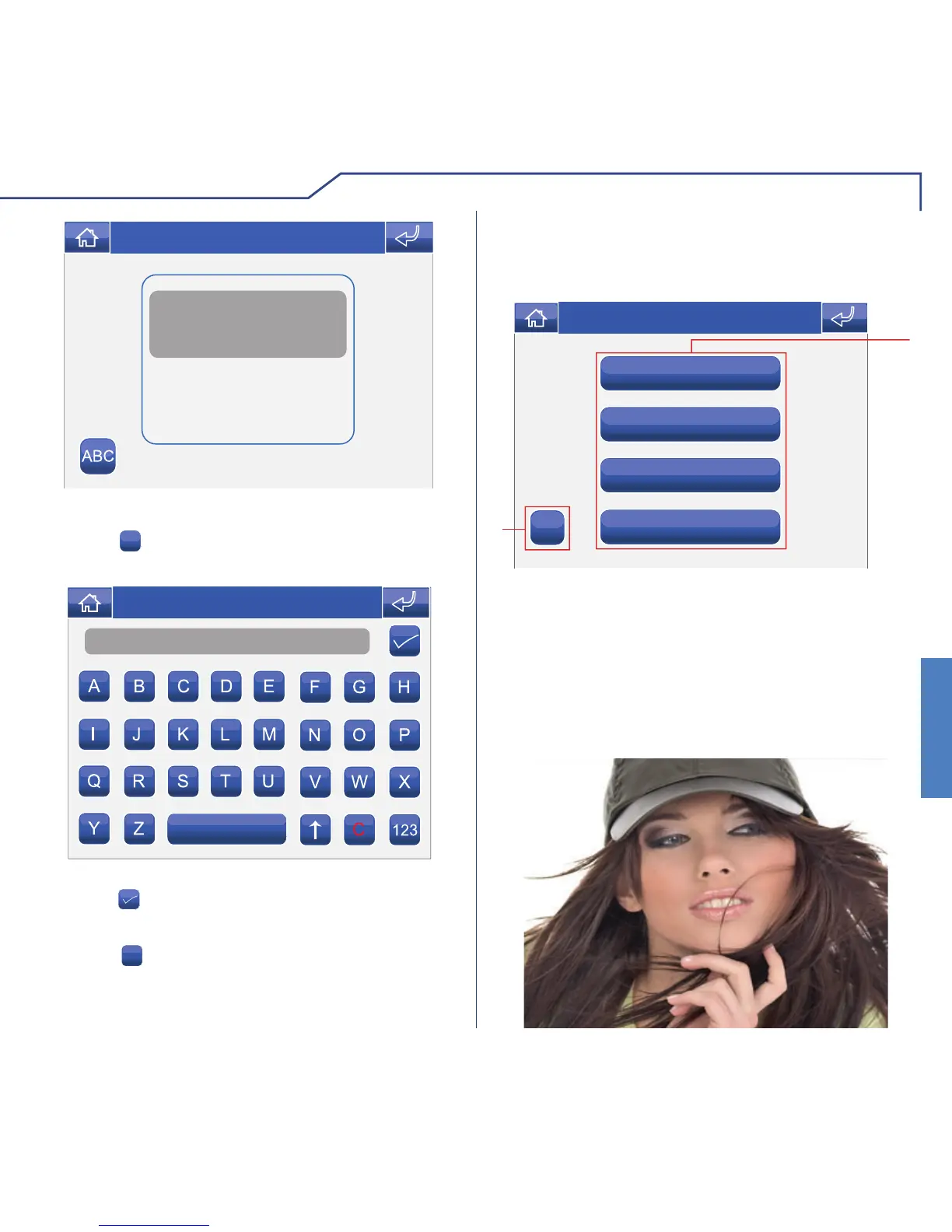
RENAMING ACTUATORS
Press the
ABC
icon followed by the icon corresponding
to the actuator you wish to rename.
Enter the desired actuator name and/or number and
press the
icon to confi rm.
Press the
123
icon to switch to the numerical keypad.
CAMERAS
To view the list of cameras present, access the menu
Door entry monitors > Cameras.
1 Cameras available. Each icon may be associated
with up to 3 cameras which can be viewed in
sequence, in addition to the camera monitoring the
external unit.
2 Rename cameras.
To display the image from one of the cameras on the
list, simply press the corresponding icon.












 To Next Page