ADVANCED
48
ADVANCED
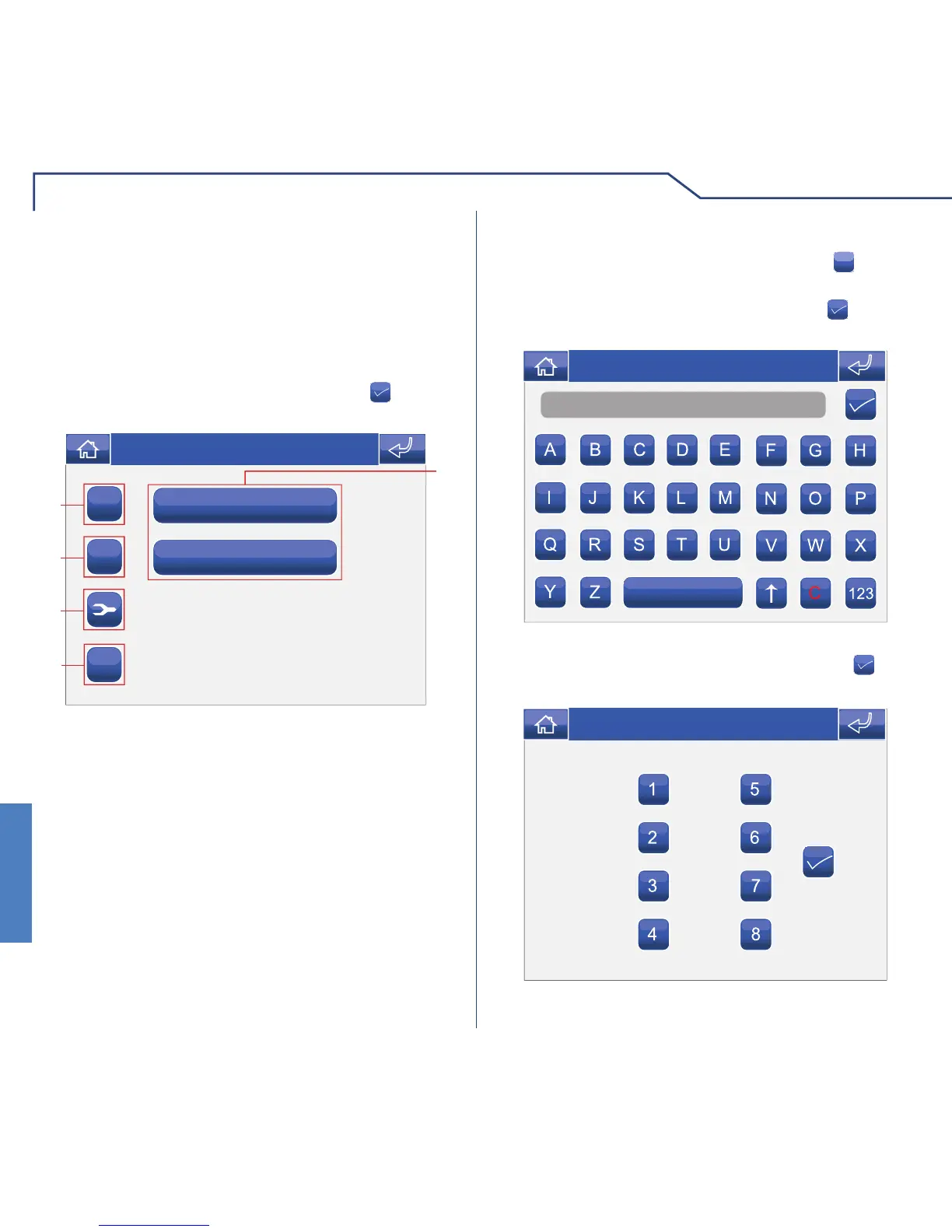
To manage selective intercom calls, access the menu
Setup > Advanced > Selective intercom.
SELECTIVE INTERCOM
Selective intercom 1
Selective intercom 2
1
ABC
C
+
5
3
2
4
Thu 21/06/12 - 16:07 0W
Enter the desired name and press the icon to
confi rm.
1 Selective intercom calls available.
2 Add selective intercom.
3 Delete selective intercom.
4 Modify selective intercom.
5 Rename selective intercom.
Once created, selective intercom calls can be found
under the "Intercoms" menu (see page 31).
To add a selective intercom call, press the
+
icon.
ADDING A SELECTIVE INTERCOM
Name
Thu 05/09/09 - 16:07 0W
Enter the desired name and press the icon to
confi rm.
Select the intercom addresses for the internal units
to be associated with the call and press the
icon
to confi rm.
Thu 21/06/12 - 16:07 0W












 To Next Page