49
ADVANCED
ADVANCED
DELETING / MODIFYING
A SELECTIVE INTERCOM
To delete or modify a selective intercom call, follow
the instructions on page 47.
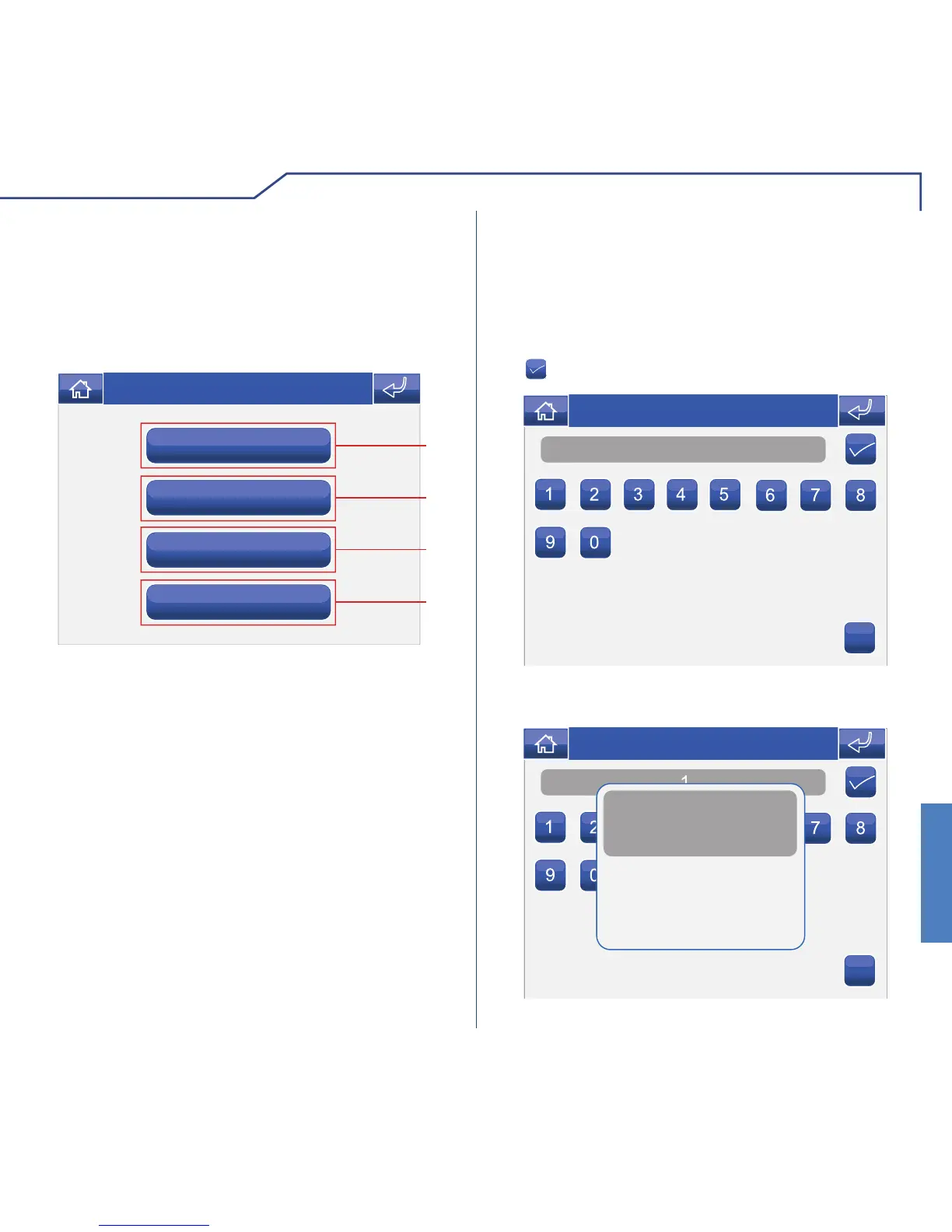
ADDRESSES MENU DESCRIPTION
Simplebus code
Intercom add.
3
4
1 Menu for setting the bracket code.
2 Menu for setting a monitor as main / secondary.
3 Menu for setting a multiple address.
4 Menu for setting an intercom address.
SETTING THE BRACKET CODE
Number
C
Thu 05/09/09 - 16:07 0W
Access the menu Setup > Advanced > Addresses >
Simplebus code. Enter the bracket code and press
the
icon to confi rm.
Each bracket in the system is identifi ed by its own
code; this code should be a number between 1 and
240.
If the SD card is not inserted, the following message
will appear:
C
SD card error parameter saved in flash
Thu 05/09/09 - 16:07 0W












 To Next Page