SETUP - CONSUMPTION
SETUP-CONSUMPTION
35
CURRENCY
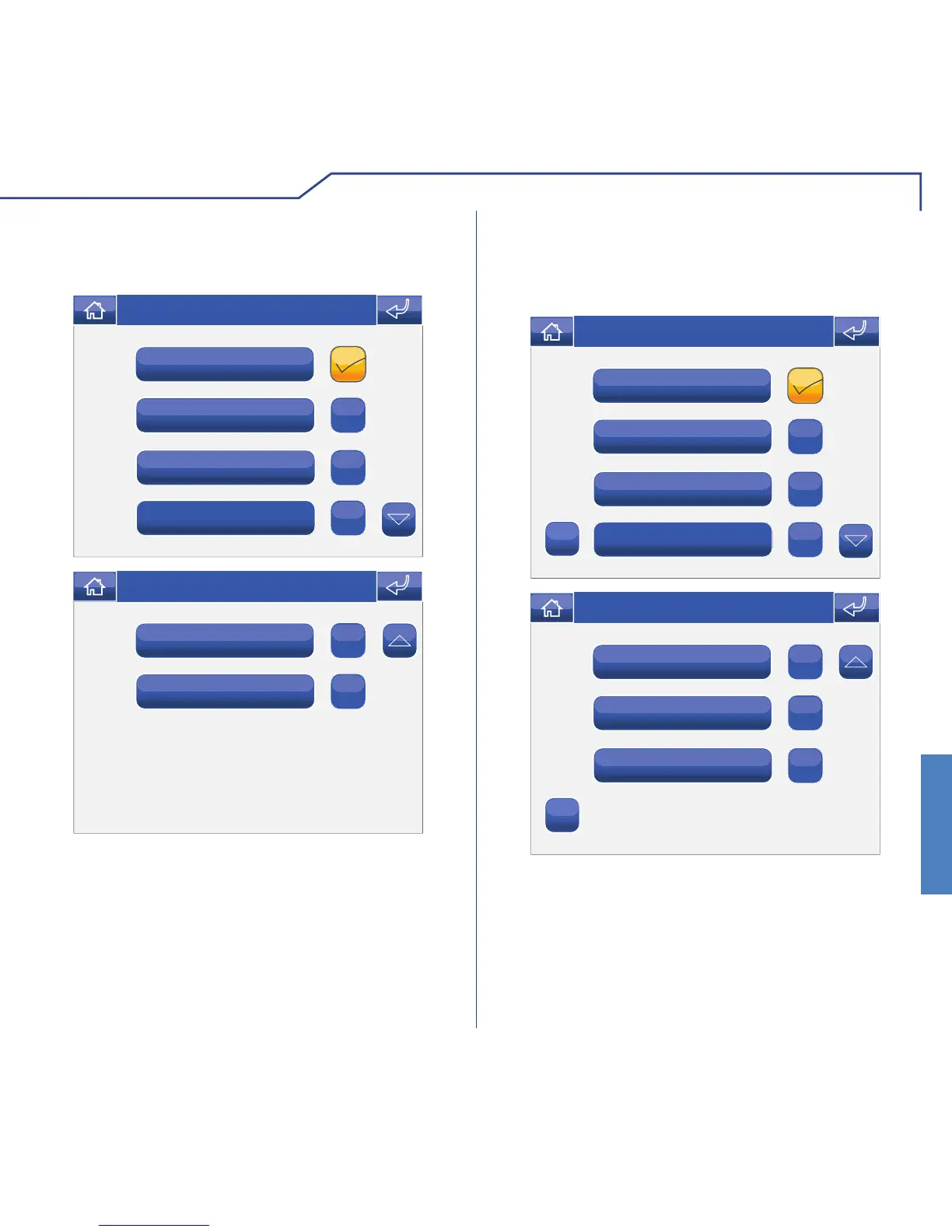
The Currency menu can be used to select the currency
to be associated with consumption monitoring.
R
Fr
$
€
Thu 08/09/13 - 08:07 0W
Customised
£
Thu 08/09/13 - 08:07 0W
In addition to the 5 pre-set currencies you can create
a customised option by clicking the “Customised”
icon.
DISPLAY
The Display menu can be used to select the meters
connected to the system that you wish to view in the
consumption menu area.
Meter 1
Electricity 3
Electricity 2
Electricity 1
Wed 31/07/13 - 08:31
ABC
Meter 3
Meter 2
Meter 1
Wed 31/07/13 - 08:31
ABC












 To Next Page