EasyManua.ls Logo

Commodore 128D - Page 105

Commodore 128D
427 pages
Print Icon
To Next Page IconTo Next Page
To Previous Page IconTo Previous Page
Loading...
Graphics
Programming
on
theC128
The
following
section
describes
a
step-by-step
graphics
program
ming
example.
As
you
learn
each
graphics
command,
add
it
to
a
program
you
will
build
as
you
read
this
section.
When
you
are
fin
ished,
you
will
have
a
complete
graphics
program.
Choosing
Colors
The
first
step
in
graphics
programming
is.
to
choose
colors
for
the
screen
background,
foreground
and
border.
To
select
colors,
type:
COLOR
source,
color
where
source
is
the
section
of
the
screen
you
are
coloring
(back
ground,
foreground,
border,
etc.),
and
color
is
the
color
code
for
the
source.
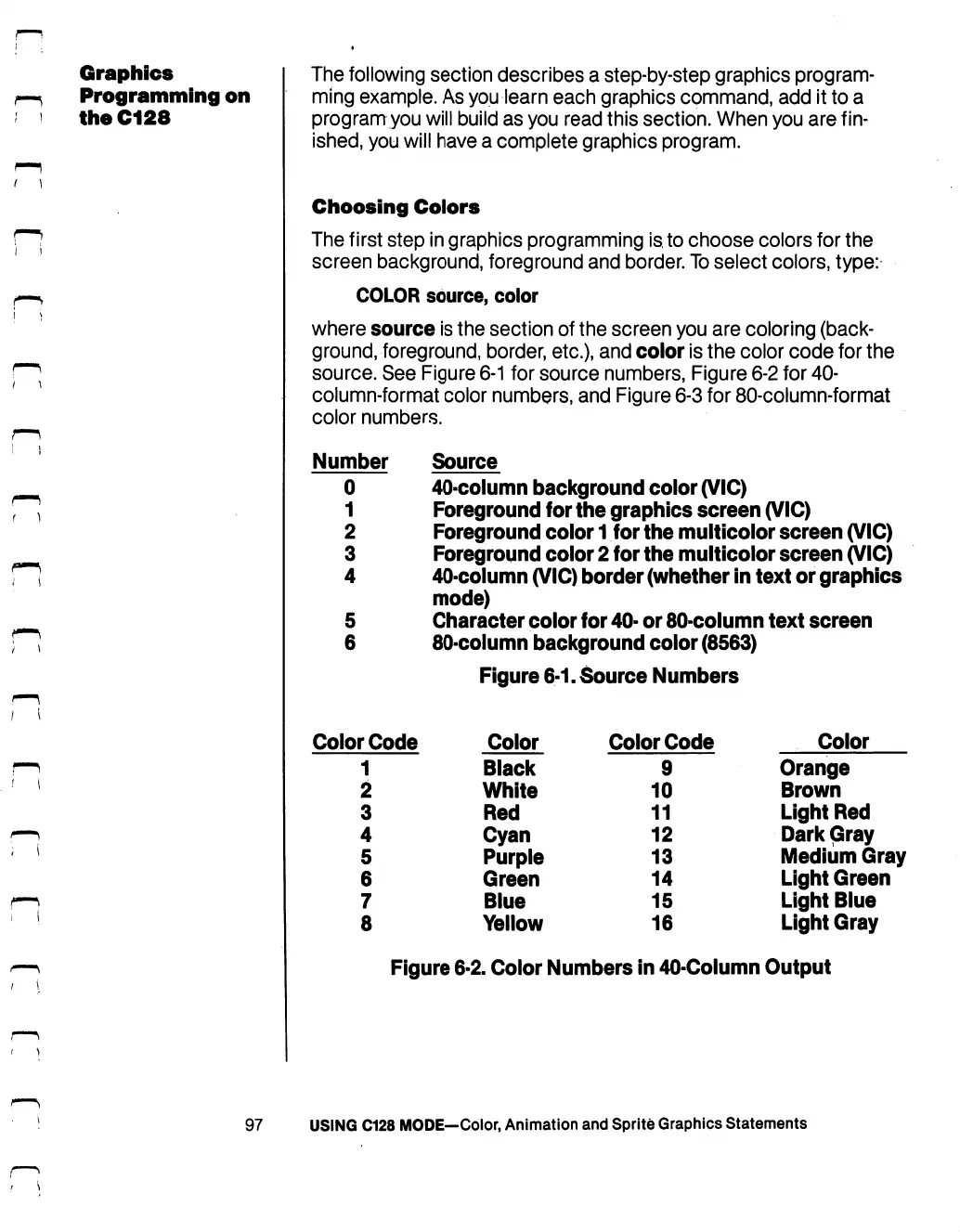
See
Figure
6-1
for
source
numbers,
Figure
6-2
for
40-
column-format
color
numbers,
and
Figure
6-3
for
80-column-format
color
numbers.
Number
Source
0
40-column
background
color
(VIC)
1
Foreground
for
the
graphics
screen
(VIC)
2
Foreground
color
1
for
the
multicolor
screen
(VIC)
3
Foreground
color
2
for
the
multicolor
screen
(VIC)
4
40-column
(VIC)
border
(whether
in
text
or
graphics
mode)
5
Character
color
for
40-
or
80-column
text
screen
6
80-column
background
color
(8563)
Figure
6-1.
Source
Numbers
Color
Code
1
2
3
4
5
6
7
8
Color
Black
White
Red
Cyan
Purple
Green
Blue
Yellow
Color
Code
9
10
11
12
13
14
15
16
Color
Orange
Brown
Light
Red
Dark
Gray
Medium
Gray
Light
Green
Light
Blue
Light
Gray
Figure
6-2.
Color
Numbers
in
40-Column
Output
97
USING
C128
MODE—Color,
Animation
and
Sprite
Graphics
Statements

Table of Contents

Other manuals for Commodore 128D

Related product manuals