EasyManua.ls Logo

Commodore 128D - Page 104

Commodore 128D
427 pages
Print Icon
To Next Page IconTo Next Page
To Previous Page IconTo Previous Page
Loading...
u
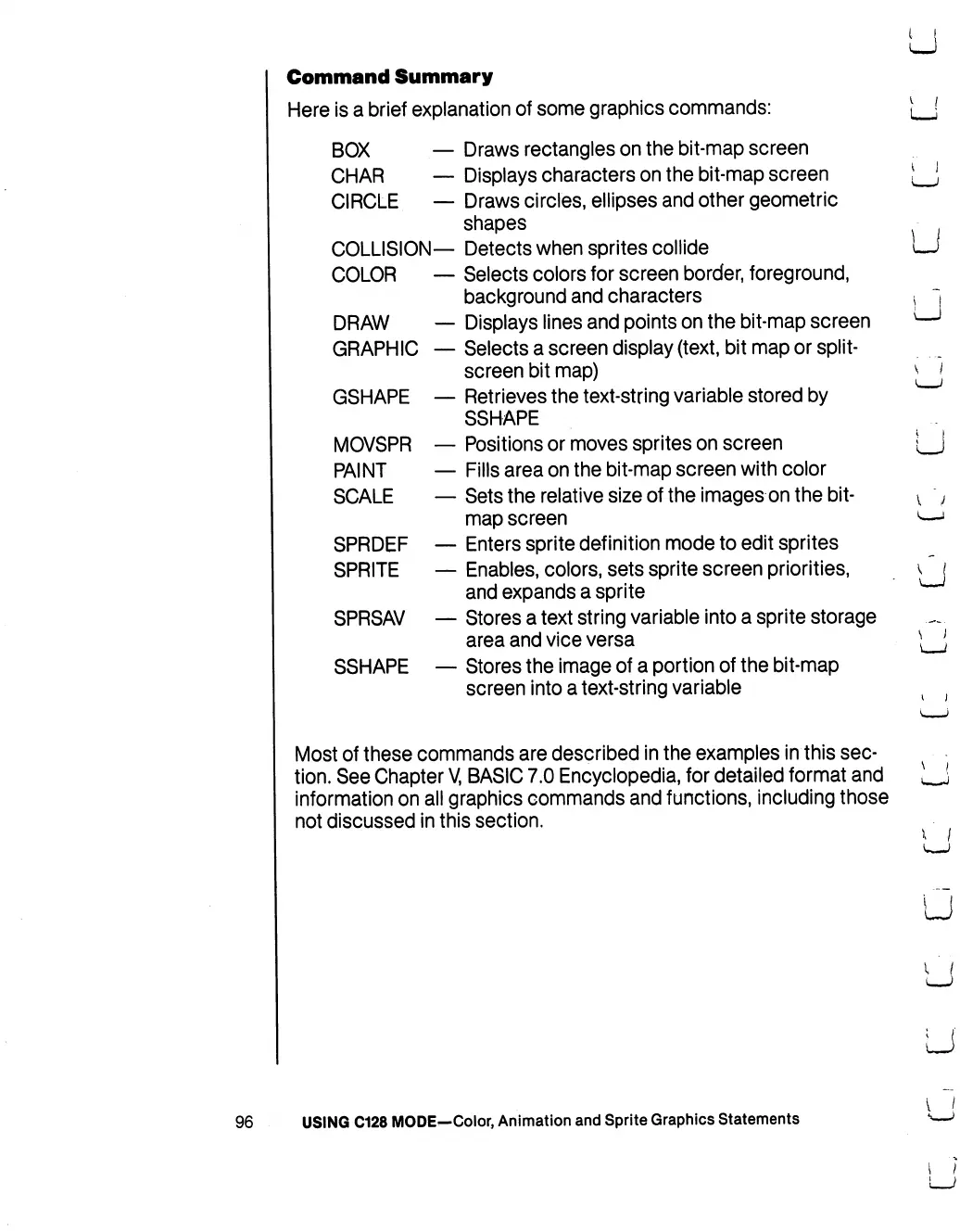
Command
Summary
Here
is
a
brief
explanation
of
some
graphics
commands:
BOX
Draws
rectangles
on
the
bit-map
screen
CHAR
Displays
characters
on
the
bit-map
screen
CIRCLE
Draws
circles,
ellipses
and
other
geometric
shapes
COLLISION—
Detects
when
sprites
collide
COLOR
Selects
colors
for
screen
border,
foreground,
background
and
characters
DRAW
Displays
lines
and
points
on
the
bit-map
screen
GRAPHIC
Selects
a
screen
display
(text, bit
map
or
split-
screen
bit
map)
GSHAPE
Retrieves
the
text-string
variable
stored
by
SSHAPE
MOVSPR
Positions
or
moves
sprites
on
screen
PAINT
Fills
area
on
the
bit-map
screen
with
color
SCALE
Sets
the
relative
size
of
the
images
on
the
bit
map
screen
SPRDEF
Enters
sprite
definition
mode
to
edit
sprites
SPRITE
Enables,
colors,
sets
sprite
screen
priorities,
and
expands
a
sprite
SPRSAV
Stores
a
text
string
variable
into
a
sprite
storage
area
and
vice
versa
SSHAPE
Stores
the
image
of
a
portion
of
the
bit-map
screen
into
a
text-string
variable
Most
of
these
commands
are
described
in
the
examples
in
this
sec
tion.
See
Chapter
V,
BASIC
7.0
Encyclopedia,
for
detailed
format
and
information
on
all
graphics
commands
and
functions,
including
those
not
discussed
in
this
section.
LJ
U
s
"1
\
)
u
96
USING
C128
MODE—Color,
Animation
and
Sprite
Graphics
Statements

Table of Contents

Other manuals for Commodore 128D

Related product manuals