EasyManua.ls Logo

Commodore 128D - Page 116

Commodore 128D
427 pages
Print Icon
To Next Page IconTo Next Page
To Previous Page IconTo Previous Page
Loading...
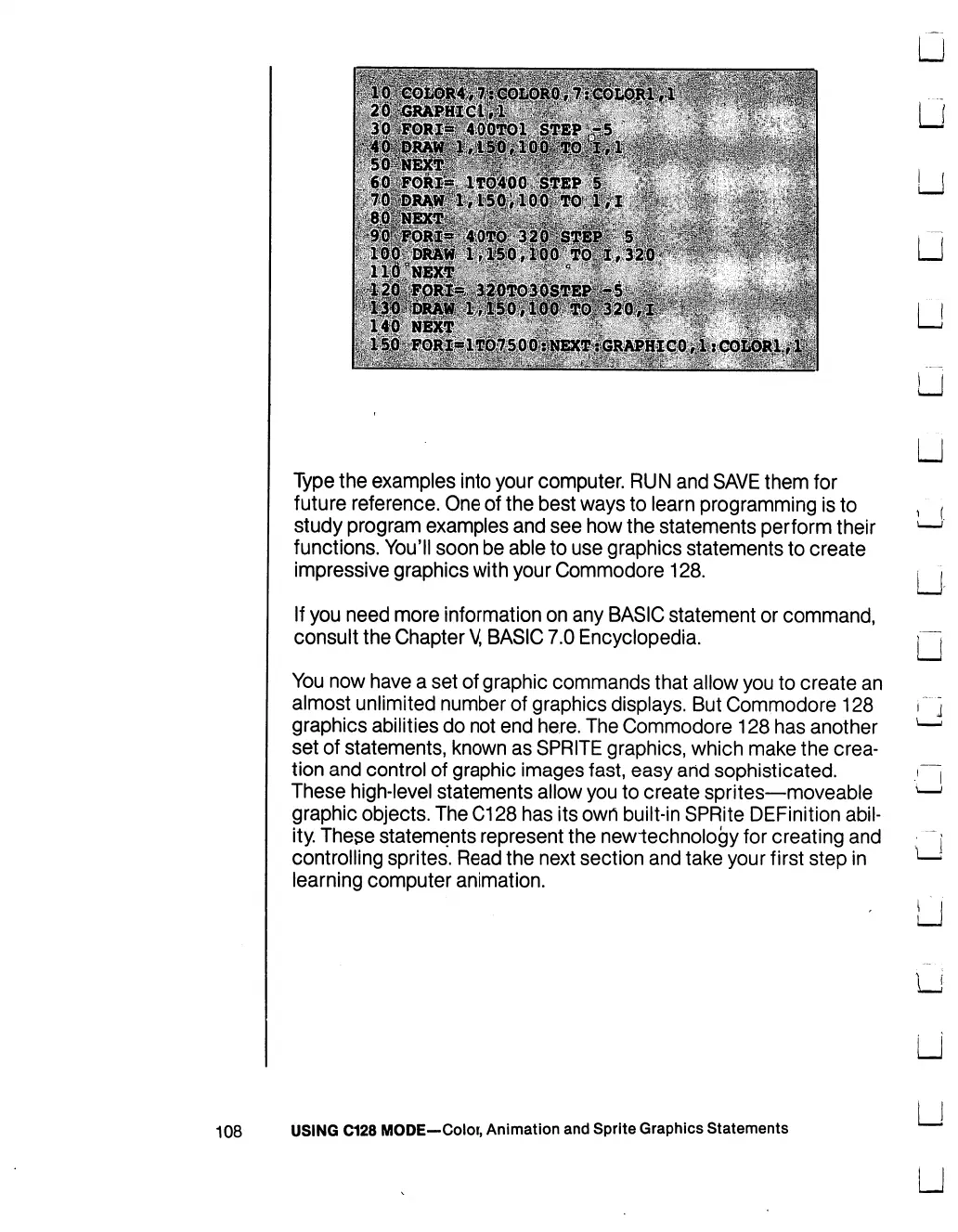
Type
the
examples
into
your
computer.
RUN
and
SAVE
them
for
future
reference.
One
of
the
best
ways
to
learn
programming
is
to
study
program
examples
and
see
how
the
statements
perform
their
functions.
You'll
soon
be
able
to
use
graphics
statements
to
create
impressive
graphics
with
your
Commodore
128.
If
you
need
more
information
on
any
BASIC
statement
or
command,
consult
the
Chapter
V,
BASIC
7.0
Encyclopedia.
You
now
have
a
set
of
graphic
commands
that
allow
you
to
create
an
almost
unlimited
number
of
graphics
displays.
But
Commodore
128
graphics
abilities
do
not
end
here.
The
Commodore
128
has
another
set
of
statements,
known
as
SPRITE
graphics,
which
make
the
crea
tion
and
control
of
graphic
images
fast,
easy
and
sophisticated.
These
high-level
statements
allow
you
to
create
sprites—moveable
graphic
objects.
The
C128
has
its
own
built-in
SPRite
DEFinition
abil
ity.
These
statements
represent
the
newiechnology
for
creating
and
controlling
sprites.
Read
the
next
section
and
take
your
first
step
in
learning
computer
animation.
LJ
U
LJ
108
USING
C128
MODE—Color,
Animation
and
Sprite
Graphics
Statements
U
LJ
U
U

Table of Contents

Other manuals for Commodore 128D

Related product manuals