EasyManua.ls Logo

Commodore 128D - Page 142

Commodore 128D
427 pages
Print Icon
To Next Page IconTo Next Page
To Previous Page IconTo Previous Page
Loading...
Notice
that
so
far,
we
have
not
specified
all
of
the
parameters
in
the
SOUND
statement.
Take
line
60,
for
example:
60
SOUND
1,1,1,
0, 0, 0,
3,
0
The
three
zeros
following
1,1,1
pertain
to
the
sweep
parameters
within
the
SOUND
statement.
Since
none
of
the
parameters
is
speci
fied,
the
SOUND
does
not
sweep.
Add
this
line
to
your
program:
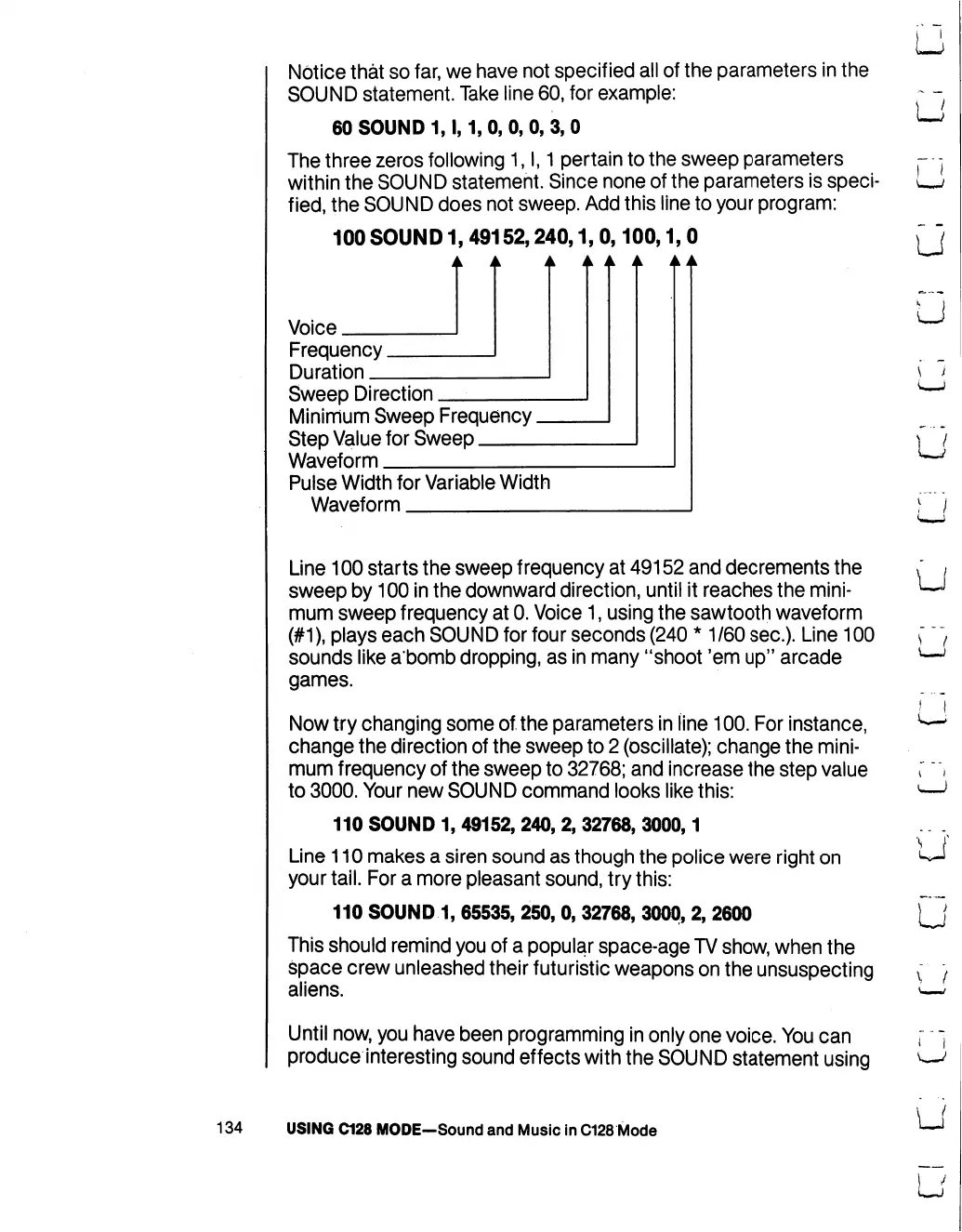
100
SOUND
1,
49152,240,1,
0,100,1,0
Voice
Frequency.
Duration
_
Sweep
Direction
Minimum
Sweep
Frequency.
Step
Value
for
Sweep
Waveform
Pulse
Width
for
Variable
Width
Waveform
LJ
U
u
u
Line
100
starts
the
sweep
frequency
at
49152
and
decrements
the
sweep
by
100
in
the
downward
direction,
until
it
reaches
the
mini
mum
sweep
frequency
at
0.
Voice
1,
using
the
sawtooth
waveform
(#1),
plays
each
SOUND
for
four
seconds
(240
*
1/60
sec).
Line
100
sounds
like
a'bomb
dropping,
as
in
many
"shoot
'em
up"
arcade
games.
Now
try
changing
some
of
the
parameters
in
line
100.
For
instance,
change
the
direction
of
the
sweep
to
2
(oscillate);
change
the
mini
mum
frequency
of
the
sweep
to
32768;
and
increase
the
step
value
to
3000.
Your
new
SOUND
command
looks
like
this:
110
SOUND
1,
49152,
240,
2,
32768,
3000,1
Line
110
makes
a
siren
sound
as
though
the
police
were
right
on
your
tail.
For
a
more
pleasant
sound,
try
this:
110
SOUND
1,
65535,
250,
0,
32768,
3000,
2,
2600
This
should
remind
you
of
a
popular
space-age
TV
show,
when
the
space
crew
unleashed
their
futuristic
weapons
on
the
unsuspecting
aliens.
Until
now,
you
have
been programming
in
only
one
voice.
You
can
produce
interesting
sound
effects
with
the
SOUND
statement
using
u
U
U
i
v—/
134
USING
C128
MODE—Sound
and
Music
in
C128
Mode
u

Table of Contents

Other manuals for Commodore 128D

Related product manuals