EasyManua.ls Logo

Commodore 128D - Page 195

Commodore 128D
427 pages
Print Icon
To Next Page IconTo Next Page
To Previous Page IconTo Previous Page
Loading...
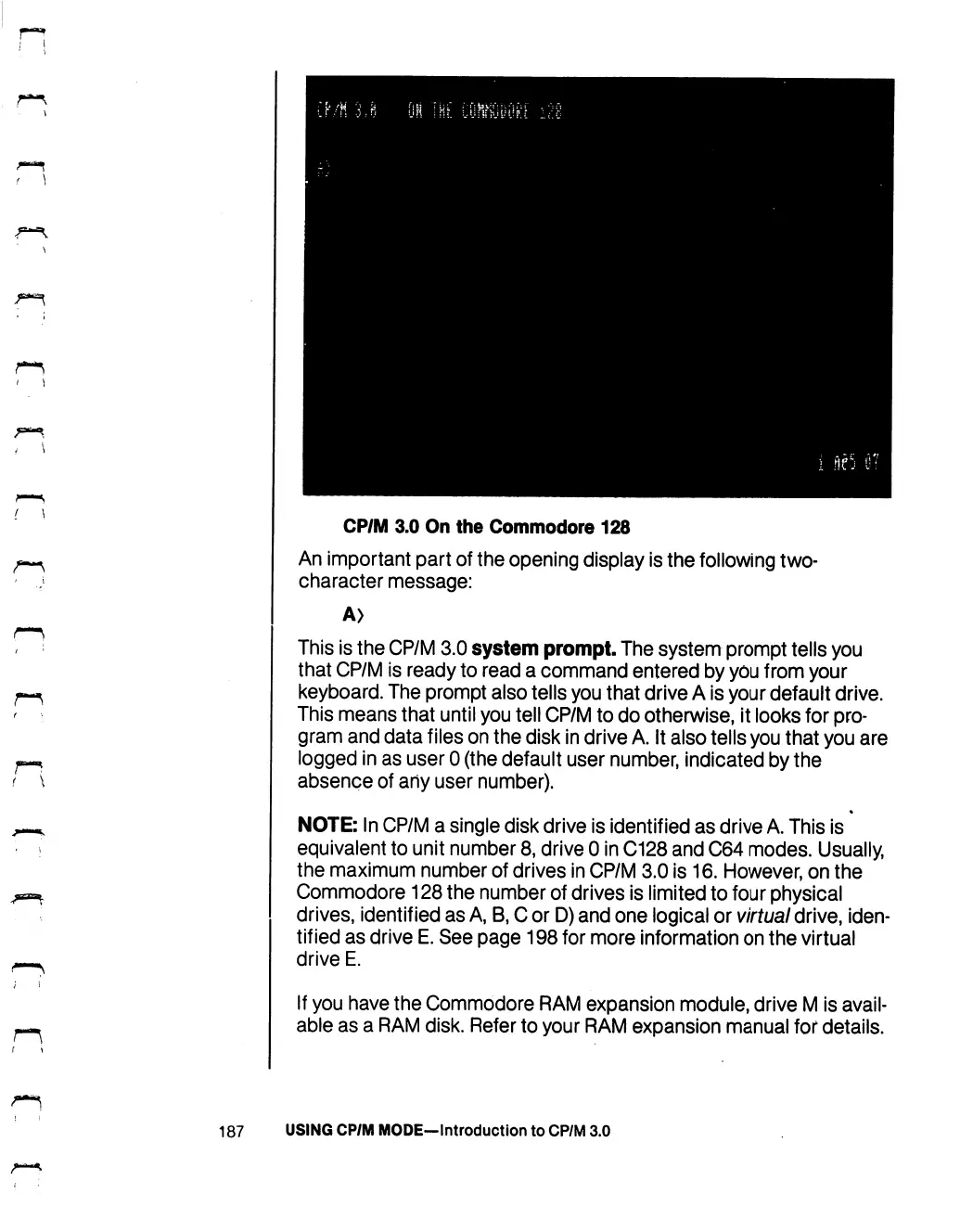
CP/M
3.0
On
the
Commodore
128
An
important
part
of
the
opening
display
is
the
following
two-
character
message:
A>
This
is
the
CP/M
3.0
system
prompt.
The
system
prompt
tells
you
that
CP/M
is
ready
to
read
a
command
entered
by
you
from
your
keyboard.
The
prompt
also
tells
you
that
drive
A
is
your
default
drive.
This
means
that
until
you
tell
CP/M
to
do
otherwise,
it
looks
for
pro
gram
and
data
files
on
the
disk
in
drive
A.
It
also
tells
you
that
you
are
logged
in
as
user
0
(the
default
user
number,
indicated
by
the
absence
of
any
user
number).
NOTE:
In
CP/M
a
single
disk drive
is
identified
as
drive
A.
This
is
equivalent
to
unit
number
8,
drive
0
in
C128
and
C64
modes.
Usually,
the
maximum
number
of
drives
in
CP/M
3.0
is
16.
However,
on
the
Commodore
128
the
number
of
drives
is
limited
to
four
physical
drives,
identified
as
A,
B,
C
or
D)
and
one
logical
or
virtual
drive,
iden
tified
as
drive
E.
See
page
198
for
more
information
on
the
virtual
drive
E.
If
you
have
the
Commodore
RAM
expansion
module,
drive
M
is
avail
able
as
a
RAM
disk.
Refer
to
your
RAM
expansion
manual
for
details.
187
USING
CP/M
MODE-lntroduction
to
CP/M
3.0

Table of Contents

Other manuals for Commodore 128D

Related product manuals