EasyManua.ls Logo

Commodore 128D - Page 314

Commodore 128D
427 pages
Print Icon
To Next Page IconTo Next Page
To Previous Page IconTo Previous Page
Loading...
where:
string
Contains
shape
to
be
drawn
j
j
X,Y
Top
left
coordinate
(scaled)
telling
where
to
draw
the
shape
(default
is
the
pixel
cursor)
___
mode
Replacement
mode:
i
'
0:
place
shape
as
is
(default)
^~^
1:
invert
shape
2:
OR
shape
with
area
3:
AND
shape
with
area
4:
XOR
shape
with
area
The
replacement
mode
allows
you
to
change
the
data
in
the
string
variable
so
you
can
invert
it,
perform
a
logical
OR,
exlusive
OR
or
AND
operation
on
the
image.
The
X
and
Y
values
can
place
the
pixel
cursor
at
absolute
coordinates
such
as
(100,100)
or
at
coordinates
relative
to
the
previous
position
(4-
/
-
X
and
+
/
-
Y)
of
the
pixel
cur
sor
such
as
(+
20,
-
10).
The
coordinate
of
one
axis
(X
or
Y)
can
be
relative
and
the
other
can
be
absolute.
Here
are
the
posible
combi-
nations
of
ways
to
specify
the
X
and
Y
coordinates.
absolute
x,
absolute
y
+
/
-
x,y
relative
x,
absolute
y
x,
+
/
-
y
absolute
x,
relative
y
+
/
-
x,
+
/
-
y
relative
x,
relative
y
Also
see
the
LOCATE
command
for
information
on
the
pixel
cursor.
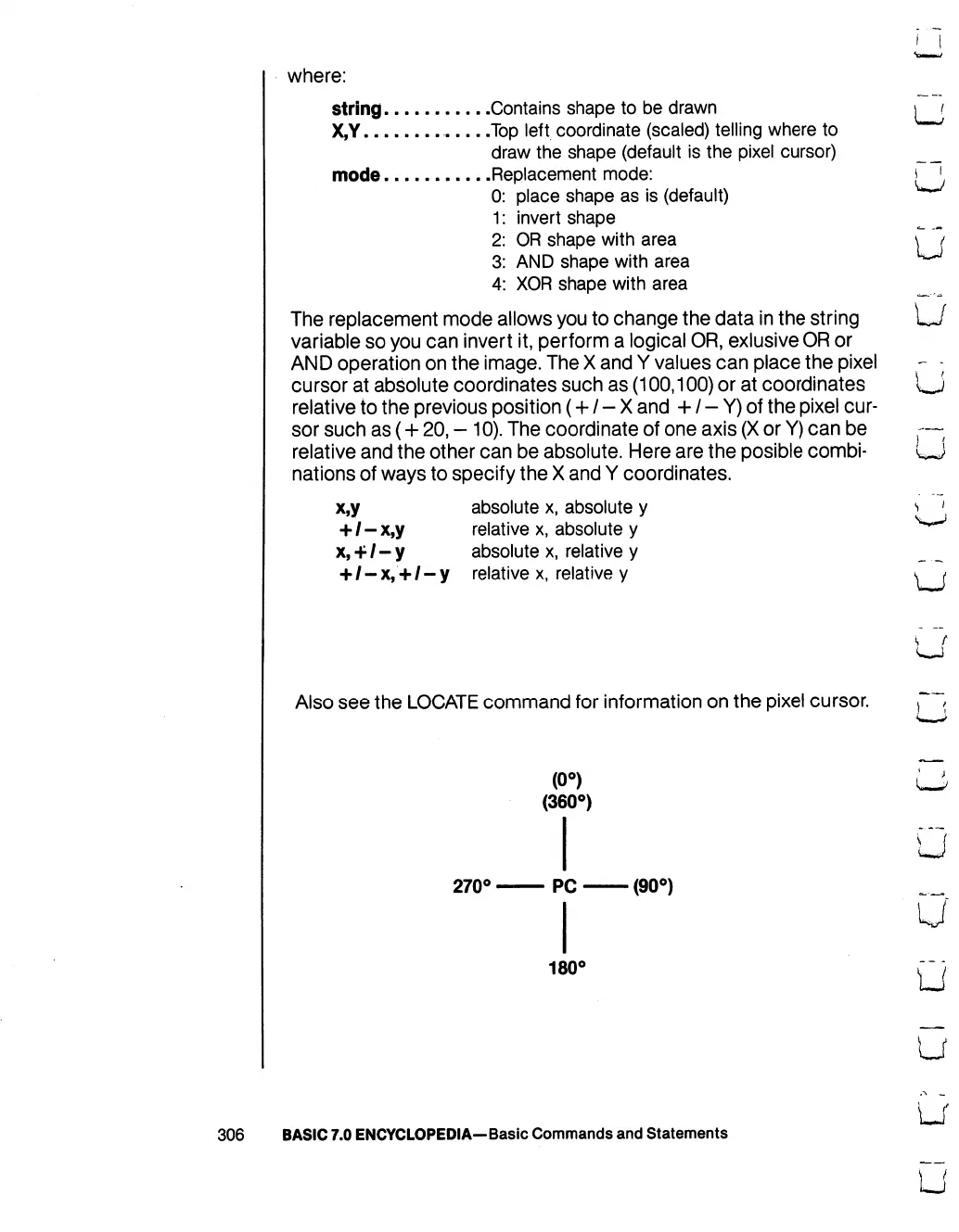
(0°)
(360°)
270°
PC
(90°)
180°
306
BASIC
7.0
ENCYCLOPEDIA—Basic
Commands
and
Statements

Table of Contents

Other manuals for Commodore 128D

Related product manuals