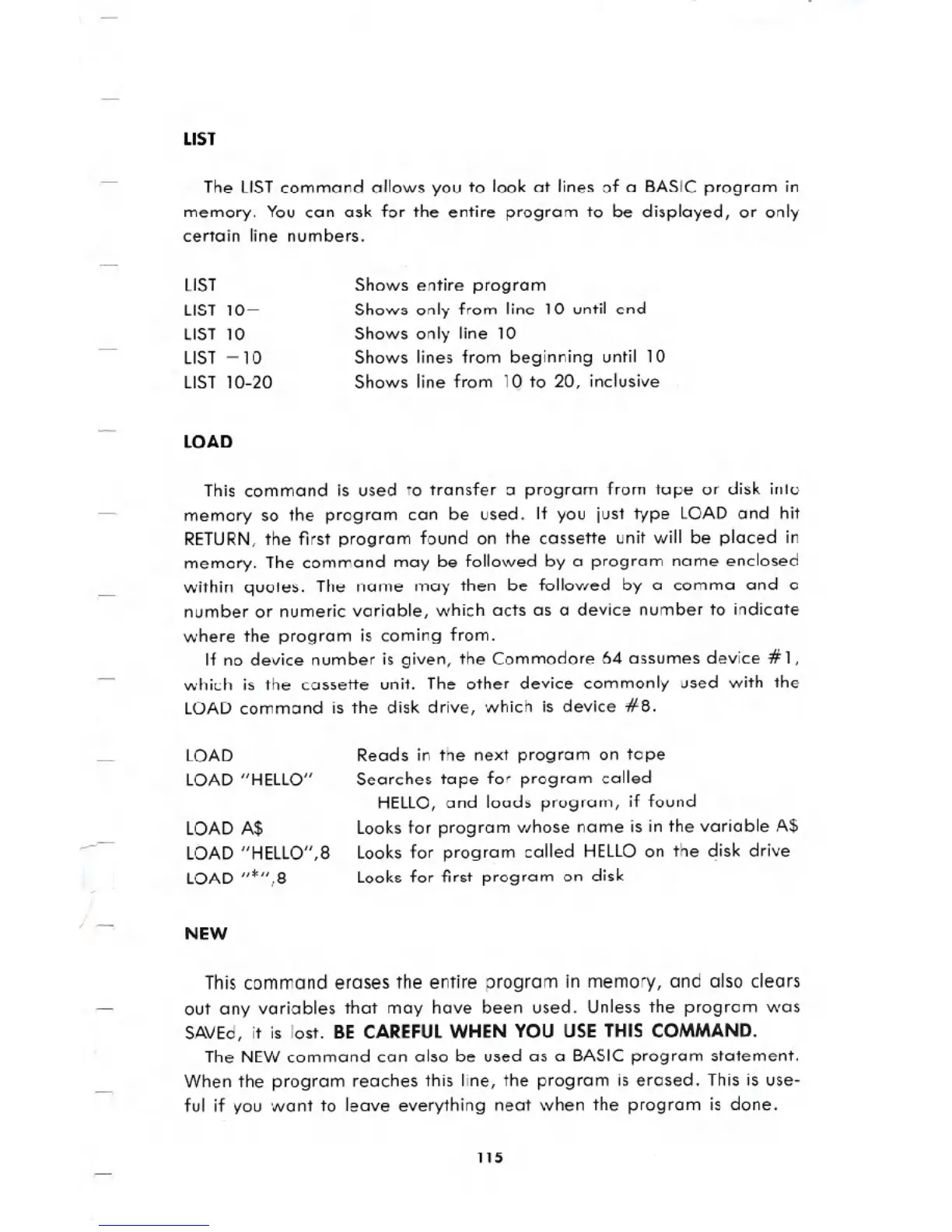
LIST
The LISTcommand allows you to look at lines of a BASIC program in
memory. You can ask for the entire program to be displayed, or only
certain line numbers.
LIST
LIST 10-
LIST 10
LIST -10
LIST 10-20
LOAD
Shows entire program
Shows only from line 10 until end
Shows only line 10
Shows lines from beginning until 10
Shows line from lQ to 20, inclusive
This command is used to transfer a program from tape or disk into
memory so the program can be used. If you just type LOAD and hit
RETURN,the first program found on the cassette unit will be placed in
memory. The command may be followed by a program name enclosed
within quotes. The name may then be followed by a comma and a
number or numeric variable, which acts as a device number to indicate
where the program is coming from.
If no device number is given, the Commodore 64 assumes device # 1,
which is the cassette unit. The other device commonly used with the
LOAD command is the disk drive, which is device #8.
LOAD
LOAD "HELLO"
LOAD A$
LOAD "HELLO",8
LOAD "*",8
NEW
Reads in the next program on tape
Searches tape for program called
HELLO,and loads program, if found
Looks for program whose name is in the variable A$
Looks for program called HELLOon the disk drive
Looks for first program on disk
This command erases the entire program in memory, and also clears
out any variables that may have been used. Unless the program was
SAVEd, it is lost. BECAREFULWHEN YOU USE THIS COMMAND.
The NEW command can also be used as a BASIC program statement.
When the program reaches this line, the program is erased. This is use-
ful if you want to leave everything neat when the program is done.
115





 To Next Page