FUNCTION KEYS
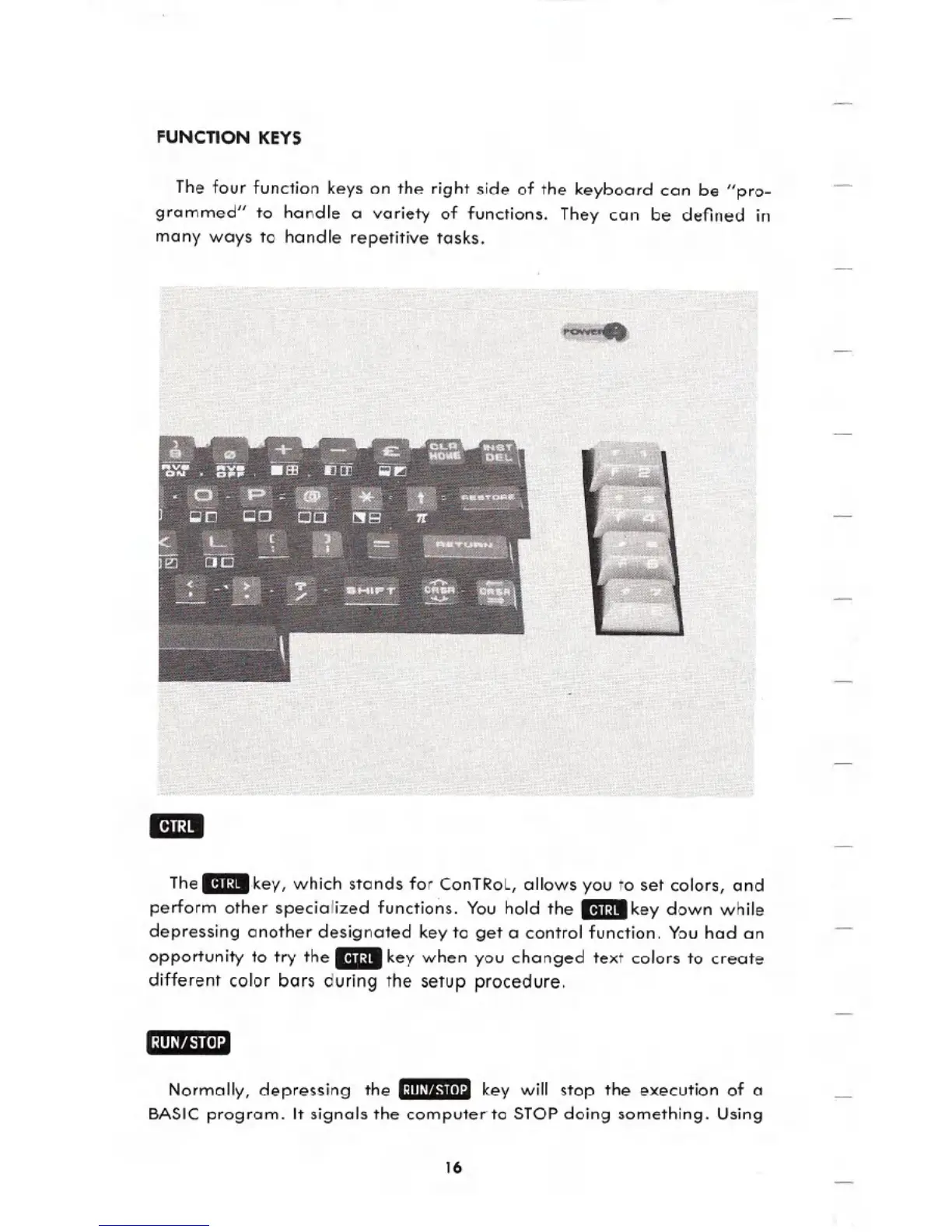
The four function keys on the right side of the keyboard can be "pro_
grammed" to handle a variety of functions. They can be defined in
many ways to handle repetitive tasks.
Thell3key, which stands for ConTRol, allows you to set colors, and
perform other specialized functions. You hold the I13key down while
depressing another designated key to get a control function. You had an
opportunity to try the
_key when you changed text colors to create
different color bars during the setup procedure.
Normally, depressing the 1:lIIlrj,'tIlI:llkey will stop the execution of a
BASIC program. It signals the computer to STOP doing something. Using
16





 To Next Page