-- --- .
3. If your TV has a manual fine tuning knob, adjust the TV until you get
a clear picture.
4. You may also want to adjust the color and tint controls on the TV for
the best display. You can use the color adjustment procedure de-
scribed later to get everything setup properly. When you first get a
picture, the screen should appear mostly dark blue, with a light
blue border and letters.
If you don't get the expected results, recheck the cables and connec-
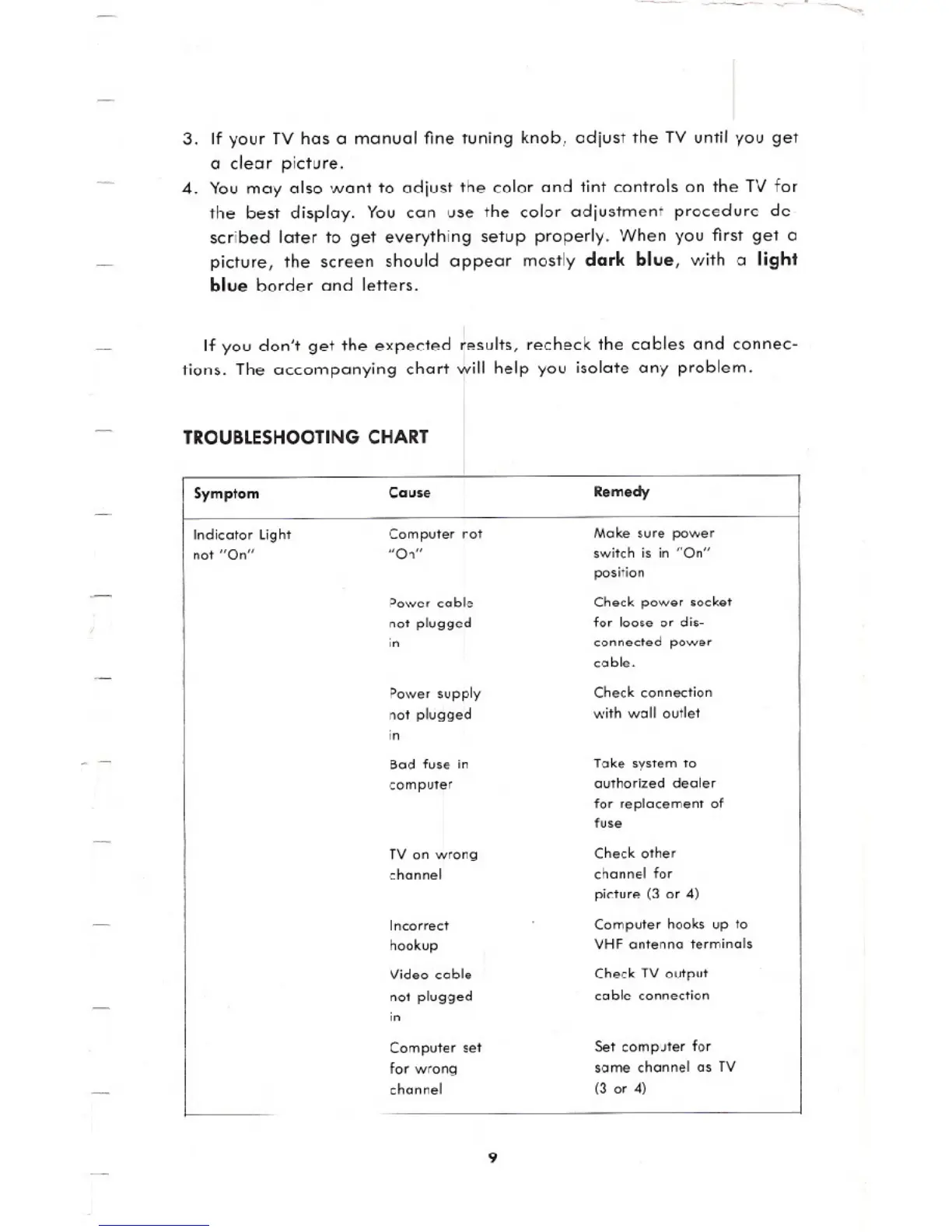
tions. The accompanying chart will help you isolate any problem.
TROUBLESHOOTINGCHART
Remedy
Make sure power
switch is in "On"
position
Check power socket
for loose or dis-
connected power
coble.
Check connection
with wall outlet
Take system to
authorized dealer
for replacement of
fuse
Check other
channel for
picture (3 or 4)
Computer hooks up to
VHF antenna terminals
Check TV output
cable connection
Set computer for
some channel as TV
(3 or 4)
I Symptom
Cause
Indicator light
Computer not
not "On"
"On"
Power cable
not plugged
in
Power supply
not plugged
in
Bad fuse in
computer
TV on wrong
channel
Incorrect
hookup
Video coble
not plugged
in
Computer set
for wrong
channel
9





 To Next Page