As you've just seen, you can make your COMMODORE 64 sound like
different musical instruments. Let's take a closer look at how each sound
setting works
IMPORTANT SOUND SETTINGS
1 VOLUME-To turn on the volume and set it to the highest level, type:
POKE54296,15. The volume setting ranges from 0 to 15 but you'll use 15
most of the time. To turn "off" the volume, type:
POKE 54296,0
You only have to set the volume ONCE at the beginning of your pro-
gram, since the same setting activates all three of the Commodore 64's
VOICES. (Changing the volume during a musical note or sound effect
can produce interesting results but is beyond the scope of this introduc-
tion.)
2. ADSR and WAVEFORM CONTROL SmlNG-You've already seen
how changing the waveform can change the sound effect from
"xylophone" to "harpsichord." Each VOICE has its own WAVEFORM
CONTROL SETTING which lets you deflne four different types of
waveforms: Triangle, Sawtooth, Pulse (Square) and Noise. The CON-
TROL also activates the COMMODORE 64's ADSR feature, but we'll
come back to this in a moment. A sample waveform start setting looks
like this:
POKE 54276,17
where the flrst number (54276) represents the control setting for VOICE 1
and the second number (17) represents the start for a triangular
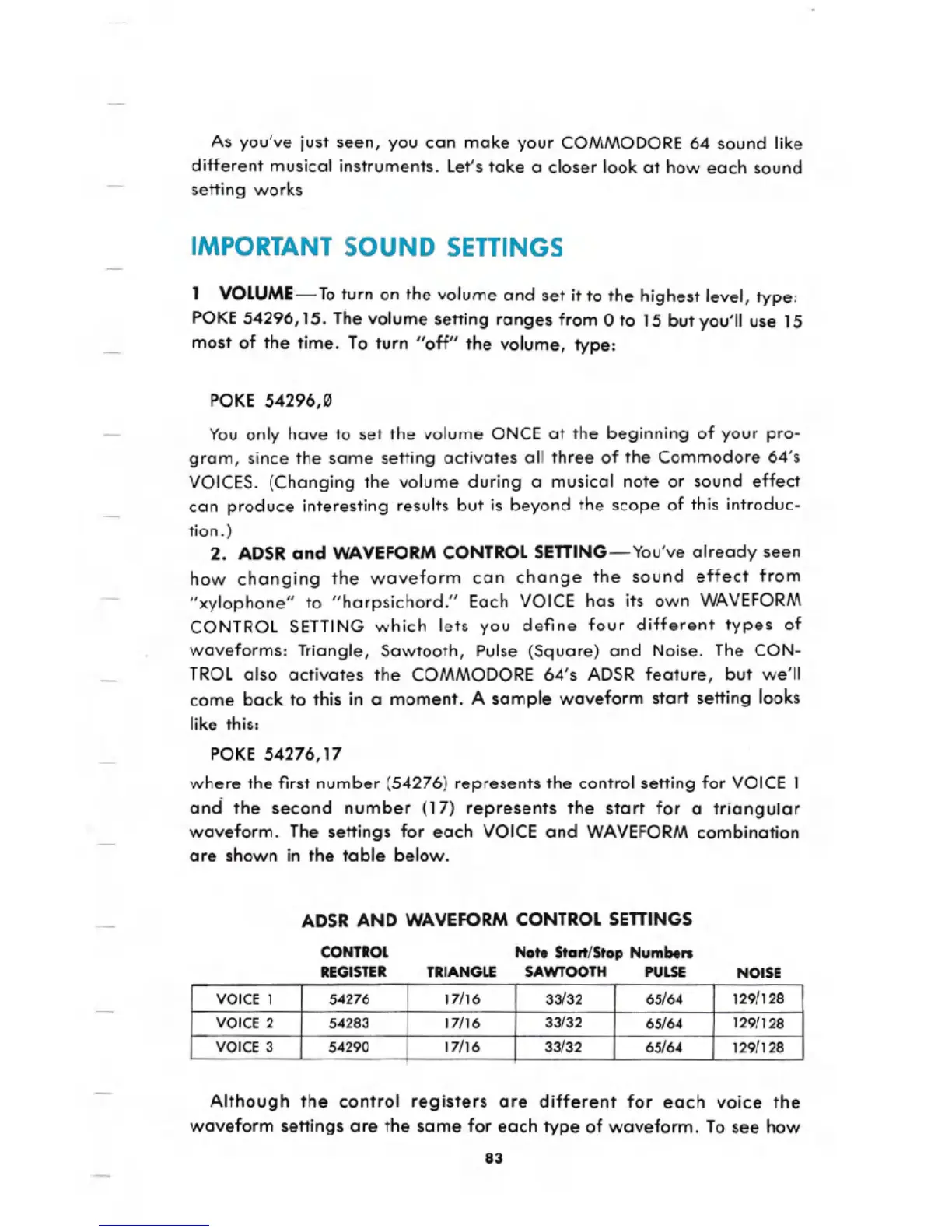
waveform. The settings for each VOICE and WAVEFORM combination
are shown in the table below.
ADSR AND WAVEFORM CONTROL SETTINGS
CONTROL
REGISTER
Note Start/Stop Numbers
TRIANGLE SAWTOOTH PULSE NOISE
Although the control registers are different for each voice the
waveform settings are the same for each type of waveform. To see how
83
VOICE 1
54276
17/16
33/32
65/64 129/128
VOICE 2 54283
17/16
33/32
65/64
129/128
VOICE 3 54290 17/16 33/32 65/64 129/128




 To Next Page