TIP: The COMMODORE 64 was designed to be used by everyone.
But we at Commodore recognize that computer users may, occasionally, run into
difficulties. To help answer your questions and give you some fun programming
ideas, Commodore has created several publications to help you. You might also find
that it's a good idea to join a Commodore Users Club to help you meet some other
COMMODORE 64 owners who can help you gain knowledge and experience.
CURSOR
The flashing square under READYis called the cursor and indicates
where what you type on the keyboard will be displayed" on the screen.
As you type, the cursor will move ahead one space, as the original
cursor position is replaced with the character you typed. Try typing on
the keyboard and watch as characters you type are displayed on the TV
screen.
10
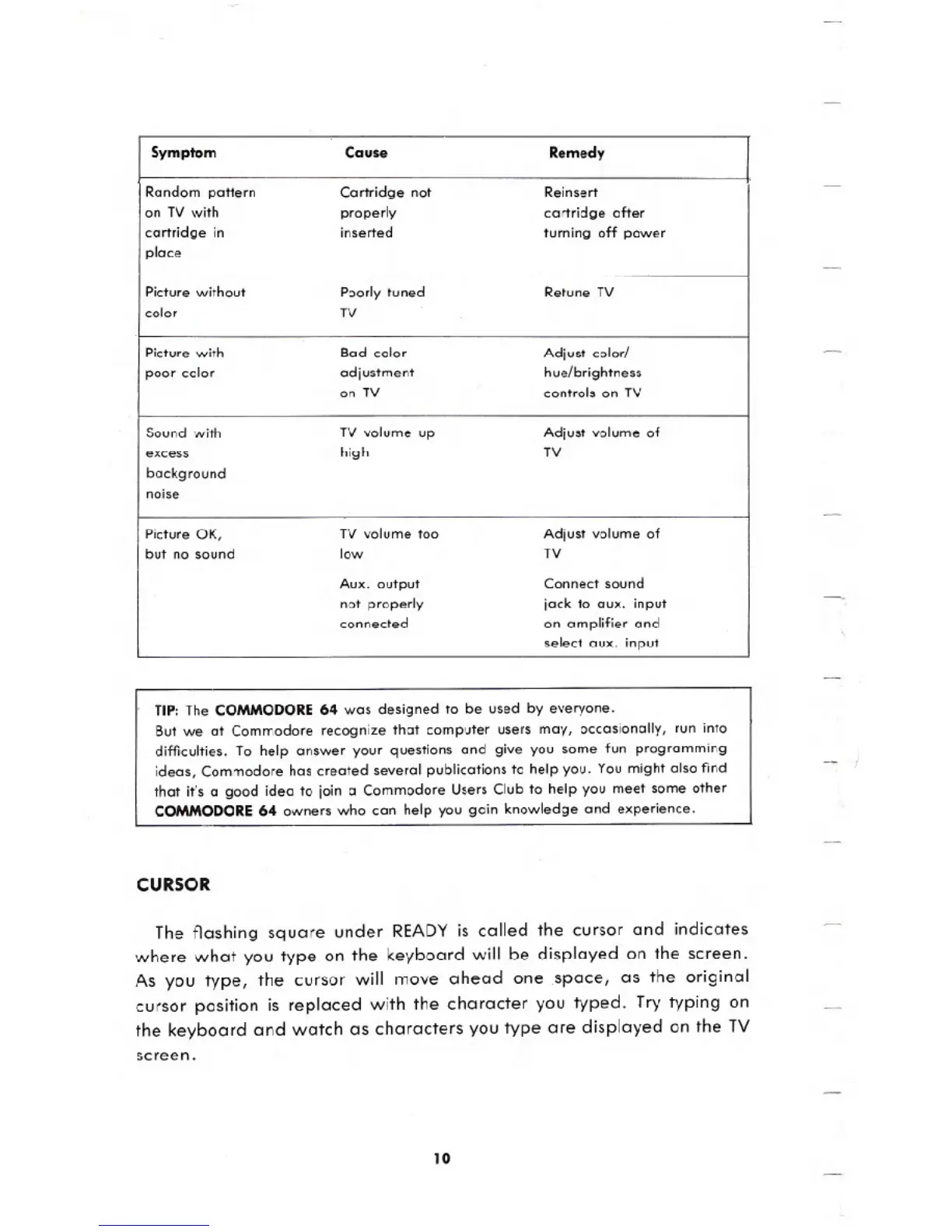
Symptom
Cause
Remedy
Random pattern Cartridge not
Reinsert
on TV with
properly
cartridge after
cartridge in
inserted
turning off power
place
Picture without
Poorly tuned
Retune TV
color
TV
Picture with
Bad color
Adjust color!
poor color
adjustment
hue/brightness
on TV controls on TV
Sound with
TV volume up
Adjust volume of
excess
high
TV
background
noise
Picture OK,
TV volume too
Adjust volume of
but no sound low
TV
Aux. output
Connect sound
not properly jack to aux. input
connected
on amplifier and
select aux. input





 To Next Page