what the whole program actually does. line 5 prints the CHR$ code for
CLR/HOME.
line 10 turns reverse type on and prints 5 spaces, which turn out to be
a bar, since they're reversed. The first time through the program the bar
will be light blue, the normal text color.
line 20 uses our workhorse, the random function to select a random
color between 1 and 8.
line 30 contains a variation of the IF . . . THEN statement which is
called ON . . . GOTO. ON . . . GOTO allows the program to choose
from a list of line numbers to go to. If the variable (in this case CL) has a
value of 1, the first line number is the one chosen (here 40). If the value
is 2, the second number in the list is used, etc.
lines 40-110 just convert our random key colors to the appropriate
CHR$ code for that color and return the program to line 10 to PRINT a
section of the bar in that color. Then the whole process starts over
again.
See if you can figure out how to produce 16 random numbers, ex-
pand ON . . . GOTO to handle them, and add the remaining CHR$
codes to display the remaining 8
colors.
PEEKSAN D POKES
No, we're not talking about jabbing the computer, but we will be able
to "look around" inside
the machine and "stick" things in there.
Just as variables could be thought of as a representation of "boxes"
within the machine where you placed your information, you can also
think of some specially defined "boxes" within the computer that repre-
sent specific memory locations. ____
The Commodore 64 looks at these memory locations to see what the
screen's background and border color should be, what characters are to
be displayed on the screen-and where-and a host of other tasks.
By placing, "POKEing," a different value into the proper memory lo-
cation, we can change colors, define and move objects, and even
create music.
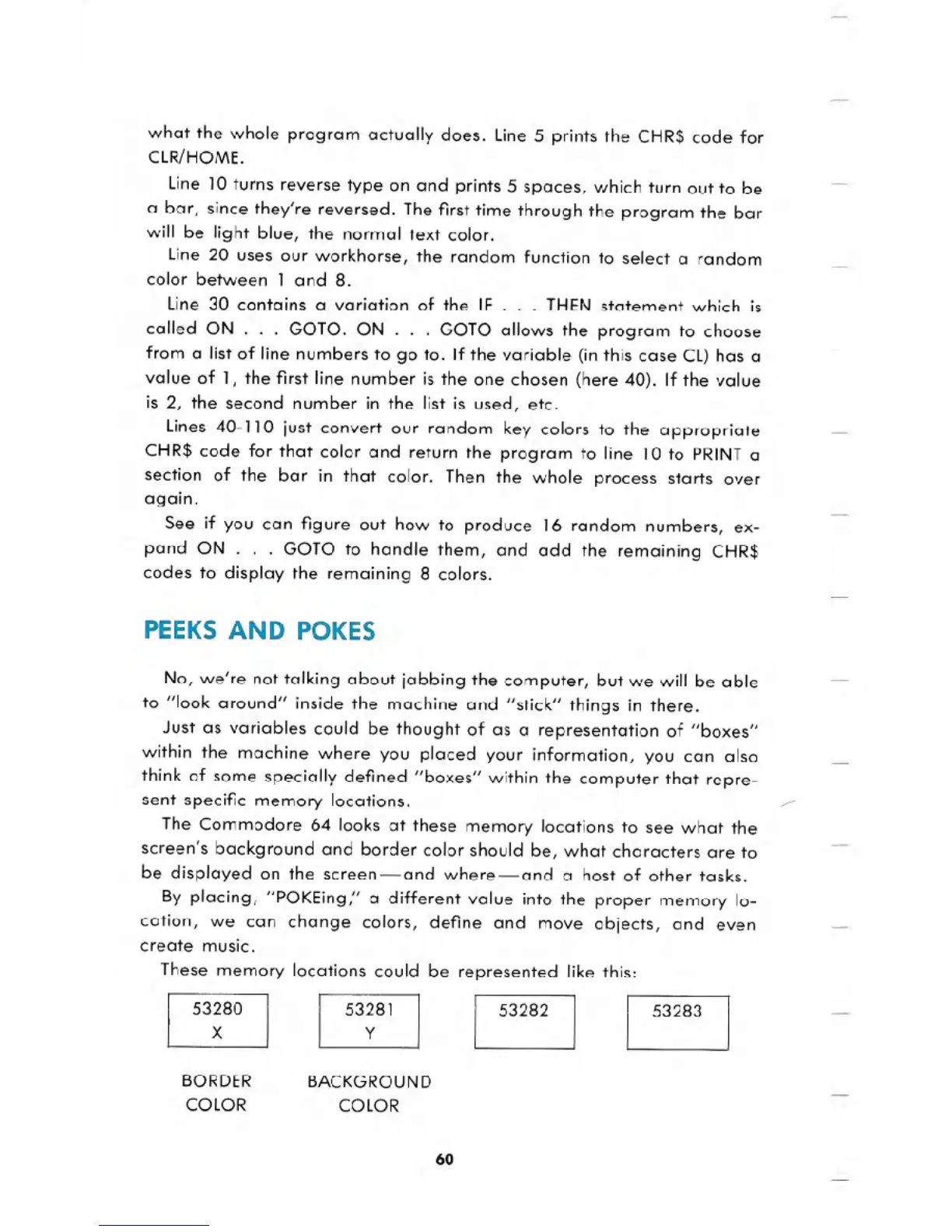
These memory locations could be represented like this:
BORDER
COLOR
BACKGROUND
COLOR
60





 To Next Page