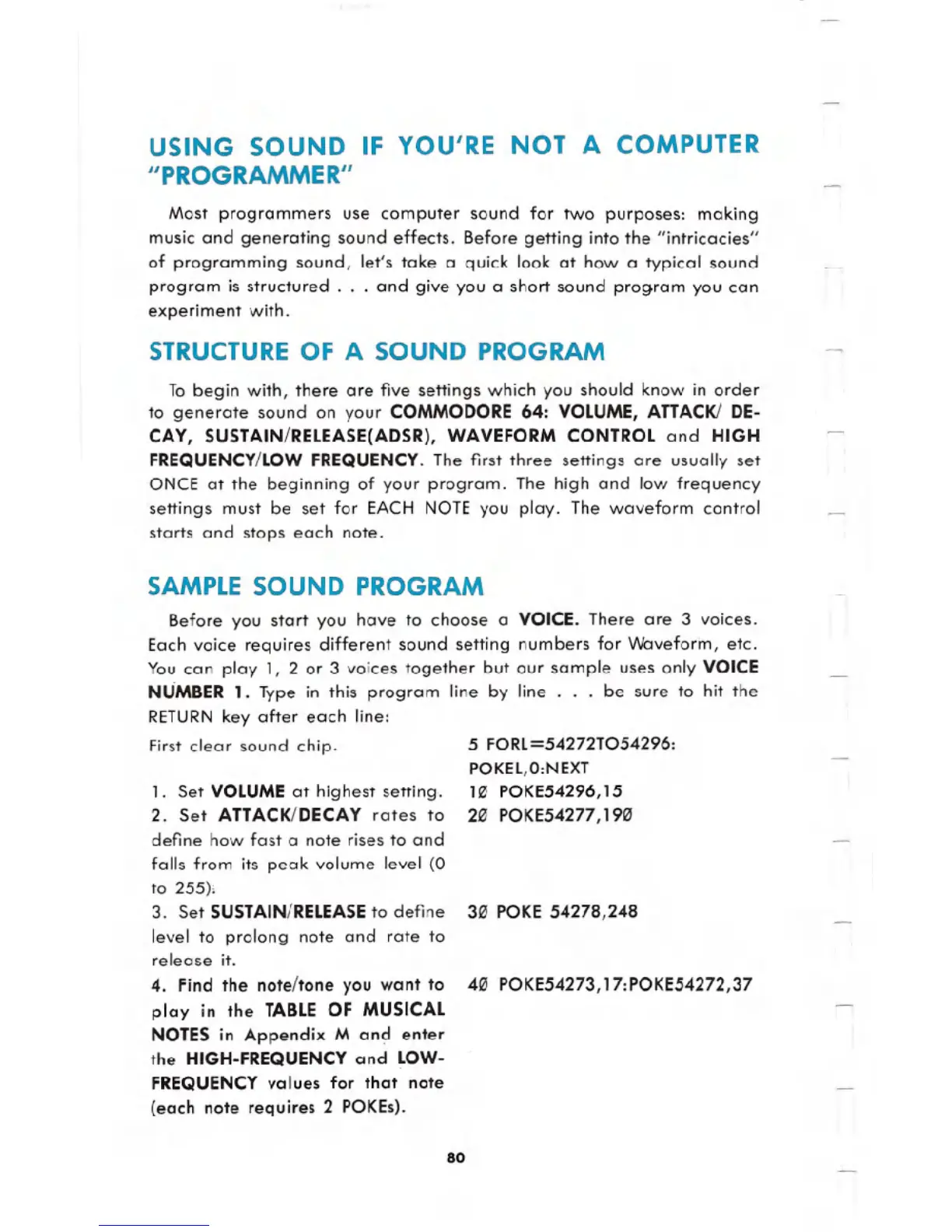
USING SOUND IF YOU'RE NOT A COMPUTER
"PROGRAMMER"
Most programmers use computer sound for two purposes: making
music and generating sound effects. Before getting into the "intricacies"
of programming sound, let's take a quick look at how a typical sound
program is structured
. . .and give you a short sound program you can
experiment with.
STRUCTURE OF A SOUND PROGRAM
To begin with, there are five settings which you should know in order
to generate sound on your COMMODORE 64: VOLUME, ATTACK!DE-
CAY, SUSTAIN/RELEASE(ADSR), WAVEFORM CONTROL and HIGH
FREQUENCY/LOWFREQUENCY.The first three settings are usually set
ONCE at the beginning of your program. The high and low frequency
settings must be set for EACH NOTE you play. The waveform control
starts and stops each note.
SAMPLESOUND PROGRAM
Before you start you have to choose a VOICE. There are 3 voices.
Each voice requires different sound setting numbers for Waveform, etc.
You can play 1, 2 or 3 voices together but our sample uses only VOICE
NUMBER 1. Type in this program line by line
. . . be sure to hit the
RETURNkey after each line:
First clear sound chip.
1. Set VOLUME at highest setting.
2. Set ATTACK/DECAY rates to
define how fast a note rises to and
falls from its peak volume level (0
to 255).
3. Set SUSTAIN/RELEASEto define
level to prolong note and rate to
release it.
4. Find the note/tone you want to
play
in the TABLE OF MUSICAL
NOTES in Appendix M an~ enter
the HIGH-FREQUENCY and LOW-
FREQUENCY
values for that note
(each note requires 2 POKEs).
5 FORL=54272T054296:
POKEL,O:NEXT
113 POKE54296,15
213 POKE54277,1913
313POKE 54278,248
40 POKE54273,17:POKE54272,37
80




 To Next Page