EDITING TIPS
If you make a mistake on a line, yoju have a number of editing
options.
1. You can retype a line anytime, and the computer will automatically
substitute the new line for the old one.
2. An unwanted line can be erased by simply typing the line number
and .II.IIIII~. .
3. You can also easily edit an existing line, using the cursor keys and
editing keys.
Suppose you made a typing mistake in a line of the example. To
correct it without retyping the entire line, try this:
Type LIST,then using the ..and 11..m."I'.~1keys together move the
cursor up until it is positioned on the line that needs to be changed.
Now, use the cursor-right key to move the cursor to the character yo'u
want to change, typing the change over the old character. Now hit
.~I:lIII:I~. and the corrected line will replace the old one.
If you need more space on the line, position the cursor where the
space is needed and hit IDIIiI and .1~1o"t1J.4I'I~.at the same time and a
space will open up. Now just type in the additional information and hit
.:I:lIIIII~.
.Likewise,you can delete unwanted characters by placing the
cursor to the right of the unwanted character and hitting the .1~Io"tIJ.4I'I~.
key.
To verify that changes were entered, type LISTagain, and the cor-
rected program will be displayed! And lines don't have to be entered in
numerical order. The computer will automatically place them in the
proper sequence.
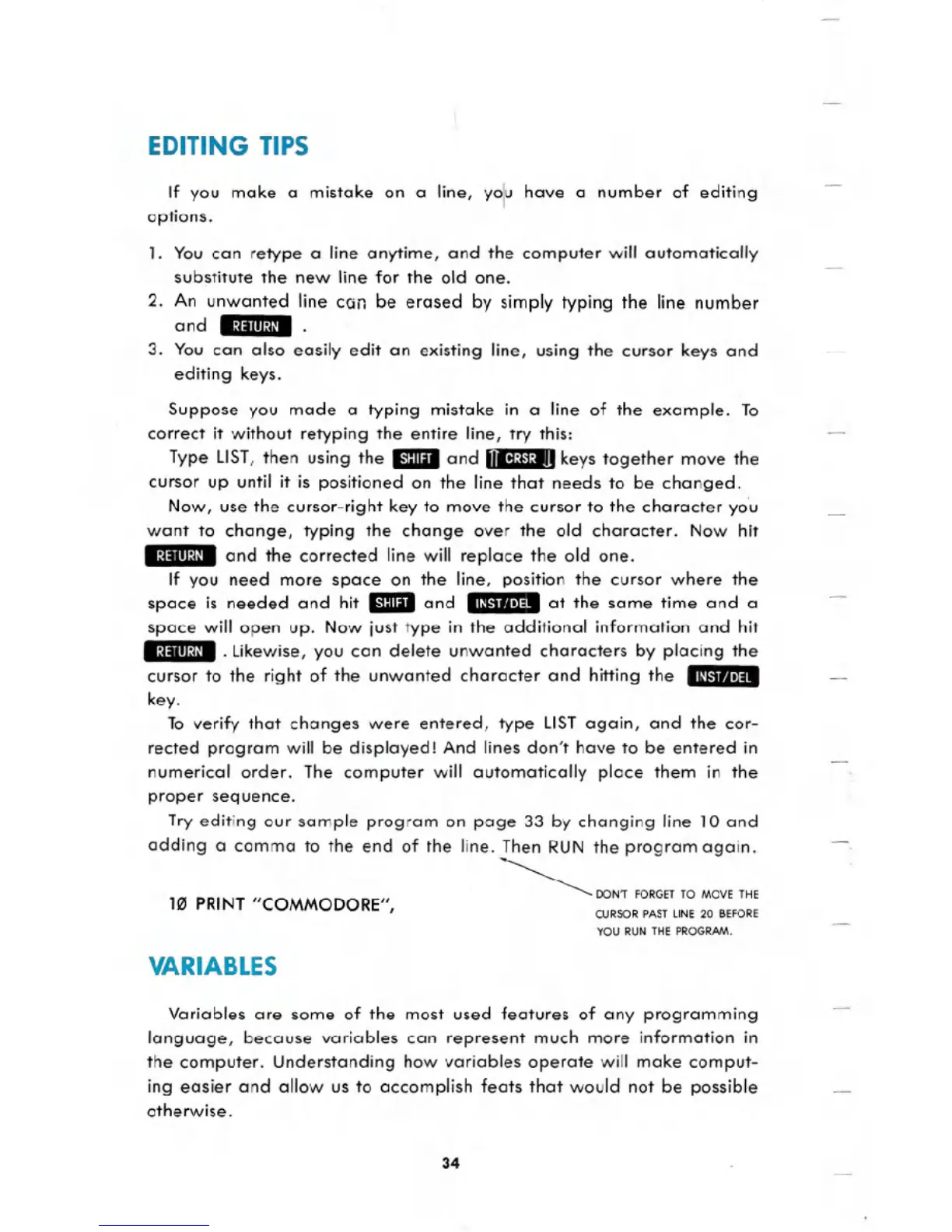
Try editing our sample program on page 33 by changing line 10 and
adding a comma to the end of the line. Then RUN the program again.
~ DON'T FORGETTO MOVETHE
CURSOR PAST LINE 20 BEFORE
YOU RUN THE PROGRAM.
HII PRINT "COMMODORE",
VARIABLES
Variables are some of the most used features of any programming
language, because variables can represent much more information in
the computer. Understanding how variables operate will make comput-
ing easier and allow us to accomplish feats that would not be possible
otherwise.
34





 To Next Page