OPEN 1,4
CMD 1
LIST
OPENs device #4, which is the printer
All normal output now goes to printer
The program listing now goes to
the printer, not the screen
To send output back to the screen, CLOSE the file with CLOSE1.
DATA
This statement is followed by a list of items to be used by READ
statements. Items may be numeric values or text strings, and items are
separated by commas. String items need not be inside quote marks
unless they contain space, colon, or comma. If two commas have noth-
ing between them, the value will be READ as a zero for a number, or an
empty string.
DATA 12, 14.5, "HELLO, MOM", 3.14, PARn
DEFFN
This command allows you to define a complex calculation as a func-
tion with a short name. In the case of a long formula that is used many
times within the program, this can save time and space.
The
function name will be FN and any legal variable name (lor 2
characters long). First you must define the function using the statement
DEF
followed by the function name. Followingthe name is a set of pa-
rentheses enclosing a numeric variable. Then follows the actual formula
that you want to define, with the variable in the proper spot. You can
then "call" the formula, substituting any number for the variable.
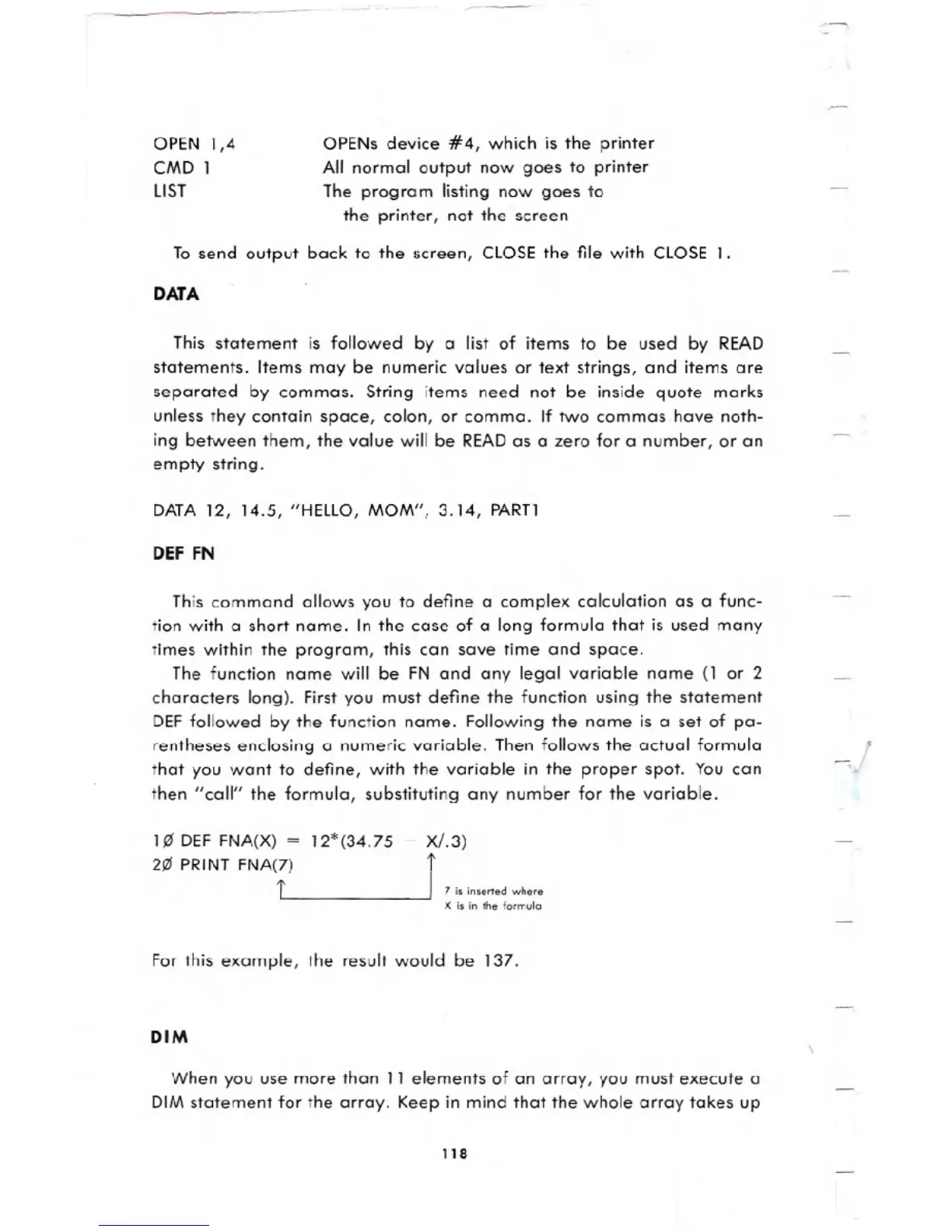
1~ DEF FNA(X) =
2~ PRINT FNA(7)
t
12*(34.75 - X/.3)
J 7;. ;n.orted who.e
X isin the formula
For this example, the result would be 137.
DIM
When you use more than 11 elements of an array, you must execute
a
DIM statement for the array. Keep in mind that the whole array takes up
118





 To Next Page