Up to now we've performed some simple operations by entering a
single line of instructions into the computer. Once .:j:aIlI~U. was de-
pressed, the operation that we specified was performed immediately.
This is called the IMMEDIATE
or CALCULATORmode.
But to accomplish anything significant, we must be able to have the
computer operate with more than a single line statement. A number of
statements combined together is called a PROGRAM and allows you to
use the full power of the Commodore 64.
To see how easy it is to write your first Commodore 64 program, try
this:
Clear the screen by holding the _key, and then depressing the
ItJ.~fj:[.],',I:I key.
Type NEW and press .~j:alll=!/.. (This just clears out any numbers that
might have been left in the computer from your experimenting.)
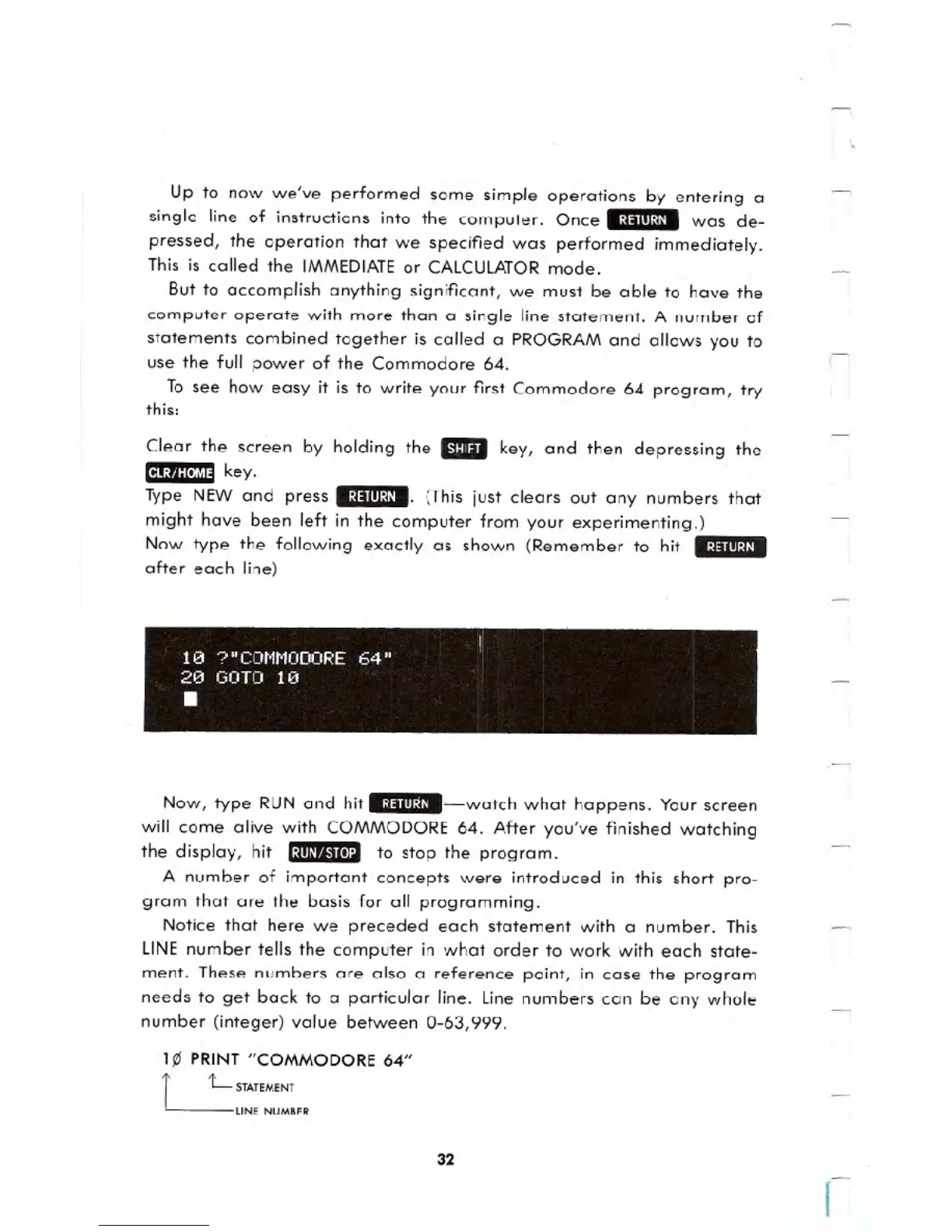
Now type the following exactly as shown (Remember to hit .:j:alll~j/.
after each line)
f
1121 ?"CONNODORE 64" I
2121 GOTO 1121
.
Now, type RUN and hit .~j:alll:j/.-watch what happens. Your screen
will come alive with COMMODORE 64. After you've finished watching
the display, hit .~m/'I.'t(ll:l to stop the program.
A number of important concepts were introduced in this short pro-
gram that are the basis for all programming.
Notice that here we preceded each statement with a number. This
LINEnumber tells the computer in what order to work with each state-
ment. These numbers are also a reference point, in case the program
needs to get back to a particular line. line numbers can be any whole
number (integer) value between 0-63,999.
1~ PRINT "COMMODORE 64"
r L STATEMENT
LINE NUMBER
32
I





 To Next Page