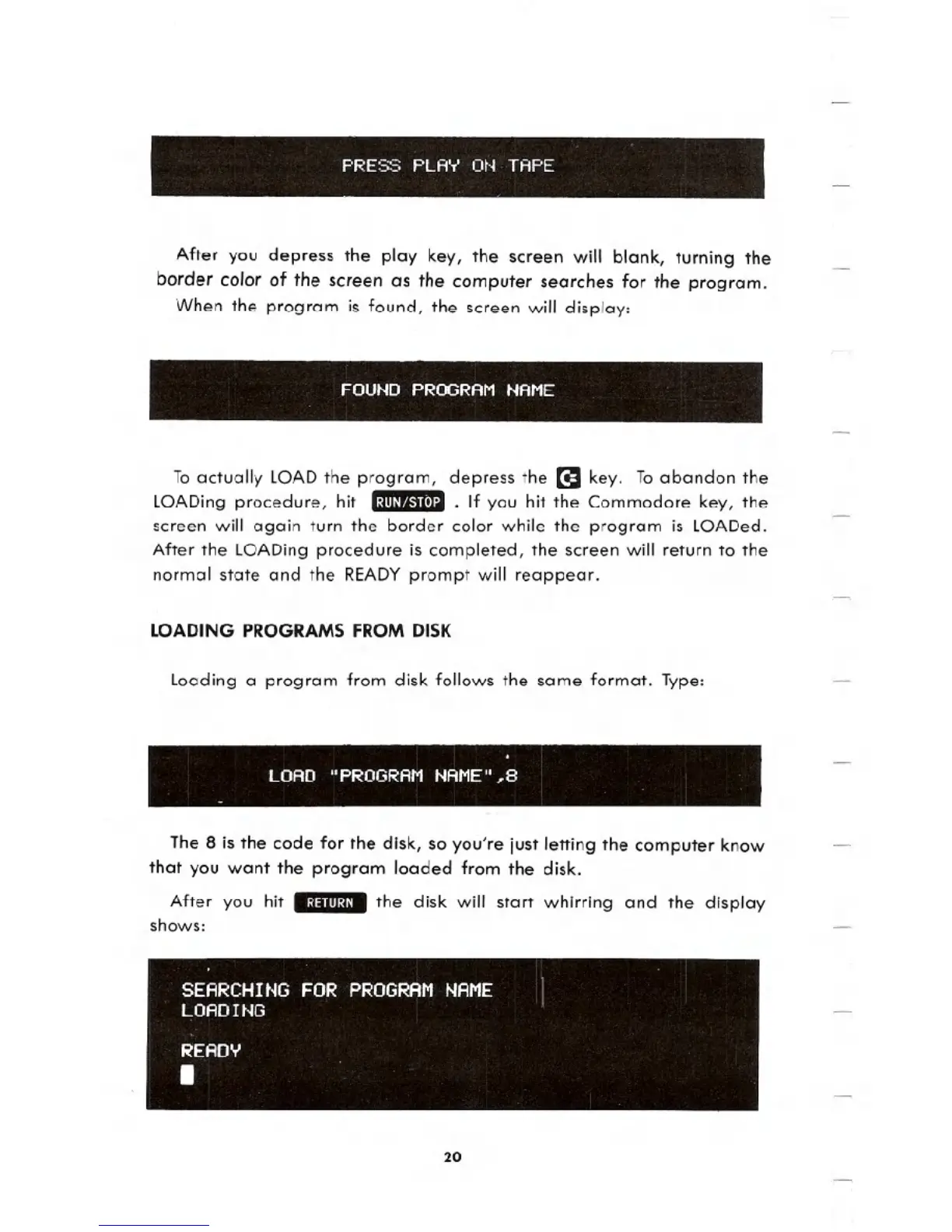
PRESS PLAY ON TAPE
After you depress the play key, the screen will blank, turning the
border color of the screen as the computer searches for the program.
When the program is found, the screen will display:
FOUND PROGRAM
NAME
To actually LOADthe program, depress the [I key. To abandon the
LOADing procedure, hit .:ml'~"tI8I:.J1.If you hit the Commodore key, the
screen will again turn the border color while the program is LOADed.
After the LOADing procedure is completed, the screen will return to the
normal state and the READYprompt will reappear.
LOADING PROGRAMS FROM DISK
Loading a program from disk follows the same format. Type:
LOAD "PROGRAM NAME",8
The 8 is the code for the disk, so you're just letting the computer know
that you want the program loaded from the disk.
After you hit .:~IIIII~I. the disk will start whirring and the display
shows:
20





 To Next Page