settes that came as part of your prepackaged program. Make sure
the tape is completely rewound to the beginning of the first side.
Then, just type lOAD. The computer will answer with PRESSPLAYON
TAPE, so you respond by pressing play on your datasette machine. At
this point the computer screen will go blank until the program is
found. The computer will say FOUND (PROGRAM NAME) on the
screen. Now you press down on the
[I KEY. This will actually
load the program into the computer. If you want to stop the loading
simply press the .:Ullr~"II'I:Ikey.
3. DISK:Using your disk drive, carefully insert the preprogrammed disk
so that the label on the disk is facing up and is closest to you. look
for a little notch on the disk (it might be covered with a little piece of
tape). If you're inserting the disk properly the notch will be on the left
side. Once the disk is inside close the protective gate by pushing down
on the lever. Now type lOAD "PROGRAM NAME", 8 and hit the
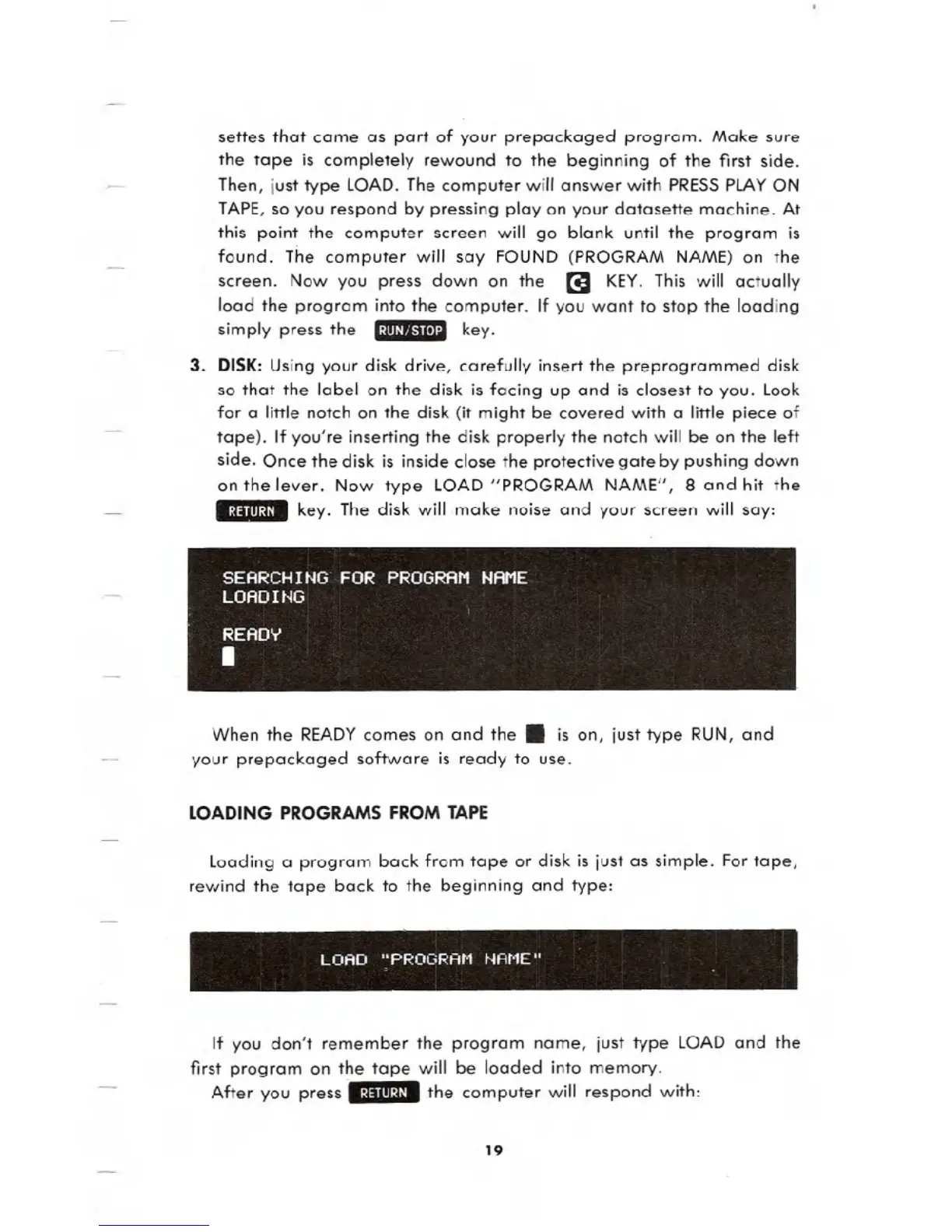
.:~:lIII:U. key. The disk will make noise and your screen will say:
When the READYcomes on and the. is on, just type RUN, and
your prepackaged software is ready to use.
LOADING PROGRAMS FROM TAPE
loading a program back from tape or disk is just as simple. For tape,
rewind the tape back to the beginning and type:
LOAD "Pf;:OGRAfo1 t.jAt'1E"
If you don't remember the program name, just type lOAD and the
first program on the tape will be loaded into memory.
After you press ..:~:lIII:~I-the computer will respond with:
19





 To Next Page