The computer is precise and expects instructions to be given in a specific
form.
But don't get worried; just remember to enter things as we present
them in the examples and you'll get along great with the Commo-
dore 64.
Remember, you can't hurt the computer by typing on it, and the best
way to learn BASIC is to try different things and see what happens.
PRINTis one of the most useful and powerful commands in the BASIC
language. With it, you can display just about anything you wish, includ-
ing graphics and results of computations.
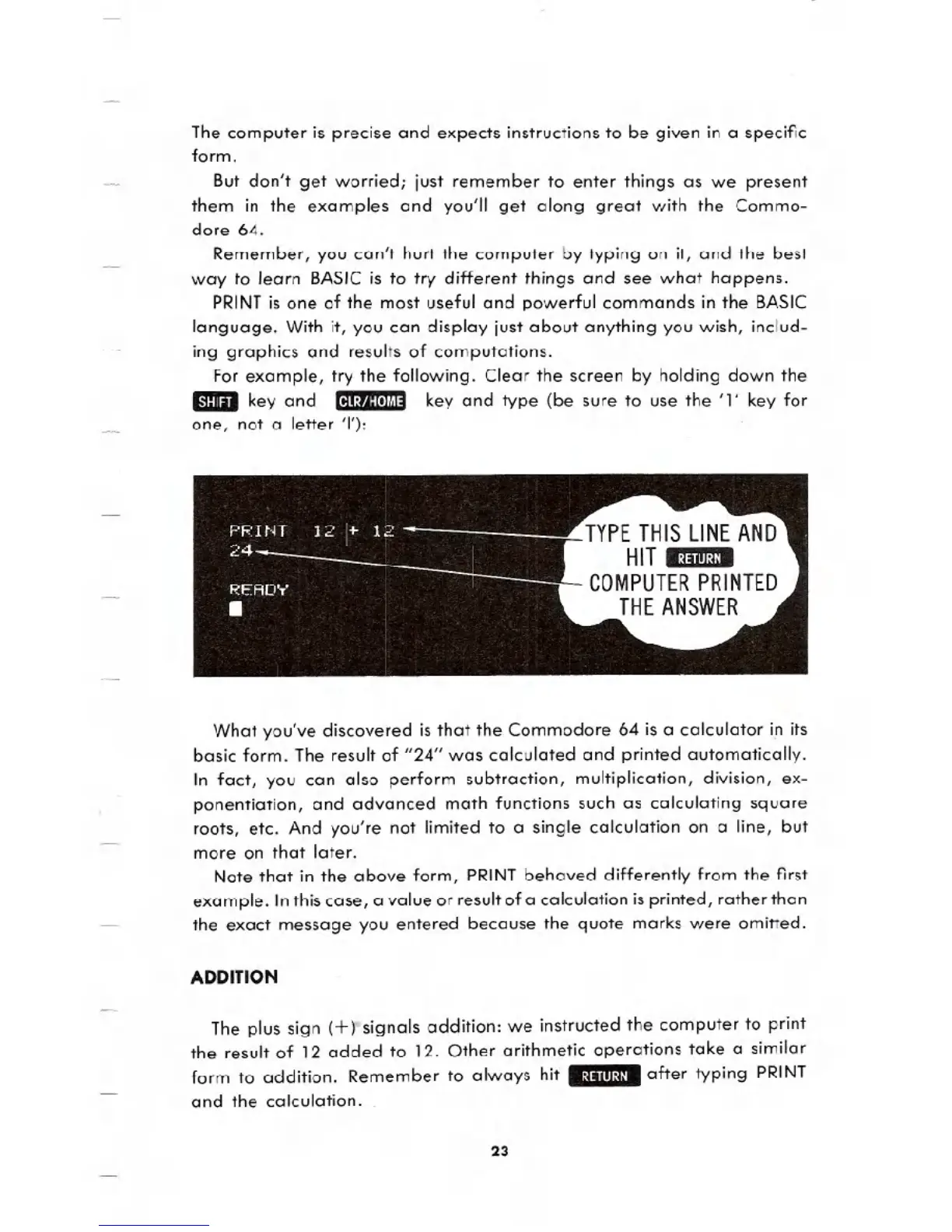
For example, try the following. Clear the screen by holding down the
Emilkey and [11.:''':lt!l'''' key and type (be sure to use the '1' key for
one, not a letter 'I'):
What you've discovered is that the Commodore 64 is a calculator i.nits
basic form. The result of "24" was calculated and printed automatically.
In fact, you can also perform subtraction, multiplication, division, ex-
ponentiation, and advanced math functions such as calculating square
roots, etc. And you're not limited to a single calculation on a line, but
more on that later.
Note that in the above form, PRINT behaved differently from the first
example. Inthis case, a value or result of a calculation is printed, rather than
the exact message you entered because the quote marks were omitted.
ADDITION
The plus sign (+ rsignals addition: we instructed the computer to print
the result of 12 added to 12. Other arithmetic operations take a similar
form to addition. Remember to always hit .:~"III:~I. after typing PRINT
and the calculation.
23





 To Next Page