In the sample program, we've set up a "loop" that has some con-
straints placed on it by saying: IF a value is less than some number
THEN
do something.
Line 10 sets CT (CounT) equal to O. Line 20 prints our message. Line 30
adds one to the variable CT. This line counts how many times we do the
loop. Each time the loop is executed, CT goes up by one.
Line 40 is our control line. If CT is less than 5, meaning we've exe-
cuted the loop less than 5 times, the program goes back to line 20 and
prints again. When CT becomes equal to 5-indicating 5 COMMODORE
64's were printed-the program goes to line 50, which signals to END
the program.
Try the program and see what we mean. By changing the CT limit in
line 40 you can have any number of lines printed.
IF . . . THEN has a multitude of other uses, which we'll see in future
examples.
FOR . . . NEXT LOOPS
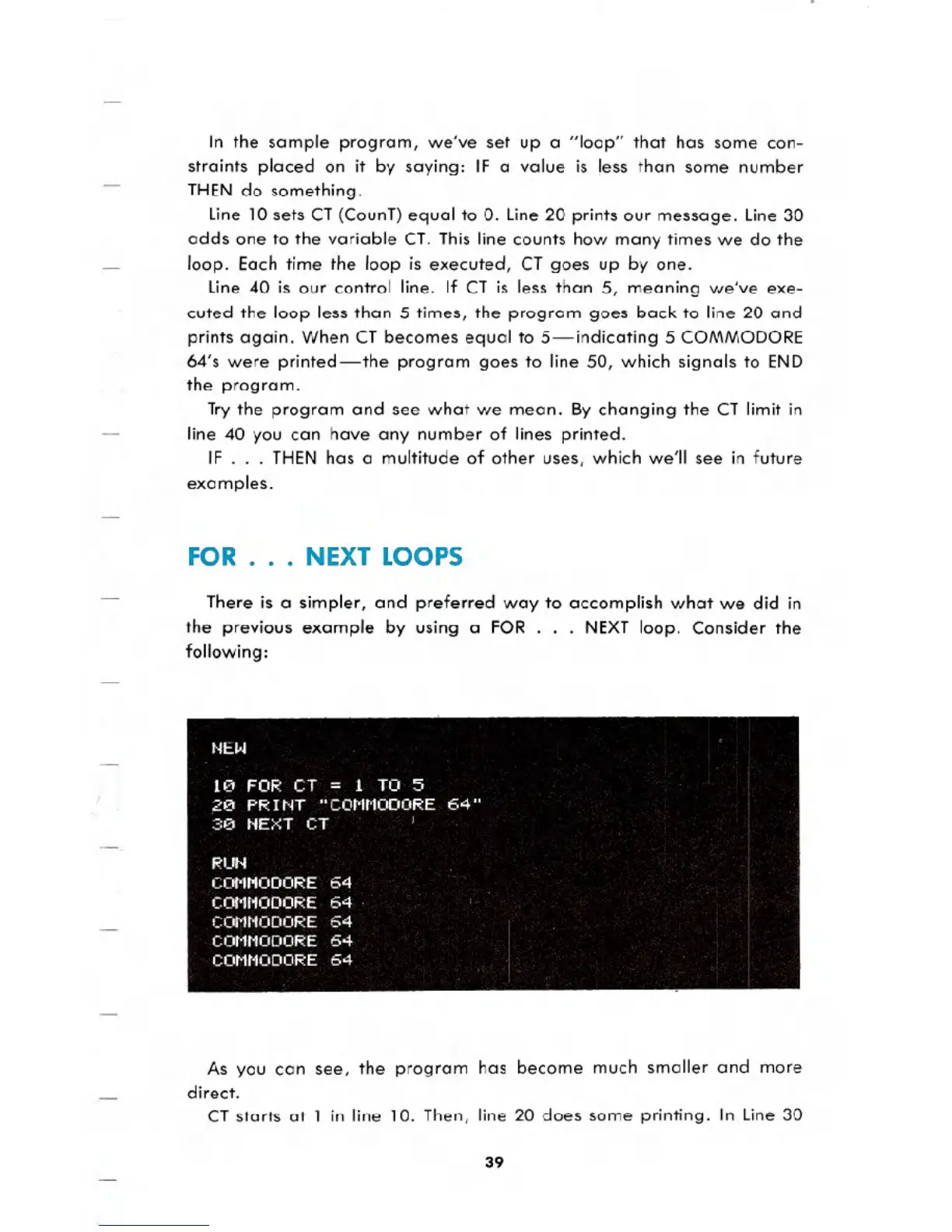
There is a simpler, and preferred way to accomplish what we did in
the previous example by using a FOR
. . . NEXT loop. Consider the
following:
As you can see, the program has become much smaller and more
direct.
CT starts at 1 in line 10. Then, line 20 does some printing. In Line 30
39





 To Next Page