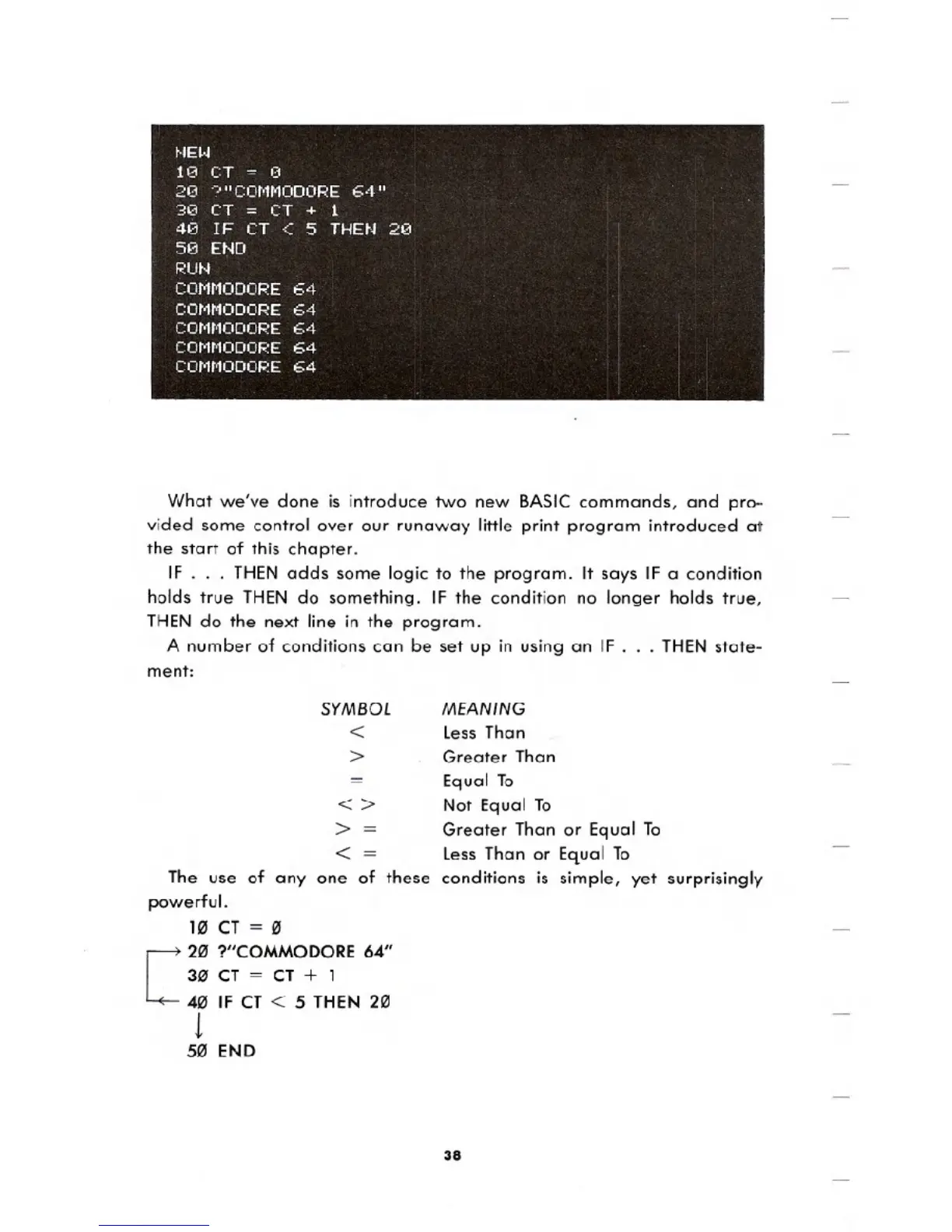
What we've done is introduce two new BASIC commands, and pro-
vided some control over our runaway little print program introduced at
the start of this chapter.
IF . . . THEN adds some logic to the program. It says IF a condition
holds true THEN do something. IF the condition no longer holds true,
THEN do the next line in the program.
A number of conditions can be set up in using an IF
. . . THEN state-
ment:
SYMBOL
<
>
=
<>
>=
< =
The use of anyone of these
powerful.
1" CT= "
[
2" ?"COMMODORE64"
30' CT = CT + 1
4" IF CT < 5 THEN2"
1
5" END
MEANING
Less Than
Greater Than
Equal To
Not Equal To
Greater Than or Equal To
Less Than or Equal To
conditions is simple, yet surprisingly
38





 To Next Page