SIMPLE ANIMATION
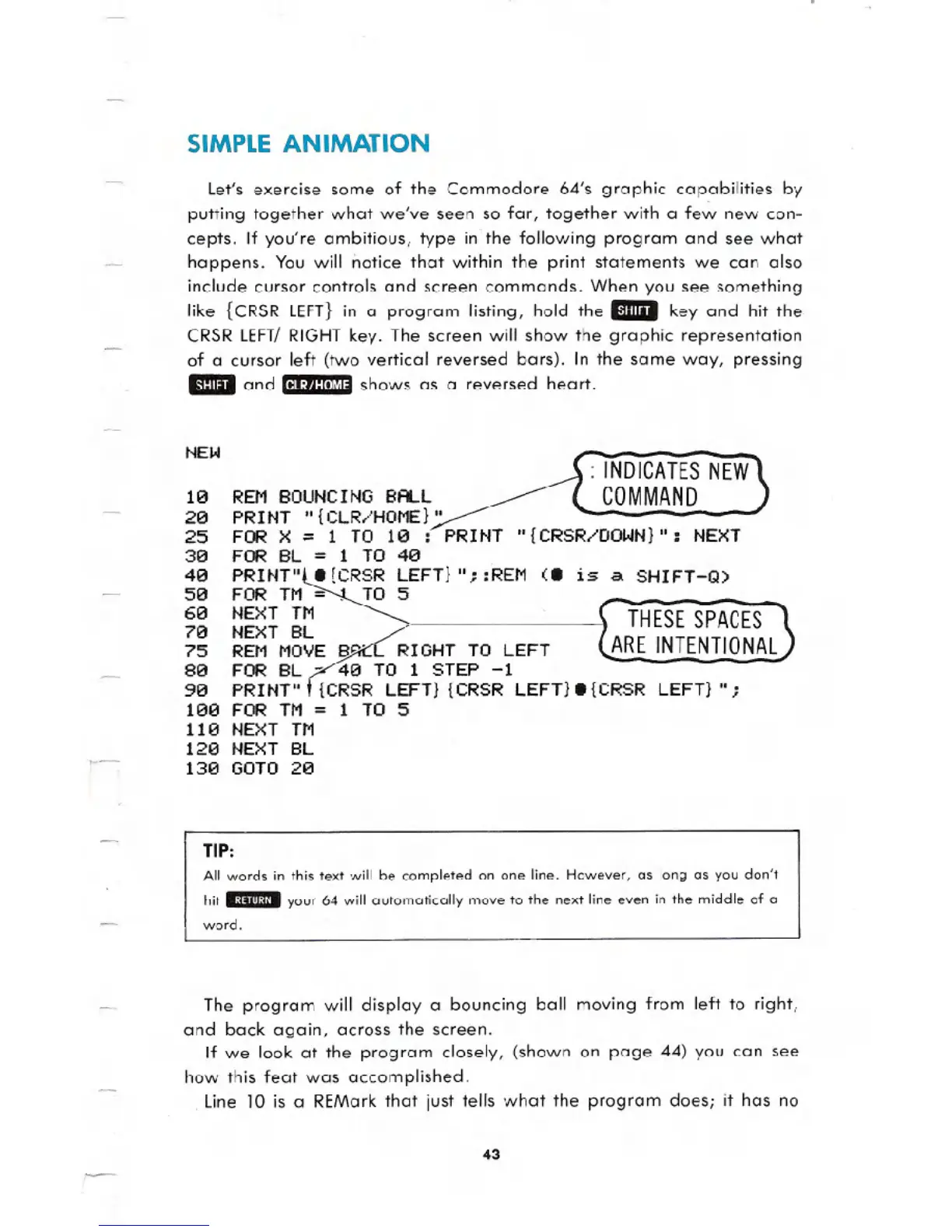
Let's exercise some of the Commodore 64's graphic capabilities by
putting together what we've seen so far, together with a few new con-
cepts. If you're ambitious, type in the following program and see what
happens. You will notice that within the print statements we can also
include cursor controls and screen commands. When you see something
like {CRSRLEFT}in a program listing, hold the Emil key and hit the
CRSRLEFT/RIGHTkey. The screen will show the graphic representation
of a cursor left (two vertical reversed bars). In the same way, pressing
EmIlI and 11I.:',t:lm",.shows as a reversed heart.
NEW
: INDICATES NEW
COMMAND
10 REM BOUNCING BALL
20 PR I NT ,,{ CLR,,'HOME}"
25 FOR X = 1 TO 10 :~PRINT
30 FOR BL
= 1 TO 40
40 PRINT"l8 {CRSR LEFT} II::REM (8 is a. SHIFT-Q)
50 FOR TM~ TO 5
60 NEXT TM
70 NEXT BL
75 REM MOVE SQ' RIGHT TO LEFT
80 FOR BL - 40 TO 1 STEP -1
510 PRINT" {CRSR LEFT} {CRSR LEFT} 8 {CRSR LEFT} It;
100 FOR TM = 1 TO 5
110 NEXT TM
120 NEXT BL
130 GOTO 20
THESE SPACES
ARE INTENTIONAL
TIP:
All words in this text will be completed on one line. However, os long as you don't
hit
ED!IIyour 64 will automatically move to the next line even in the middle of a
word.
The program will display a bouncing ball moving from left to right,
and back again, across the screen.
If we look at the program closely, (shown on page 44) you can see
how this feat was accomplished.
. line 10 is a REMark that just tells what the program does; ithas no
43





 To Next Page